Imagine creating professional videos with lifelike spokespeople who look straight into the camera, gesture naturally, and deliver your script in perfect lip-sync—without stepping in front of a lens, hiring actors, or spending hours in editing software. That’s exactly what AI talking avatar generators do in 2026. These tools have exploded in popularity among marketers, educators, trainers, and creators who need fast, scalable video content that feels human.
Whether you’re producing explainer videos for your SaaS product, multilingual training modules for a global team, or engaging social media clips that convert, the right avatar tool can cut production time by up to 90% while maintaining broadcast-quality results. With advances in lip-sync, emotional expression, and custom digital twins, these platforms now rival real on-camera talent.
In this guide, we’ve rounded up the top 11 AI talking avatar generators based on the latest 2026 reviews, user feedback, and real-world performance. We’ll break down what makes each one shine, who it’s best for, and how to choose the perfect fit for your workflow.
Why AI Talking Avatars Are Transforming Video Creation?
Traditional video production is expensive and slow. AI avatars change that completely. You type (or paste) a script, pick or upload an avatar, choose a voice, and the AI handles everything else—realistic facial movements, gestures, background scenes, and even translations with perfect lip-sync.
Businesses use them for everything from personalized sales outreach and onboarding videos to YouTube content and customer support explainers. The best tools now support custom avatars cloned from your own appearance and voice, making the content feel authentic to your brand.
What to Look for in an AI Talking Avatar Generator?
Before diving into the list, here are the must-have features in 2026:
- Realism and Lip-Sync: Natural expressions, eye contact, and gestures that match tone.
- Custom Avatars: Upload a photo or short video to create your digital twin.
- Multilingual Support: Accurate translation with synced lips.
- Ease of Use: Text-to-video speed and intuitive editing.
- Integrations: Export to LMS platforms, social media, or embed on websites.
- Pricing and Scalability: Free tiers for testing, generous minutes on paid plans.
The Top 11 AI Talking Avatar Generators
1. HeyGen – The Realism King for Marketing and Creators
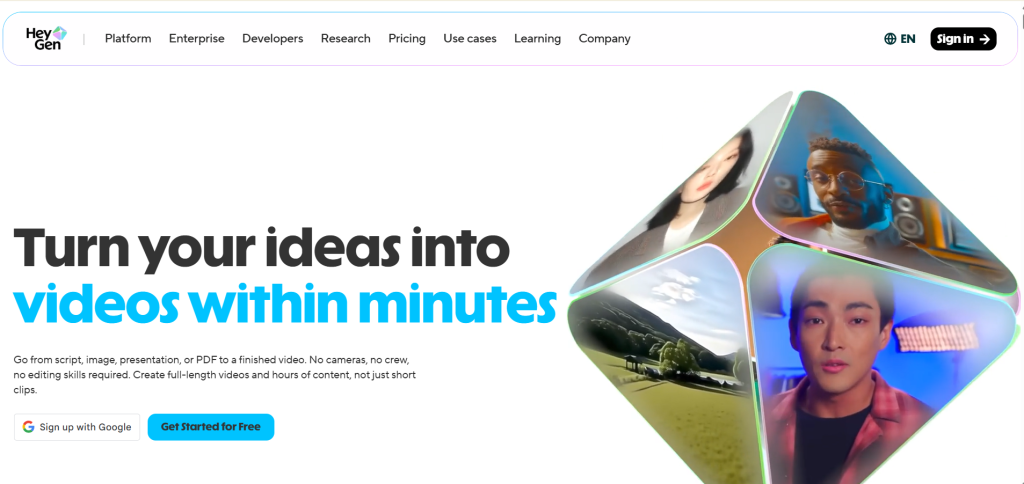
HeyGen leads the pack in 2026 for photorealistic talking avatars. Its Avatar IV engine turns a single photo and script into videos with uncanny emotional intelligence—detecting tone, rhythm, and pauses to generate natural head tilts and micro-expressions. Digital twins created from a short video clip deliver consistent branding across campaigns.
Marketers love it for personalized UGC-style ads and product explainers. It supports 300+ languages with frame-accurate lip-sync. Recent updates include cheaper API pricing and faster rendering. As HeyGen shared on X recently about their Avatar IV launch, one photo plus your voice now creates videos that “feel real, not rendered.”
Check it out at HeyGen.
2. Synthesia – Enterprise-Grade for Training and Internal Comms
Synthesia dominates corporate and L&D spaces with over 230 diverse stock avatars and powerful custom options. You can prompt avatars to perform actions in AI-generated scenes, add branching interactivity, and export SCORM-compliant videos straight to your LMS.
It shines for compliance training, onboarding, and global updates thanks to 160+ languages and emotion-rich voices. Teams appreciate the slide-like scene builder and document-to-video feature. Recent Express-2 avatars gesture like professional speakers, making videos feel dynamic rather than static. Explore more at Synthesia.
3. D-ID – Fastest Photo-to-Talking-Head Solution
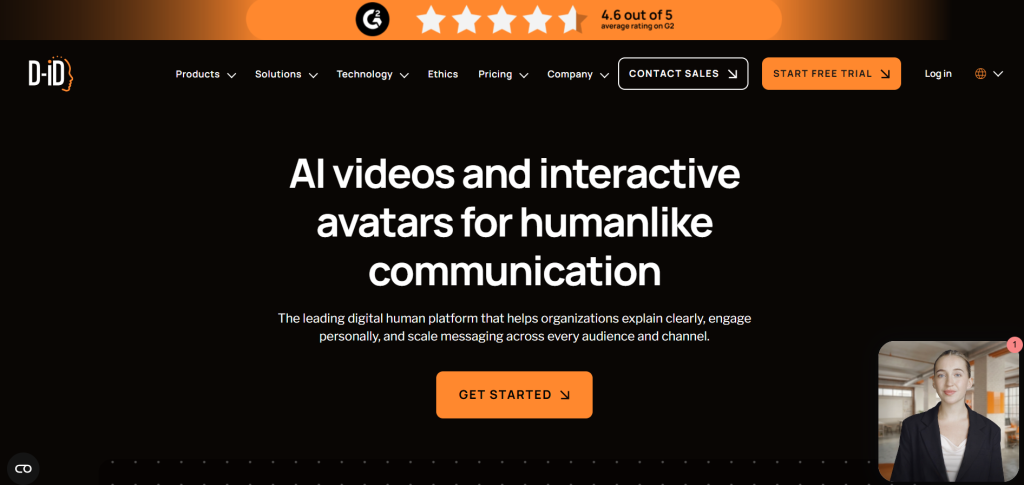
D-ID makes avatar creation ridiculously simple: upload any portrait (or use stock), add text or audio, and get a realistic speaking presenter in minutes. Its Creative Reality Studio supports real-time interactive agents that respond conversationally—perfect for websites or live chat.
Businesses use it for personalized greetings, sales videos, and PowerPoint add-ins. Voice cloning and 120+ languages make it versatile. D-ID also integrates seamlessly with Canva for quick designs. See examples and start free at D-ID.
4. Colossyan – Built for Interactive Learning and E-Learning
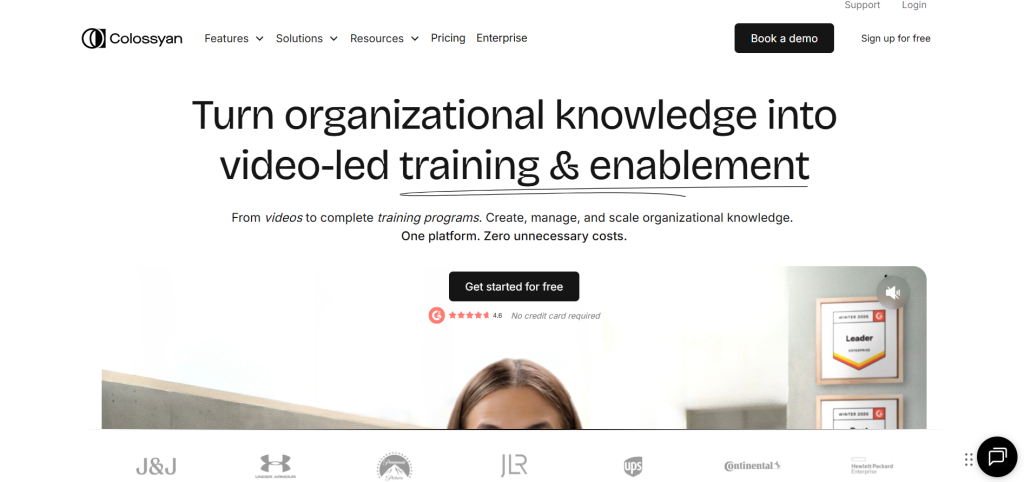
Colossyan focuses on workplace training with branching scenarios, quizzes, and multi-avatar dialogues in one scene. Its 200+ professional avatars feel natural for educational content, and auto-translation with lip-sync handles global rollouts effortlessly.
L&D teams praise the collaborative editor and SCORM export. It’s ideal for compliance modules, software tutorials, and soft-skills training. Recent realism tests even ranked some Colossyan avatars above competitors in perceived human-likeness. Learn more at Colossyan.
5. Elai.io – Seamless for Presentations and Corporate Videos
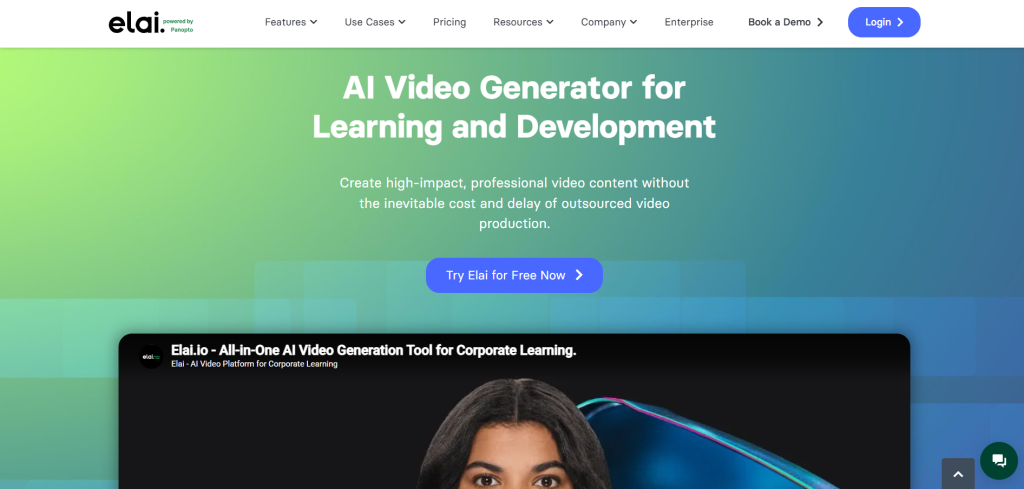
Elai.io turns PowerPoint decks, scripts, or documents into polished avatar videos with minimal effort. Its library of 80+ talking avatars includes customizable options, and the platform supports dynamic animations, text overlays, and multi-layer editing.
Great for sales pitches, product demos, and internal newsletters. Avatar dialogues add conversational flair to training videos. Users highlight the intuitive builder and fast rendering. Try it at Elai.io.
6. DeepBrain AI (AI Studios) – Hyper-Realistic Avatars for News-Style Content
DeepBrain AI delivers studio-quality avatars modeled after real humans, making it popular for news updates, explainer series, and marketing videos. The platform excels at hyper-realistic facial details and natural voice modulation.
It supports custom avatar creation and integrates well with existing workflows. Teams creating educational or promotional content appreciate the broadcast-level output. Visit DeepBrain AI for details.
7. Creatify – Performance Marketing’s Go-To for UGC Avatars
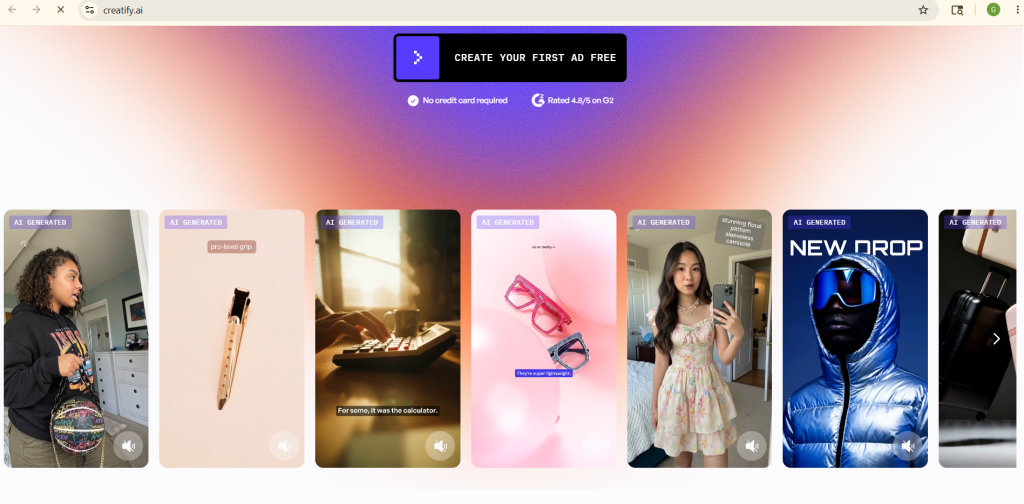
Creatify specializes in ad creatives with instant custom avatars and batch testing. Its Aurora model produces full-body expressive avatars perfect for social ads and landing pages. URL-to-video and emotion controls help marketers test variations quickly.
It stands out for performance teams needing high-volume, high-converting videos. 75+ languages and fast rendering make it a favorite for e-commerce. Check Creatify.
8. Vidnoz AI – Best Free and Budget-Friendly Option
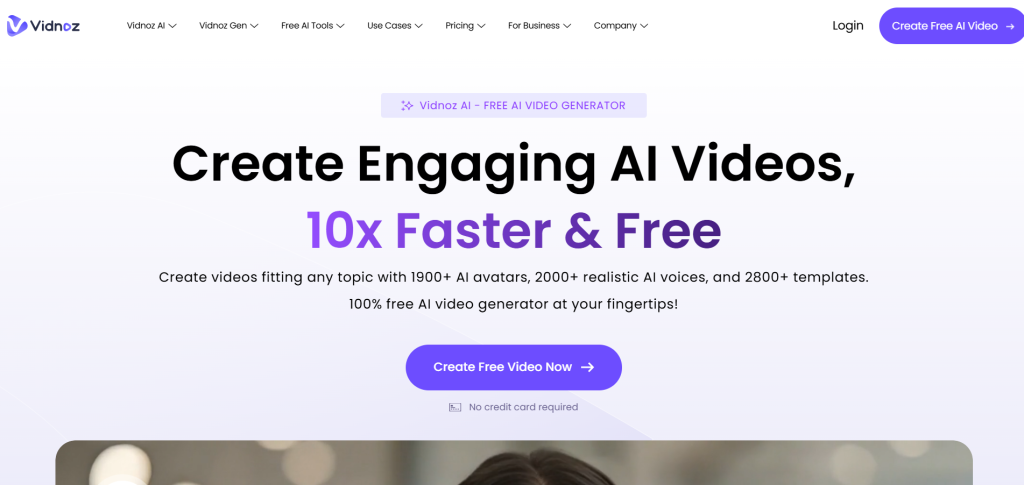
Vidnoz offers strong talking avatars with generous free minutes, making it accessible for small creators and startups. Realistic lip-sync, diverse avatars, and easy text-to-video workflows cover marketing clips, tutorials, and social content.
It’s a solid entry point before scaling to premium tools. Many users start here and upgrade as needs grow. Explore at Vidnoz.
9. Leadde – Scalable Business Video Powerhouse
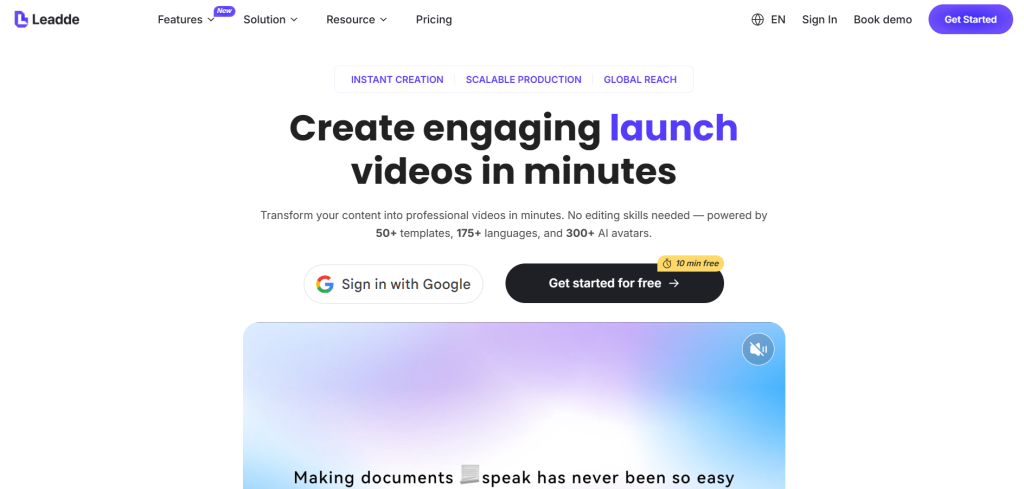
Leadde converts documents, slides, or scripts into structured training and demo videos with professional avatars. Broad language support and update-friendly workflows suit growing teams.
It’s gaining traction for onboarding, product demos, and multilingual content at scale. See why businesses choose it at Leadde.
10. InVideo AI – All-in-One Editor with Strong Avatar Features
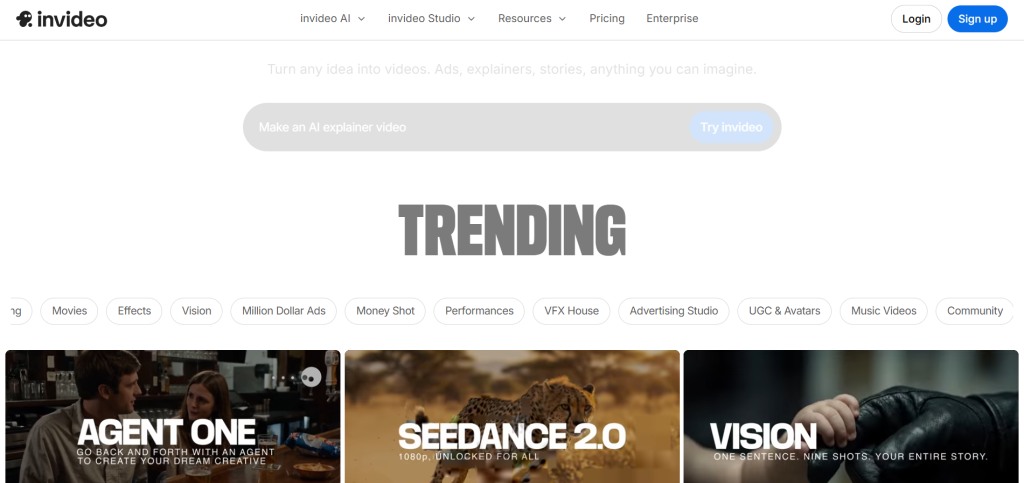
InVideo combines avatar presenters with full video editing tools. Add talking heads to stock footage, templates, or custom projects. Great for YouTube creators and marketers who want avatars plus effects, music, and captions in one platform.
Its AI script tools speed up the entire process. Learn more at InVideo.
11. VEED.io – Video Editor Meets Talking Avatars
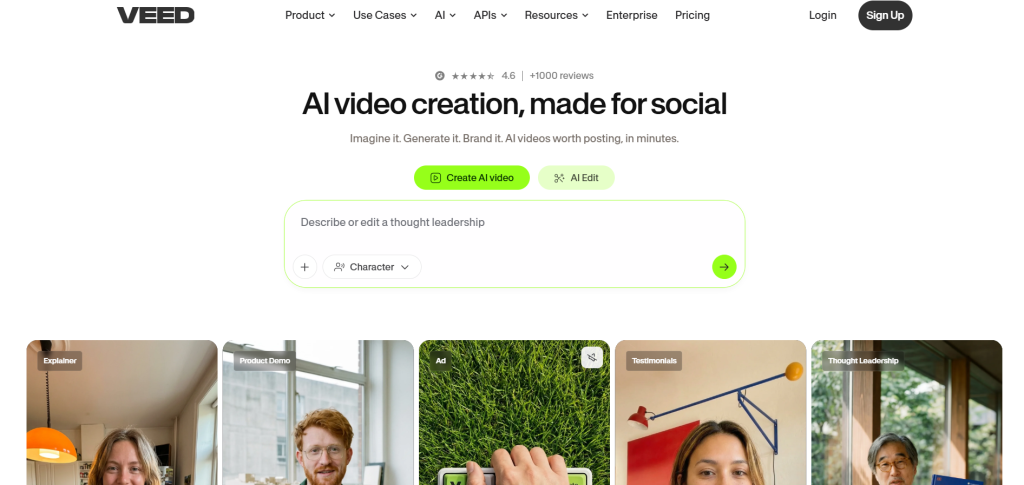
VEED brings AI avatars into a familiar browser-based editor. Create presenter-led videos then add captions, effects, and transitions instantly. Perfect for creators who need quick polish without switching tools.
Its talking avatar feature integrates seamlessly with subtitles and background removal. Ideal for social-first content. Head to VEED.
Comparing the Top 11 AI Talking Avatar Tools
| Tool | Best For | Languages | Custom Avatars | Starting Price (approx.) | Standout Feature |
|---|---|---|---|---|---|
| HeyGen | Marketing & UGC | 300+ | Yes (photo/video) | $29/mo | Avatar IV realism & tone analysis |
| Synthesia | Enterprise training | 160+ | Yes | $22/mo | Interactive scenes & SCORM export |
| D-ID | Quick photo-to-video | 120+ | Yes | Free tier | Real-time interactive agents |
| Colossyan | Interactive L&D | 70+ | Yes | $19/mo | Branching scenarios & quizzes |
| Elai.io | Presentations & demos | 75+ | Yes | $29/mo | Document-to-avatar conversion |
| DeepBrain AI | News-style explainers | 80+ | Yes | $24/mo | Hyper-realistic human modeling |
| Creatify | Ad creatives & testing | 75+ | Instant | $29/mo | Batch UGC-style variations |
| Vidnoz AI | Budget creators | 100+ | Limited | Free tier | Generous free minutes |
| Leadde | Business scaling | Broad | Yes | Custom | Document/slide workflows |
| InVideo AI | Full video production | 50+ | Yes | $25/mo | Templates + effects integration |
| VEED.io | Social editing + avatars | 50+ | Yes | $18/mo | All-in-one editor polish |
This table highlights how each tool fits different needs and budgets while delivering core avatar functionality.
Pro Tips for Mastering AI Avatar Videos
Start simple: Write clear, conversational scripts and test short clips first. Record a high-quality reference video or photo for custom avatars to maximize realism. Always review lip-sync and pacing—most tools let you tweak timing or regenerate sections.
Combine avatars with b-roll, text overlays, and music for engagement. For global reach, use built-in translation features. Track analytics on views and conversions to refine your approach. Privacy matters—choose platforms with strong data controls when creating digital twins.
The Future Looks Bright for AI Avatars
By late 2026 and beyond, expect even more seamless multimodal avatars that combine voice, gesture, and real-time interaction. Full-body performances, better emotion detection, and deeper integrations with virtual meetings will become standard. The gap between AI-generated and human-produced video continues to shrink, opening creative possibilities we’re only beginning to explore.
Ready to Create Your First Talking Avatar Video?
The 11 tools above represent the best of what’s available right now. Whether you need enterprise compliance features or quick social media clips, there’s a perfect match. Start with free trials of HeyGen or Synthesia if realism tops your list, or try Vidnoz for zero-cost experimentation.
The era of camera-free video production is here—and it’s more accessible and powerful than ever. Pick one tool, create your first avatar video today, and watch how quickly your content strategy levels up.