 Gourav
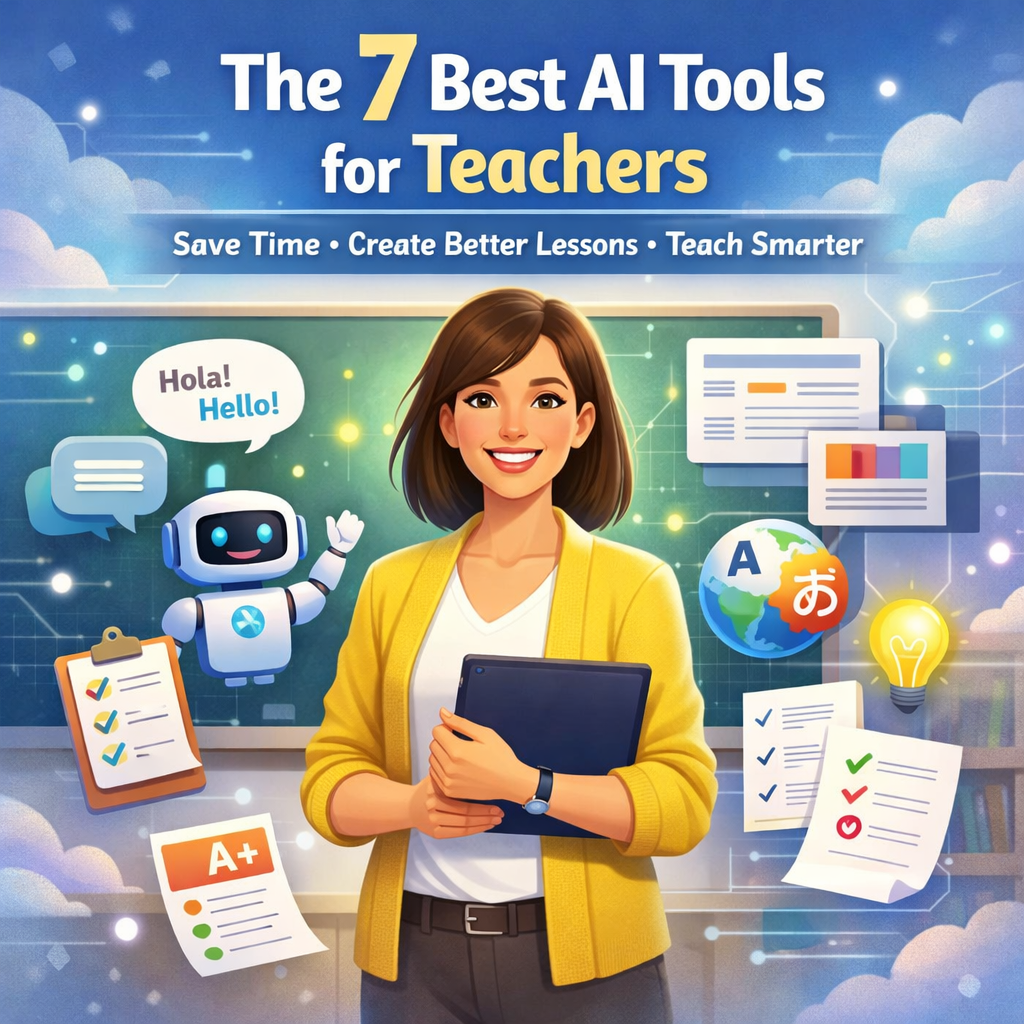
 Hello, wonderful teachers! Do you ever feel like you need an extra pair of hands in your classroom? What if a friendly robot could help you with some of your big jobs? That’s kind of what Artificial Intelligence, or AI, can do! AI tools are like smart computer programs that can help you save time and make learning even more fun.
In this post, we will explore seven amazing AI helpers. They can help you write lessons, make pictures for your class, and even talk to students in different languages! Let’s meet these helpful tools.
What Are AI Tools and Why Do Teachers Need Them?
AI tools are programs that use smart tech to help people. For teachers, they can create lesson plans, make quizzes, or fix writing mistakes. Many teachers use them to have more time with students.
In a news article from EdTech Magazine, they talk about how AI helps teachers work faster. You can read more in this EdTech Magazine article on AI tools for teachers. It says tools like Google Gemini and Grammarly are popular.
On social media, people share ideas too. For example, on X (which used to be Twitter), a user named Dan Fitzpatrick shared a video about using Canva’s AI for teachers. Check out this X post by Dan Fitzpatrick. He shows how it makes slides and images quickly.
Teachers on Facebook groups also talk about AI. In the AI For Teachers group, members share favorite tools like ChatGPT. See this Facebook post in AI For Teachers group.
Now, let’s look at the seven tools one by one.
MagicSchool AI
What Is MagicSchool AI?
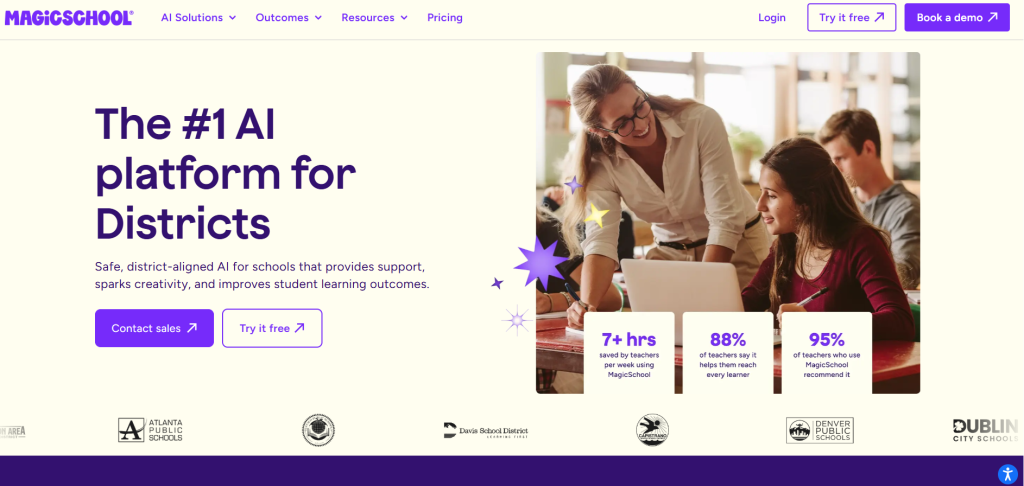
MagicSchool AI is a special tool made just for teachers. It helps with many school tasks. You can use it to make lesson plans or quizzes. It is free for basic use, but you can pay for more features.
This tool is great because it knows about school rules and grades. It can make things that fit what students need to learn.
How Does It Help Teachers?
Teachers can save hours with MagicSchool AI. For example, if you need a lesson on math, type what you want. The tool makes a plan with steps and activities. It can also make tests or homework.
One cool thing is it helps with different student levels. If some kids need easier words, it changes the text.
Real Examples from Teachers
Many teachers love this tool. In a Reddit post, someone said MagicSchool is the best for planning. They use it every day. Read about it in this Reddit post on AI tools for teachers.
Best AI tools or suite of tools for teachers?
byu/NC_MS_Math_Teacher inmathteachers
On X, Adeel from MagicSchool shared a story about a student using it for writing. See this X post by Adeel. He talked about how it gives good feedback.
A news site called The 74 mentioned MagicSchool as a top tool in 2026. You can learn more in this The 74 article on tech tools for educators.
How to Start Using It
Go to the MagicSchool website and sign up. It is easy. Try the free part first. The site is MagicSchool AI.
Eduaide.AI
What Is Eduaide.AI?
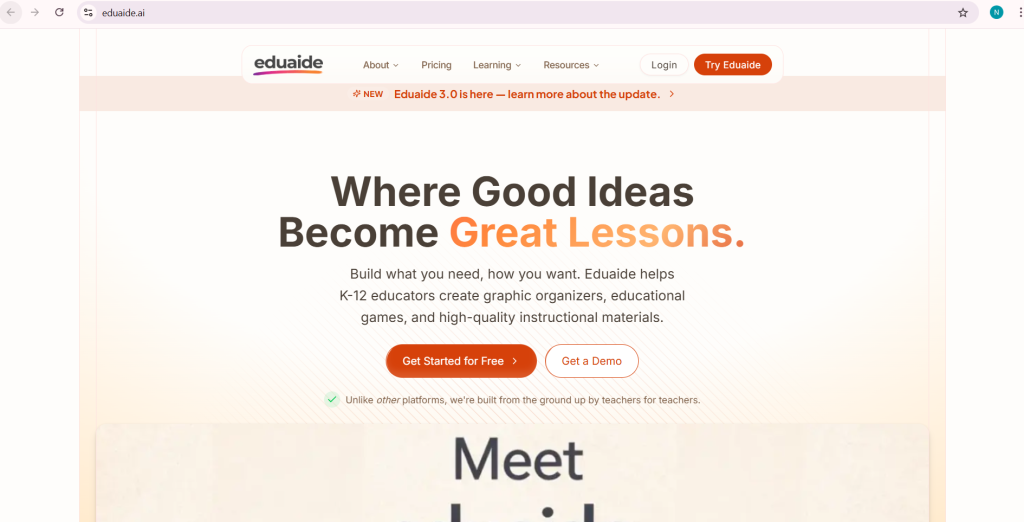
Eduaide.AI is another AI tool for teachers. It helps make games, plans, and organizers. It is like a helper that creates fun stuff for class.
This tool has over 100 resources. You can make puzzles or charts quickly.
How Does It Help Teachers?
It saves time on making materials. Type a topic like science, and it makes a game or worksheet. It is good for making classes more exciting.
Teachers can change things for each student. If a kid needs help, it makes simpler versions.
Real Examples from Teachers
On Facebook, a post said Eduaide is great for games. Teachers share ideas there. Check this Facebook post on best AI tools.
In a Reddit thread, teachers said it helps with planning. One user called it a must-have. See this Reddit discussion on AI for teaching.
A news article from University of San Diego listed it as a top tool. Read this University of San Diego article on AI tools.
How to Start Using It
Visit the site and try it. It is free to start. The link is Eduaide.AI.
Curipod
What Is Curipod?
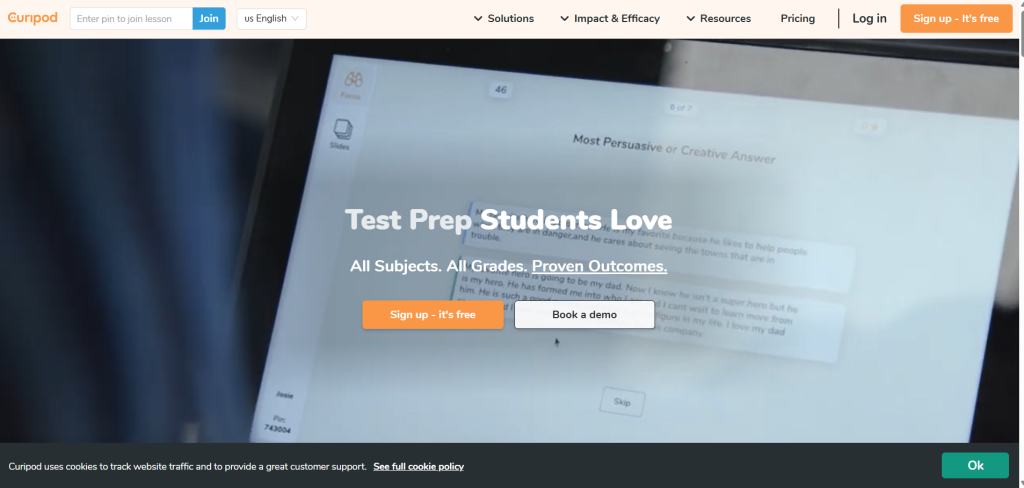
Curipod turns ideas into fun slides. It is an AI tool that makes lessons interactive. Students can answer questions or draw on the slides.
It is free for teachers. You can add polls or talks.
How Does It Help Teachers?
Teachers can make classes more active. Type a topic, and it creates slides with questions. Kids join on their devices.
It helps check if students understand. See answers right away.
Real Examples from Teachers
On X, Rachel Arthur shared a list with Curipod. She said it is good for teachers. View this X post by Rachel Arthur.
In a Facebook group, members talk about using it for engagement. See this Facebook post on AI teaching tools.
A news site called Fair Winds Teaching praised it for elementary teachers. Check this Fair Winds Teaching article on free AI tools.
How to Start Using It?
Sign up on the website. It is simple. The site is Curipod.
Canva for Education
What Is Canva for Education?
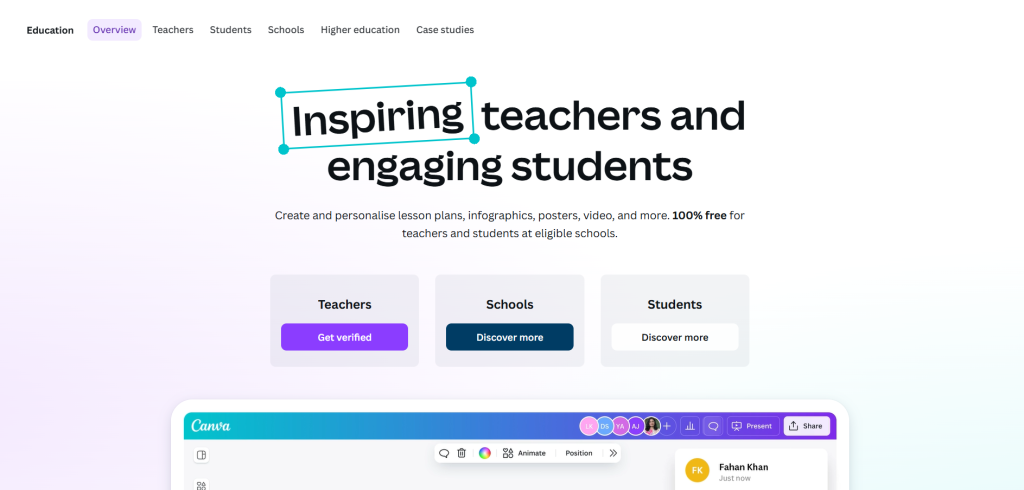
Canva is a design tool with AI. For education, it is free for teachers. It helps make posters, slides, or videos.
The AI part makes designs fast. Type what you want, and it suggests ideas.
How Does It Help Teachers?
Teachers can create nice-looking materials. No need to be an artist. Make charts or invites quickly.
It works with Google Classroom. Share things easily.
Real Examples from Teachers
On Reddit, a post said Canva is best for visuals. Teachers use it for lessons. Read this Reddit post on AI websites for teachers.
An X user showed how Canva AI works for workflows. See this X post on AI workflow for teachers.
In a news article from TeachBetter.ai, they list Canva as a top platform. View this TeachBetter.ai article on best AI platforms.
How to Start Using It
Go to Canva and pick the education version. It is free. The link is Canva for Education.
ChatGPT
What Is ChatGPT?
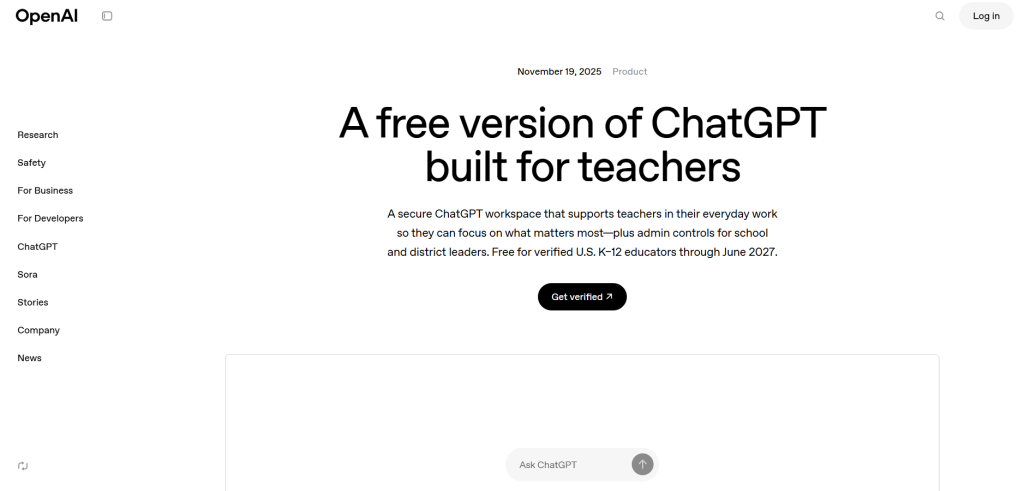
ChatGPT is a chat AI from OpenAI. It answers questions and writes things. Teachers use it for many tasks.
It is free, but a paid version is better.
How Does It Help Teachers?
It can write emails or plans. Ask it to explain a topic simply.
It helps with ideas for classes. Make stories or questions.
Real Examples from Teachers
On Facebook, a post called ChatGPT the best for planning. See this Facebook post on AI tools.
A Reddit user said it is good for directions. Read this Reddit post on tried AI tools.
The New York Times wrote about ChatGPT in schools. Check this New York Times article on AI in schools.
Tried Several AI Tools for Teaching… Still Waiting to Be Impressed
byu/Initial_Interest1469 inteaching
How to Start Using It
Visit the site and chat. The link is ChatGPT.
Google Gemini
What Is Google Gemini?
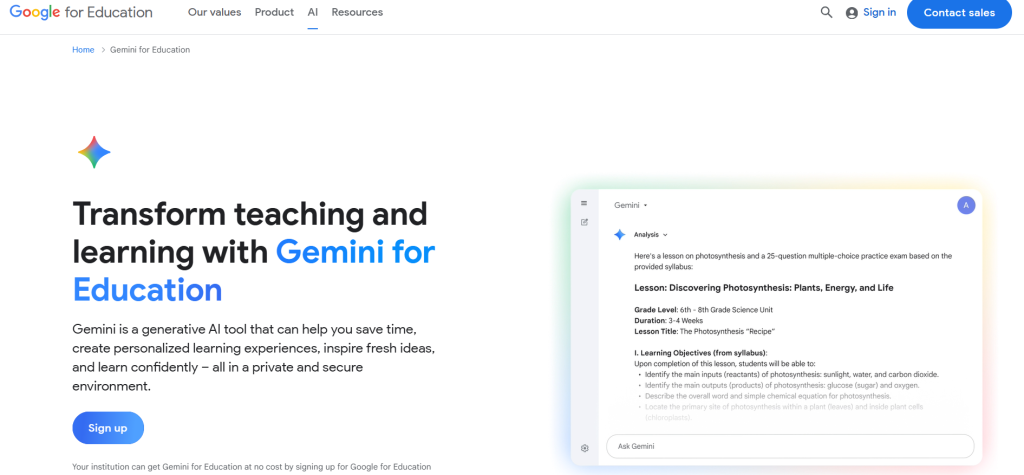
Google Gemini is an AI that searches and helps. It is good for research. Teachers get it free with Google accounts.
It pulls info from the web.
How Does It Help Teachers?
It finds facts fast. Make lessons with real info.
It can make quizzes or summaries.
Real Examples from Teachers
On X, Shake Up Learning shared a cheat sheet for Gemini. See this X post on Gemini in Google Classroom.
In a Reddit thread, teachers pick Gemini for education. Read this Reddit post on best AI system.
Education Week said more teachers use AI like Gemini. View this Education Week article on AI in classrooms.
How to Start Using It
Use your Google account. The site is Google Gemini.
Grammarly
What Is Grammarly?
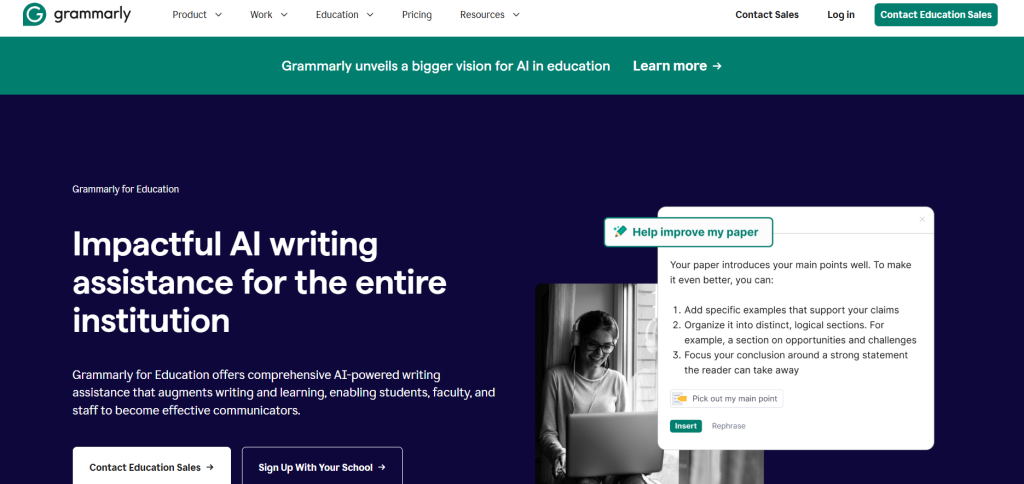
Grammarly fixes writing mistakes. It is an AI tool for better words. Free for basic, paid for more.
It works in emails or docs.
How Does It Help Teachers?
It checks student work or teacher notes. Makes things clear.
Helps teach writing skills.
Real Examples from Teachers
A Facebook post listed Grammarly as essential. See this Facebook post on essential AI tools.
On Reddit, it is in a list for teachers. Read this Reddit post on essential AI tools.
NPR talked about AI like Grammarly in schools. Check this NPR report on AI risks and benefits.
Essential AI tools for teachers and professors
byu/Various-Worker-790 inteachingresources
How to Start Using It
Add it to your browser. The link is Grammarly.
These seven AI tools can change how teachers work. They make tasks faster and classes better. Many teachers in 2026 use them every day. On social media like Reddit, X, and Facebook, people share tips. News sites like The New York Times and EdTech Magazine talk about how AI helps education.
Remember, AI is a helper, not a replacement for teachers. Use it to make learning fun for kids. Try one tool today and see how it works for you.







