Gourav
 Introduction to AI and PowerPoint
Have you ever needed to make a slide show for school or work? PowerPoint is a fun tool for that. It lets you put words, pictures, and colors on slides. But making slides can take a lot of time. That’s where AI comes in. AI is like a smart robot that helps with tasks. It can think and create things fast.
AI tools for PowerPoint use smart tech to make slides for you. You just tell them what you want. They add nice designs, words, and even pictures. Many of these tools are free. This means you don’t pay money to use them. In this post, we will look at some free AI tools. We will see how they work and why they are good. We will also share stories from people on sites like Reddit, X (which used to be Twitter), and Facebook.
Making slides with AI is easy. You type a few words about your topic. The AI does the rest. It saves time so you can play or rest. Let’s learn more about these tools.
How AI Helps Make Slides?
AI tools read what you write. They understand your ideas. Then, they build slides. Some tools work with PowerPoint files. Others make new ones you can download. They add colors that match. They pick fonts that look nice. Some even find free pictures from the web.
Why use AI? It makes slides look pro without hard work. If you are a kid in school, it helps with projects. For grown-ups, it speeds up meetings. Free tools let you try without worry. But remember, always check the slides. AI might make small mistakes.
Now, let’s talk about the best free AI tools. We picked ones that are easy and fun.
Top Free AI Tools for Slides
Canva: Easy and Fun Designs
Canva is a popular tool. It has an AI part called Magic Design. You type your topic. It makes slides fast. The slides look bright and happy. You can change them after. Canva works on phones and computers.
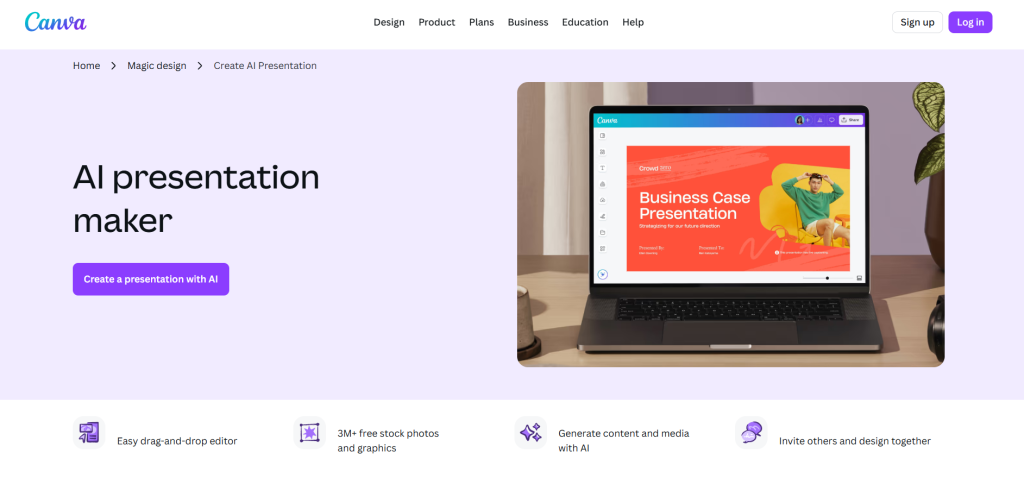
How to use it? Open Canva. Click on presentations. Type your idea. AI builds it. You get up to 10 free tries. Then, download as PowerPoint. It’s great for beginners.
Many people like Canva. On Reddit, one user said it has a big library of templates. Check this Reddit post about AI tools: Reddit Discussion on Canva. They talk about how Canva is good for all kinds of designs.
On X, users share tips. One post says Canva is free and fast. See this X post: X Post on Canva AI. It shows how to make resumes, but the AI works for slides too.
Facebook groups love Canva. Teachers use it for class. One group post says it’s free for basic use. Read this Facebook thread: Facebook on Canva for Teachers.
Canva adds magic to your work. Try it if you like colors and pictures.
Gamma: Smart and Quick Builds
Gamma is another free AI tool. It turns text into slides in seconds. You write a short note. Gamma makes a full deck. It adds outlines and images. The free plan gives 400 credits. That’s enough for many slides.
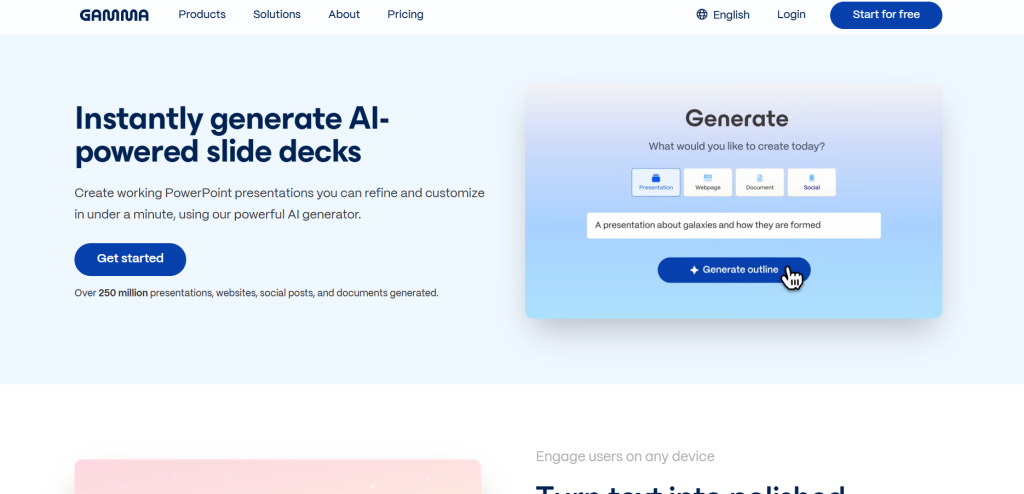
Gamma is good for reports or stories. It makes slides that scroll like a web page. But you can export to PowerPoint. It’s simple for kids.
Users on social media rave about Gamma. A Reddit post calls it great for async sharing. That means sharing without meetings. See this: Reddit on Gamma.
On X, one user shared a win with Gamma. They got top ranks with AI tools. Check: X Post Mentioning Gamma.
Facebook says Gamma is top for free slides. One post lists it with others. View: Facebook on Gamma AI.
Gamma feels like a friend helping with homework.
SlidesAI: Works with Google and PowerPoint
SlidesAI is free and easy. It plugs into Google Slides. But you can use it for PowerPoint too. Type your text. It makes slides. You pick colors and styles. The free plan lets you try it.
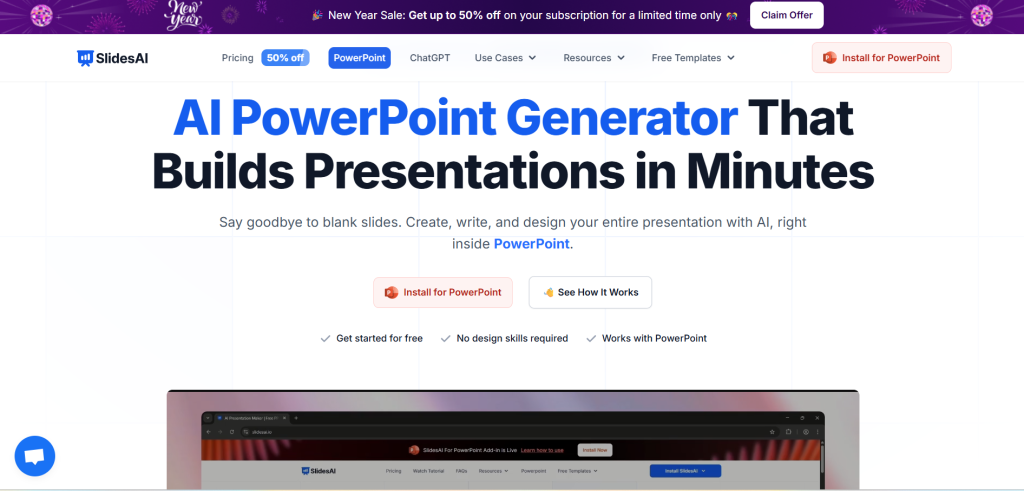
It’s good for school talks or fun stories. No need to learn new things. Just add your words.
People on Reddit say it’s cheap but good. One post says expect some fixes, but it’s free. Read: Reddit on SlidesAI.
X has posts about SlidesAI in lists. One says it’s fast. See: X Post on AI Tools.
On Facebook, teachers pick SlidesAI. It’s in free lists. Check: Facebook Group on SlidesAI.
SlidesAI makes work light.
Slidesgo: Quick Templates with AI
Slidesgo has a free AI maker. You get up to 3 slides a month free. Type your topic. It builds a template. Download as PowerPoint or Google Slides.
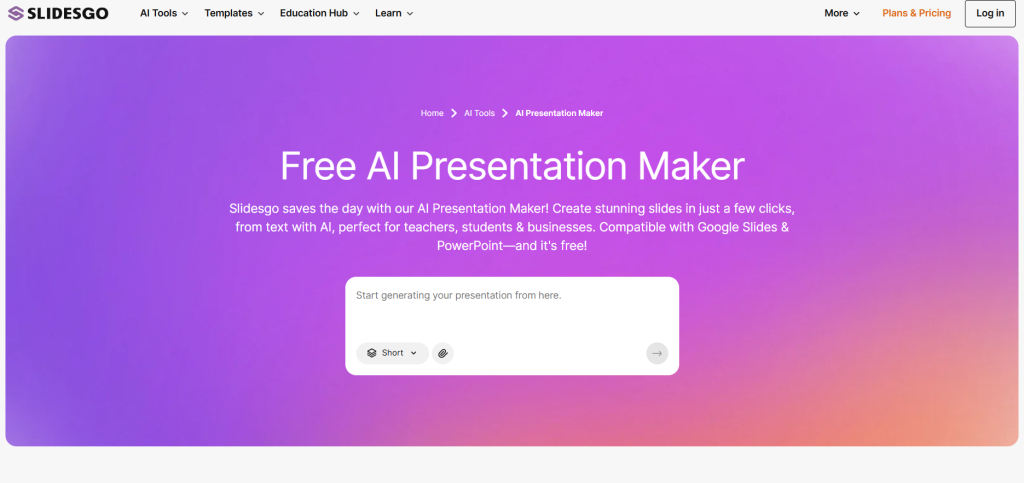
It’s fun for themes like animals or space. Slides look clean.
Reddit users like it for basics. One post shares free tools. View: Reddit on Free AI.
X mentions Slidesgo in wins. See: X Post on Tools.
Facebook loves it for teachers. One post says it’s free. Read: Facebook on Slidesgo.
Slidesgo is like a quick helper.
Vidwud AI: Fast Text to Slides
Vidwud AI is free and turns text to slides quick. No skills needed. It’s new but popular.
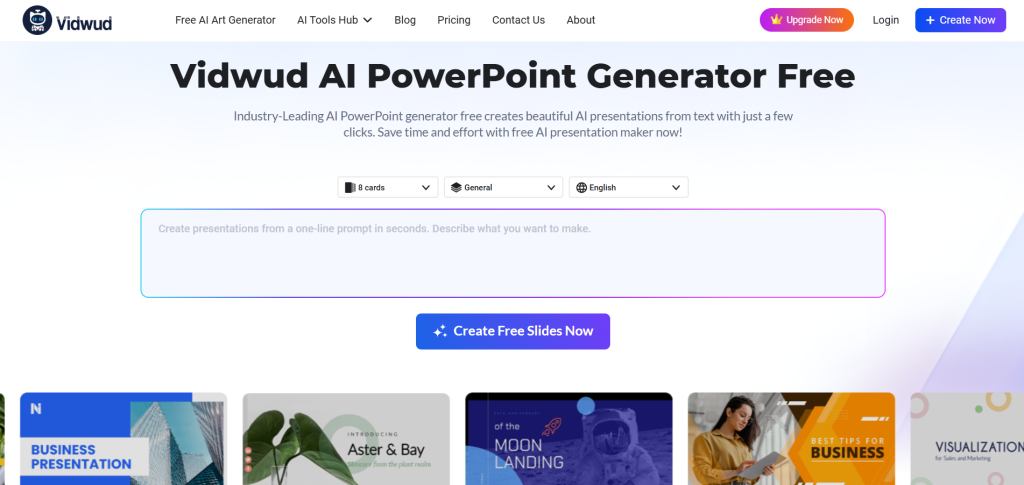
You type ideas. It makes beautiful slides. Download free.
Many X posts praise it. One says it’s industry-leading. See: X Post on Vidwud.
Another X: More on Vidwud.
Facebook groups share it. View: Facebook on AI Generators.
Vidwud is speedy.
Plus AI: For Google Fans
Plus AI works in Google Slides. Free trial. Makes slides from prompts. Good for teams.
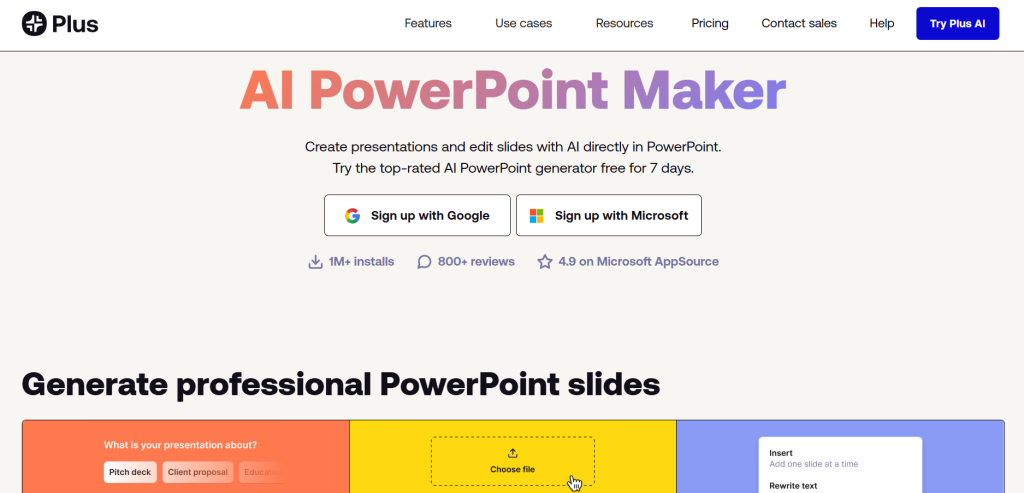
Reddit says it’s best for Google. Check: Reddit on Plus AI.
X lists it. See: X on Plus AI.
Facebook: Facebook on PlusDoc (Similar).
Plus AI is smooth.
Other Tools Like Prezi and Beautiful.ai
Prezi makes zoom slides. Free plan. AI helps a bit.
Beautiful.ai has free tries. But some say it’s old.
Reddit skips some. Read: Reddit Warnings.
X: X on Prezi.
Facebook: Facebook on Prezi.
Try these for fun twists.
How to Pick the Right Tool?
Think about what you need. For pictures, pick Canva. For speed, Gamma. For Google, Plus AI.
All are free to start. Test a few.
News sites like Zapier review them. See this article: Zapier on AI Tools. They test many.
StoryChief also tests. Read: StoryChief Reviews. They show examples.
Lindy blog: Lindy on Free Plans. Talks about free options.
These sites help you choose.
Stories from Real Users
Reddit Tales
On Reddit, people share wins. One user tested all tools. They like Alai but Gamma for free. See: Reddit Test.
Another wants free tools. They get tips like ChatGPT for outlines. View: Reddit Free Tools.
A post on AI Agents: Gamma is best. Read: Reddit AI Agents.
Reddit helps find real thoughts.
X Shares
X has quick posts. One user lists Vidwud as top free. See: X Vidwud Story.
Another shares tools for resumes and slides. View: X Tool List.
A post on wins with AI: X Wins.
X is fast for news.
Facebook Groups
Facebook has teacher groups. One asks for free AI. Gets Canva and Gamma. See: Facebook Teachers.
Another on slides: SlidesAI and more. View: Facebook Slides.
A post lists 18 tools: Facebook RIP PowerPoint.
Facebook connects people.
News sites like YouTube have videos. Watch: YouTube Free Tools. Shows three free ones.
LogoAI blog: LogoAI Top Tools. Lists free and paid.
These stories show tools work well.
Tips for Using AI Tools
Start small. Type clear words. Like “fun facts about dogs.”
Add your touch. Change colors if you want.
Share with friends. Get feedback.
If stuck, look at help pages. Most have guides.
For school, tell teachers you used AI. It’s honest.
AI grows fast. New tools come. Check sites like Presenti AI blog: Presenti AI Generators. Lists nine free.
Monsha blog: Monsha Guide. Good for 2026.
WorkPPT: WorkPPT Evaluation. Scores five free.
Use tips to get better slides.
Why Free Tools Are Great?
Free means no cost. You learn without worry.
They update often. Get new features.
But free has limits. Like few slides a month. If you need more, pay a little.
Compare to old ways. Before AI, slides took hours. Now, minutes.
News from Plus AI blog: Plus AI Best Makers. Real examples.
Adobe: Adobe Free Maker. Easy import.
SlidesGPT: SlidesGPT Site. Better AI maker.
Free tools open doors.
Wrap Up
AI tools make PowerPoint fun and easy. Try Canva, Gamma, SlidesAI, and more. They are free and smart.
Look at social media for tips. Reddit, X, Facebook have stories.
News sites like Zapier and others help too.
Start today. Make a slide about your pet. See how cool it is.
Remember, AI is a helper. Your ideas make it shine.