 Gourav
 What Is AI Text to Voice and Why Does It Matter?
AI text to voice changes written words into spoken audio. The voices sound real and natural, just like a person talking.
These tools help many people every day. Students can listen to their homework instead of reading it. Video makers can add voiceovers without recording themselves. People with reading troubles can enjoy books by hearing them out loud.
According to ZDNET, AI voices are getting better each year. They now sound more human than ever before. This makes them useful for work, school, and fun projects.
How AI Text to Voice Technology Works?
AI text to voice is also called text-to-speech or TTS. A computer reads your text out loud using smart technology.
Old text-to-speech tools sounded like robots. They were boring and hard to listen to. But new AI tools are different.
Modern AI learns from thousands of hours of real human speech. According to Reddit users, the best tools now add feelings and emotions. Voices can sound happy, sad, excited, or calm.
The AI also adds natural pauses between words. It changes speed and tone just like real people do when they talk.
Why People Use AI Text to Voice in 2026?
There are many good reasons to use these tools today. First, they save lots of time. You just type your words and the AI speaks them fast.
Second, you don’t need a microphone or recording equipment. This helps people who don’t like their own voice or don’t have good recording tools.
Third, according to PCMag, many tools support different languages. You can pick English, Spanish, Hindi, or many others. Some even have different accents like British or American English.
Fourth, several tools are free or very cheap. This is great for students, teachers, and small creators who don’t have much money to spend.
Top AI Text to Voice Tools You Should Know
ElevenLabs: The Most Realistic Voices
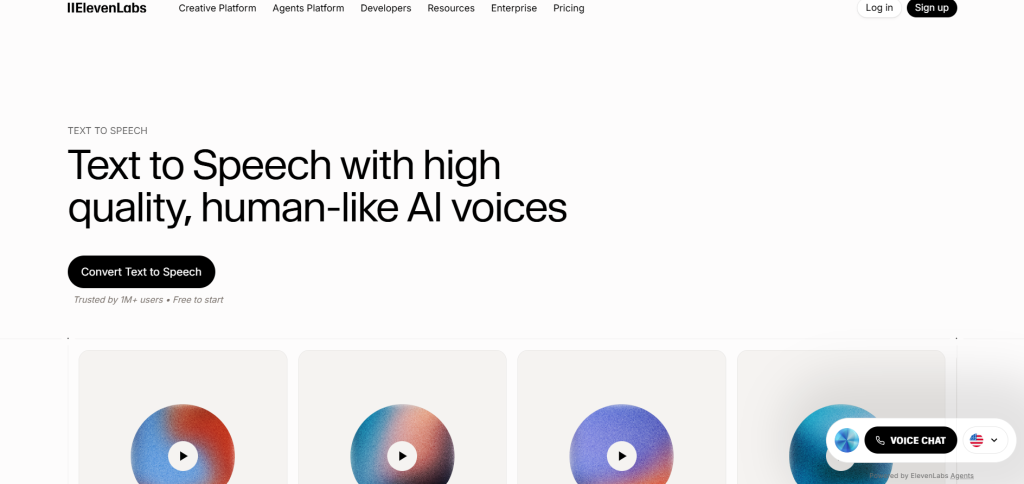
ElevenLabs is one of the most popular AI voice tools today. According to Fingoweb, it leads the market for realistic sound.
The voices can laugh, cry, whisper, or shout. They show real human emotions. You can even clone a voice by giving the AI a short sample.
Many creators use ElevenLabs for audiobooks and videos. According to Forbes, the company recently made an AI music album with famous singers. This shows how powerful their technology is.
Reddit users say ElevenLabs gives great value for money. The free version lets you try it before paying.
ElevenLabs works in over 70 languages. According to Yahoo Finance, the company crossed $330 million in revenue last year. This proves many people trust and use their service.
Murf AI: Perfect for Video Creators
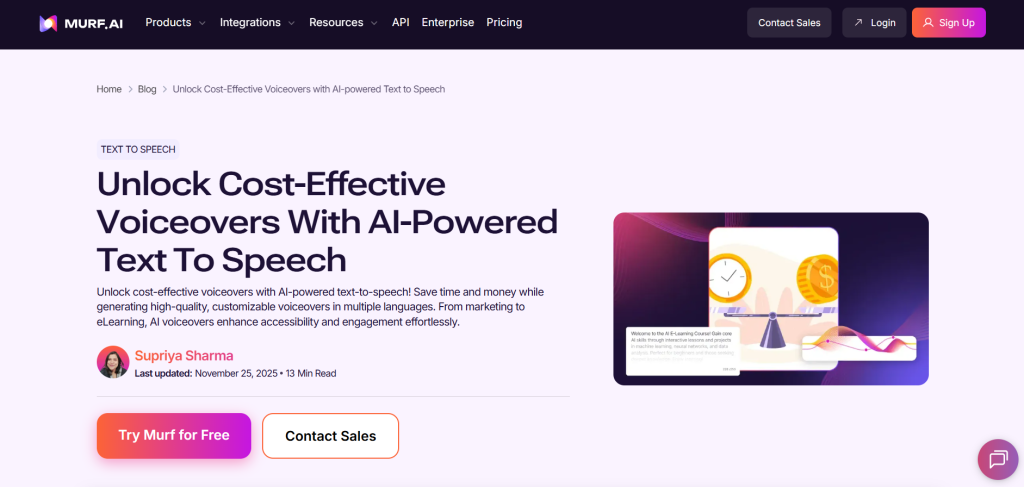
Murf AI makes it easy to create professional voiceovers. According to WellSaid Labs, Murf is one of the strongest tools for content creators.
The platform has over 200 voices in more than 20 languages. You can add music and pictures along with your voice. This makes it perfect for YouTube videos or school presentations.
According to TechRadar, Murf AI has good quality voices. The tool is easy to use even if you’re not a tech expert.
AI Business reports that Murf’s Gen 2 model creates ultra-realistic voices. It was trained on 70,000 hours of real human speech.
However, some Reddit users mention pricing concerns. They say you should check the costs carefully before buying.
The platform ranked #9 in G2’s Fastest Growing Products of 2024. This shows it’s becoming more popular with users worldwide.
Fish Audio: Natural and Affordable
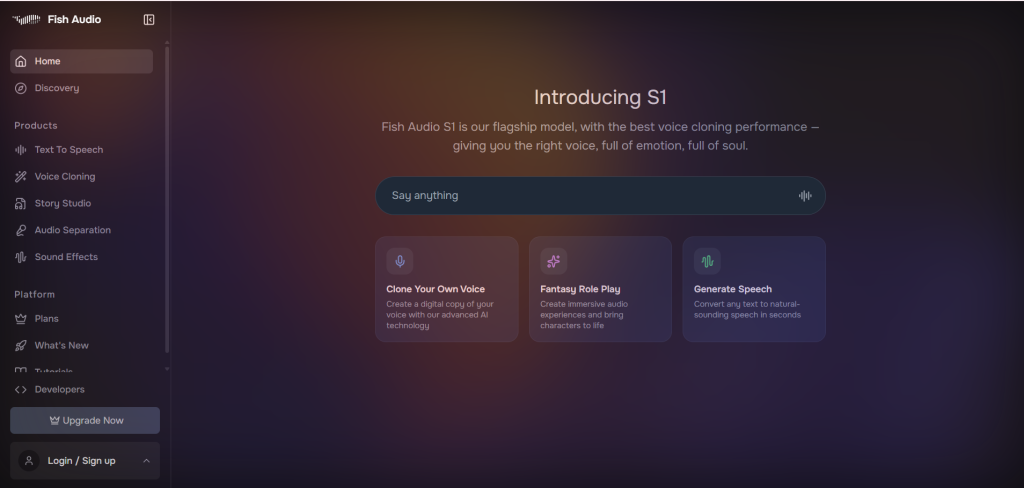
Fish Audio is known for making voices that feel alive. According to Reddit, one user tested 10 different tools and Fish Audio was the best.
The voices show feelings in a natural way. They don’t sound fake or robotic. This makes listening more enjoyable.
Fish Audio costs less than many big-name tools. According to YouTube reviews, it might be 50% to 600% cheaper than competitors. You still get great quality for a lower price.
The tool offers voice cloning from just 15 seconds of audio. According to Reddit discussions, Fish Speech 1.4 was trained on 700,000 hours of speech.
Fish Audio supports at least 8 languages including English, Chinese, and Japanese. It works great for YouTube videos, audiobooks, and podcasts.
Facebook users share tips on how to use it for free. Many creators love it for making faceless videos.
NaturalReader: Great for Reading Documents
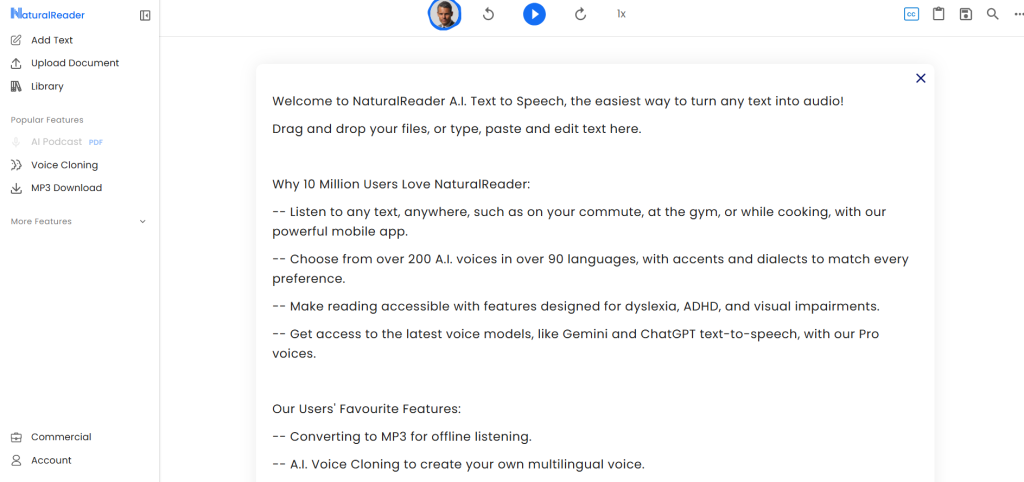
NaturalReader helps you listen to documents, PDFs, and web pages. According to PCMag, it’s one of the best tools for this purpose.
You can paste text or upload files easily. The tool reads them out loud while you do other work. This is perfect for multitasking.
NaturalReader has over 1,000 AI voices in 100+ languages. According to ZDNET, it picks as best overall in some tests.
The tool works on phones, computers, and web browsers. It even has a Chrome extension for reading websites. According to Common Sense Education, it’s user-friendly for students.
Reddit law students say it helps them study long texts. They can listen during their commute to school.
However, some users on Reddit report bugs. They mention the app sometimes skips lines or pauses unexpectedly.
The free version offers 20 minutes daily of premium voices. Paid plans start at $9.99 per month for unlimited use.
Speechify: Popular with Students
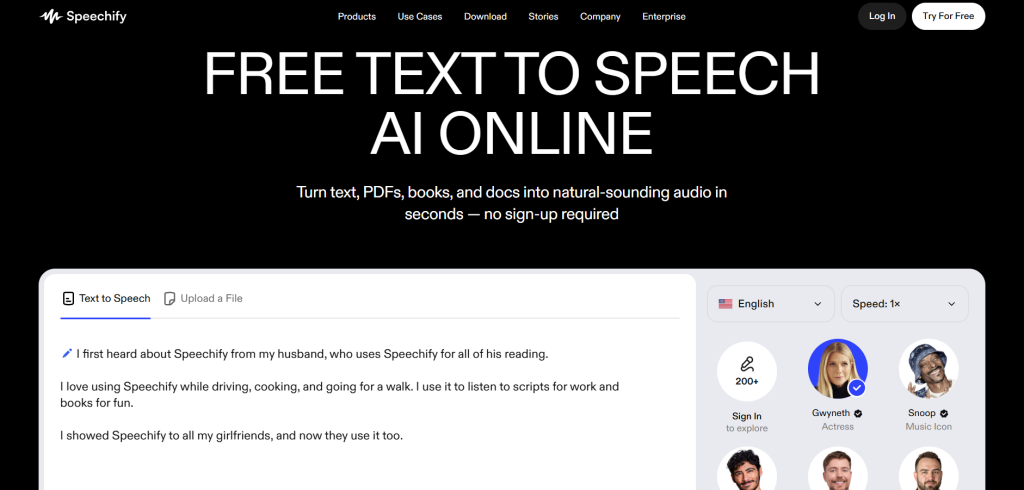
Speechify reads books, articles, and notes out loud. According to TechCrunch, it recently added voice typing and AI assistant features.
The tool has over 1,000 voices in more than 60 languages. You can change the reading speed to go faster or slower. It highlights words as it reads so you can follow along.
Speechify is very popular with students. Many people with dyslexia or ADHD find it helpful. According to Reddit, users like how it helps them study faster.
The app works on iPhones, Android phones, and computers. You can also add it as a browser extension. According to the App Store, it has many high ratings.
However, some Reddit users complain about the price. They say it can be expensive and sometimes has bugs.
Speechify has over 50 million users worldwide. This makes it one of the most used text-to-speech tools today.
Other Good Tools Worth Trying
There are several other tools you might like. Play.ht offers natural voices for many uses. WellSaid Labs focuses on business and professional content.
For free browser tools, TTSMaker is simple and quick. According to PCMag, it works well for basic needs.
If you like open-source options, check out Chatterbox. According to BentoML, there are many good free models available.
Visme ranked 10 different AI voice tools. They give details about each one to help you choose.
How to Pick the Right Tool for Your Needs?
Think about what you want to do with the tool. Do you need the most realistic voices? Try ElevenLabs or Fish Audio for top quality.
Are you making videos for YouTube or social media? Murf AI or Play.ht might work best. They let you add music and sync with pictures.
Do you want to read books or documents? NaturalReader or Speechify are perfect for this. They work great on phones and computers.
Need a free option to start? Look at TTSMaker or the free plans from bigger tools. Many let you try before you pay.
Want voices in different languages? Most big tools support multiple languages. Check which ones have the language you need.
According to Reddit users, it’s smart to test a few tools. Many offer free trials so you can listen and compare.
Facebook groups often share tips and tricks. Search for “AI text to speech” to find helpful communities.
What Users Say About These Tools?
Social media is full of opinions about AI voice tools. According to Reddit’s TextToSpeech community, users share their experiences daily.
One popular post said Fish Audio is best for natural voice cloning. Another user preferred ElevenLabs for long audiobook projects.
On X (formerly Twitter), people post about new features and updates. Following these accounts helps you learn about improvements.
According to Facebook discussions, many people ask if NaturalReader is good. Most users say yes for basic reading needs.
YouTube reviews show how different tools work. Watching these helps you see which interface you like best.
News sites like TechRadar, ZDNET, and PCMag test tools every year. They share detailed reviews with pros and cons.
The Future of AI Text to Voice Technology
AI voices will keep getting better in 2026 and beyond. They will understand context more deeply. This means they’ll know when to sound serious or playful.
According to The Verge, some tools are already making music. Future versions might add singing or other creative features.
Tools will become faster and use less computer power. This means they’ll work better on phones and tablets.
More free options will appear as technology improves. Competition between companies helps keep prices lower for users.
According to NBC News, artists are working with AI companies. This partnership helps create ethical and fair AI voice technology.
Safety will be important too. Companies are making rules to prevent misuse. Always check if a tool is safe before using it.
Tips for Using AI Text to Voice Tools
Start by writing clear and simple sentences. The AI reads them better this way. Short sentences work better than long, complicated ones.
Use punctuation marks like periods, commas, and question marks. These help the AI know when to pause or change tone.
Add exclamation points for excitement. Use question marks to make the voice go up at the end.
Pick a reading speed that feels comfortable. Not too fast and not too slow. Most tools let you adjust this easily.
Try different voices to find one you like. Male voices, female voices, and kid voices all sound different. Some people prefer one over another.
Save your audio files when you’re happy with them. This way you can use them later without redoing the work.
According to Reddit tips, experimenting helps you learn what works best. Don’t be afraid to test different settings.
What Experts Think About AI Voice Tools?
Industry experts see AI text to voice as a growing field. According to Andreessen Horowitz, companies like ElevenLabs are changing how we create content.
Investors are putting money into voice AI companies. This shows they believe the technology will be important in the future.
According to FinTech Magazine, businesses use AI voices for customer service. They help answer questions faster and in more languages.
Teachers like these tools for helping students. According to Common Sense Education, they make learning easier for kids who struggle with reading.
Content creators say AI voices save them time. According to YouTube creators, they can make more videos without always recording their own voice.
Some people worry about misuse of voice cloning. According to ElevenLabs’ policy, companies are making rules to prevent problems.
Making the Right Choice
Choosing the best AI text to voice tool depends on your needs. Students might like Speechify or NaturalReader for reading schoolwork. Video creators might prefer Murf AI or ElevenLabs for professional sound.
Price matters too. Free tools work great for basic needs. Paid tools offer more features and better voices.
According to Reddit comparisons, each tool has strengths and weaknesses. Reading reviews helps you understand which is best for you.
Try the free versions first. Most tools let you test before buying. This helps you hear the voice quality yourself.
Ask friends or classmates what they use. Personal recommendations often help find the right tool faster.
Conclusion: Start Using AI Text to Voice Today
AI text to voice tools are amazing helpers in 2026. They turn written words into natural-sounding speech. This helps with learning, working, and creating content.
The top tools include ElevenLabs, Murf AI, Fish Audio, NaturalReader, and Speechify. Each one has special features that make it useful for different purposes.
These tools save time and money. You don’t need expensive recording equipment or voice actors. Just type your text and let the AI do the work.
According to ZDNET, AI voices keep improving every year. They sound more real and natural than ever before.
Whether you’re a student, teacher, or content creator, there’s a tool for you. Many are free to try, so you can test them without risk.
Pick one that fits your needs and budget. Start small with free versions. Upgrade later if you need more features.
The future of AI text to voice is bright. New features and better voices are coming soon. Now is a great time to start using these helpful tools.







