 Gourav
 Have you ever wanted to make a video where a cool character talks, but you don’t want to show your face? AI talking avatar generators can help! These are special computer programs that use artificial intelligence to create avatars. Avatars are like digital people or animals that move and speak. They read your words out loud with moving lips and faces. It’s fun for making stories, teaching lessons, or even ads.
In this blog post, we’ll look at the five best free AI talking avatar generators. We’ll keep things simple, like for a 5th-grade student. That means short sentences and easy words. We’ll use headings to make it easy to read. Plus, we’ll add links to the sites so you can click and visit them. Remember, free means you can start without paying, but some have limits like watermarks or short videos. We’ll also share what people say on social media like Reddit, X (which is Twitter), and Facebook. Let’s get started!
What Are AI Talking Avatars?
AI talking avatars are digital characters made by smart computers. You give them words to say, and they speak them while moving their mouths and faces. It’s like having a cartoon friend who talks for you. These tools use technology to make the avatars look real or fun.
Many people use them for videos on YouTube or school projects. They save time because you don’t need a camera. Some avatars can show feelings like happy or sad. Free tools let you try them out.
Why Choose Free Generators?
Free generators are great because you don’t pay to start. You can test them and see if you like them. They help kids and grown-ups make videos easily. But free versions might add a logo to your video or limit how long it can be.
On social media, people share tips about free tools. For example, on Reddit, users in r/AiForSmallBusiness talk about free AI for avatars. One post lists HunyuanVideo-Avatar as a good free option for talking heads. Check this Reddit Post on r/AiForSmallBusiness
FREE AI for AVATAR & TALKING HEAD GENERATORS
byu/Far-Chair3995 inAiForSmallBusiness
Tips Before You Start
Pick a tool that is easy for you. Think about what you need, like many voices or custom faces. Always check the free limits. Have fun and be safe online. Ask a grown-up if you’re a kid.
Now, let’s look at the top five!
1. Vidnoz: Easy and Full of Choices
Vidnoz is a fun tool with lots of avatars. It’s good for making quick videos every day.
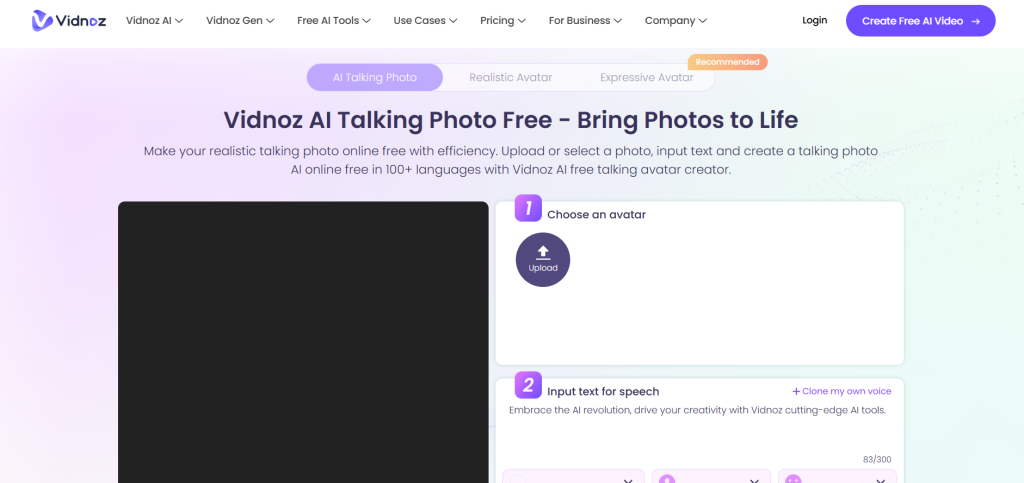
What Vidnoz Offers?
You get over 1,800 avatars to pick from. They can be people, cartoons, or animals. Type your words, and the avatar says them. There are 890 voices in many languages like English or Spanish. The mouths move right with the words.
You can add your own photos to make special avatars. Free users get 30 credits a day, which is about 60 seconds of video.
How to Make a Video with Vidnoz?
Go to their site and sign up for free. Visit Vidnoz. Choose an avatar. Write what you want it to say. Pick a voice. Click to make the video and download it.
What People Say About Vidnoz?
On X, users like @Damn_coder share how to make talking avatars for free. One post says, “No more complex video creation. Now you can create your own talking avatar using AI.” See this X Post by @Damn_coder
On Facebook, a video talks about best free tools for 2026, including ones like Vidnoz. It shows how to make realistic avatars. Watch this Facebook Video on SaeedBWP
Pros: Many free minutes each day. Easy to use. Lots of voices.
Cons: Videos have a logo. Short limits without paying.
Vidnoz is perfect for daily fun or school work.
2. HeyGen: Great for Marketing and Stories
HeyGen makes avatars that look pro. It’s good for videos that sell things or tell tales.
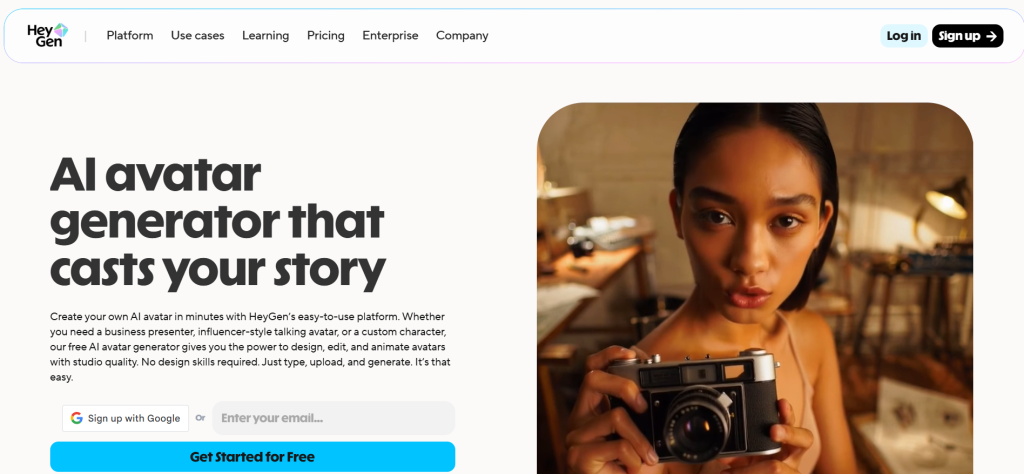
Features in HeyGen
HeyGen has realistic avatars that speak in over 100 languages. You can clone your voice so it sounds like you. Avatars move hands and show feelings. Upload a photo to make your own avatar.
Free trial gives you some minutes to try. It’s easy with templates ready to use.
Steps to Use HeyGen
Sign up on their site. Visit HeyGen. Pick a template. Type your script. Choose an avatar and voice. Make and save your video.
Social Media Buzz on HeyGen
On Reddit, people in r/automation say HeyGen is top for realistic videos. One user said, “Tagshop AI stands best here, but HeyGen is smooth for lip sync.” Read this Reddit Thread on r/automation
On X, @DavisonDabiri compares HeyGen to free options like SadTalker. The post says, “HeyGen — $39/month, SadTalker — $0/month. Underrated free gem.” View this X Post by @DavisonDabiri
🧑💻 Avatar Creation
— TheAIHeadquarters (@DavisonDabiri) January 12, 2026
HeyGen — $39/month
SadTalker — $0/month
Underrated free gem.
Trying free first or straight to paid? 👇 pic.twitter.com/GN3hodxLgR
On Facebook, groups like AI Tools for Teachers recommend HeyGen for avatars. One post asks for tools with multiple avatars talking. See this Facebook Group Post
Pros: Natural moves. Voice cloning. Good for teams.
Cons: Free trial is short. Pay for more.
HeyGen helps make videos that grab attention.
3. Synthesia: Like a Movie Studio
Synthesia feels like making a real movie. It’s for high-quality talks.
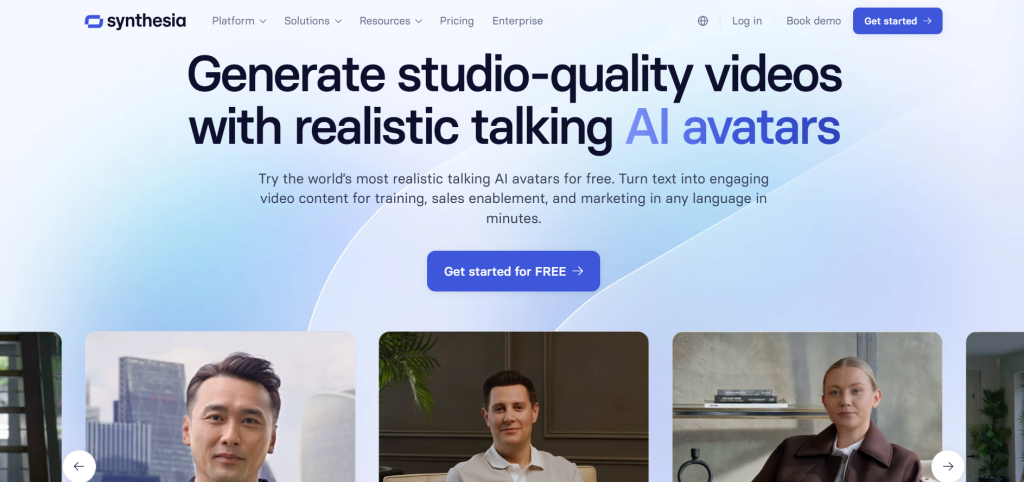
What Makes Synthesia Special?
Over 240 avatars that look like real people. They speak 140+ languages. Make custom avatars from your video. Avatars wave hands and look natural.
You get one free video without signing up. That’s good to test.
How to Create with Synthesia?
Go to the site. Visit Synthesia. Choose a template. Write your words. Pick avatar and voice. Generate and download.
Feedback from Social Media
On Reddit, in r/VideoEditing, users pick Synthesia for avatars. One says, “For making AI avatars for marketing videos, would you recommend JoggAI, Synthesia, or VEED?” Check this Reddit Post on r/VideoEditing
What are the best AI avatar tools?
byu/ryans91 inVideoEditing
On X, @JulianGoldieSEO talks about an AI avatar creator using Synthesia parts. “This AI Agent creates talking head videos with your voice.” See this X Post by @JulianGoldieSEO
On Facebook, a post lists top tools including Synthesia for AI avatars. “Here are the top 3 tools to create an A.I. video avatar of yourself.” View this Facebook Group Post
Pros: Pro looks. Many languages. Easy templates.
Cons: Only one free video. Then pay.
Synthesia is great for serious projects.
4. D-ID: Super Real Faces and Lips
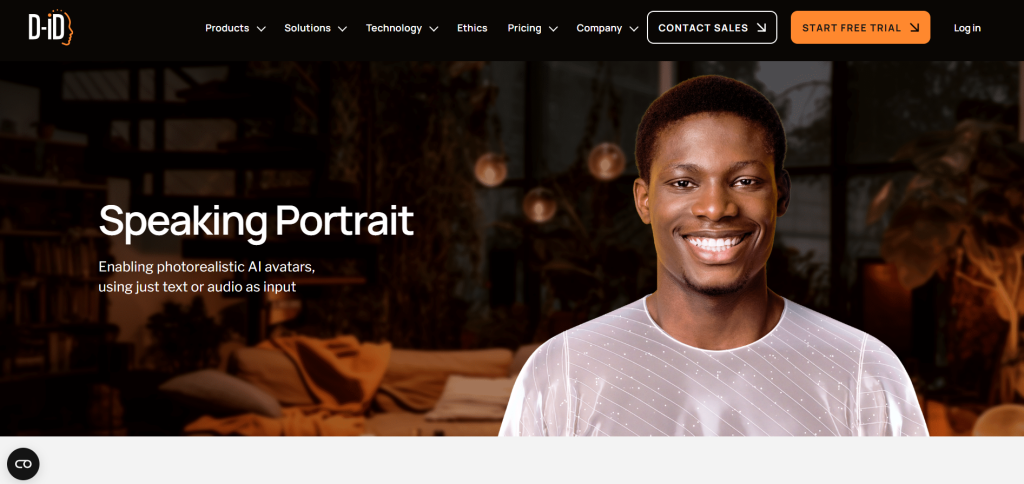
D-ID makes avatars that seem almost alive. Good for real-looking talks.
Key Features of D-ID
Over 100 avatars, plus make your own from photos. Great lip sync so mouths match words. Over 100 languages and voice cloning.
Free 14-day trial with 3 minutes. Enough for short tests.
Using D-ID Step by Step
Sign up here. Visit D-ID. Upload photo or pick avatar. Write script. Choose voice. Create video.
What Users Share Online?
On Reddit, r/NewTubers discusses realistic avatars. “I think invideo.io creates great avatars, but D-ID is available on free plan.” Read this Reddit Thread on r/NewTubers
On X, @dreamingtulpa shares about high-quality talking heads like GAIA, similar to D-ID. “High quality AI generated talking heads are coming!” See this X Post by @dreamingtulpa
High quality AI generated talking heads are coming!
— Dreaming Tulpa 🥓👑 (@dreamingtulpa) December 1, 2023
GAIA can generate talking avatars from a single portrait image and speech clip. It even supports text prompts like `sad`, `open mouth` or `surprise` to guide video generation. Crazy times ahead 🤯https://t.co/20WZOLMypz pic.twitter.com/kgYLyzE1RJ
On Facebook, a group post recommends D-ID for speaking avatars from audio. “This is the BEST AI avatar generator in the industry by far.” Check this Facebook Group Post
Pros: Real movements. Personal avatars.
Cons: Watermark on free. Short trial.
D-ID is best for natural videos.
5. Hunyuan Avatar: Free and Open-Source Fun
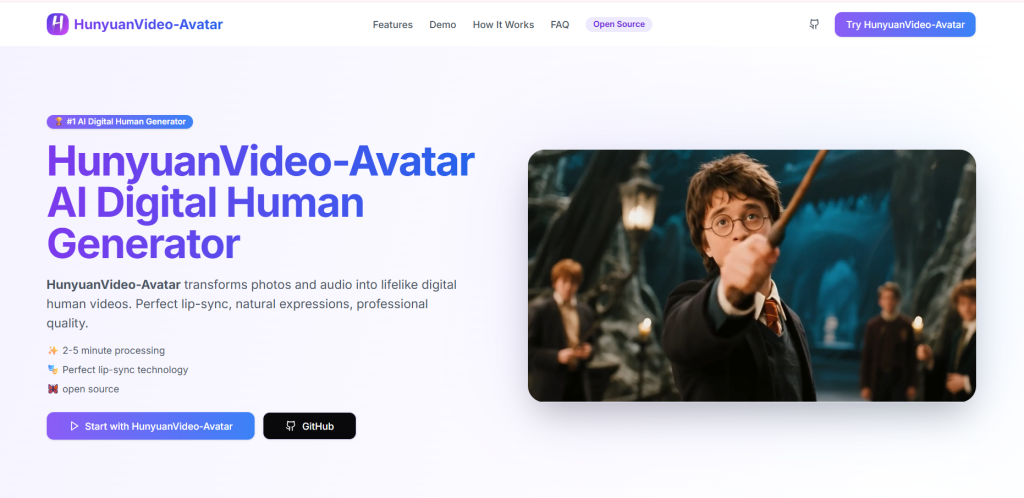
Hunyuan is a free tool from Tencent. It’s open-source, meaning anyone can use and change it.
What Hunyuan Does?
It makes talking avatars from photos and audio. Control emotions and styles like anime or 3D. Good for multi-character talks.
Fully free with no limits mentioned in posts.
How to Try Hunyuan?
Find it online or on GitHub. Upload photo and audio. Add emotions. Generate video.
Social Media Talks About Hunyuan
On Reddit, r/AiForSmallBusiness lists Hunyuan as top free. “HunyuanVideo-Avatar (Tencent) Audio-driven animation, emotion control.” View this Reddit Post on r/AiForSmallBusiness
On X, @HalimAlrasihi says, “Tencent AI Lab just released a new open-source model that creates talking head avatars.” See this X Post by @HalimAlrasihi
On Facebook, a post calls Hunyuan a free AI talking avatar generator. “#aiavatar #aitools #hunyuan” Check this Facebook Post by MattFarmerAI
Pros: Totally free. Custom styles.
Cons: Might need tech skills. Not as easy as others.
Hunyuan is awesome for creative people.
More Tips for Fun Videos
Mix tools for best results. Add music or pictures. Share your videos safely. AI avatars are growing popular.
On social media, many share free ways. Like on Facebook, people ask for tools with multiple avatars talking. See this Facebook Group Post
The Future of AI Avatars
By 2026, these tools will get better. More free options and real looks. They help shy people share ideas. But remember, real talks are special too.







