 Gourav
 Job seekers in the United States often need quick ways to make strong resumes. With many tools out there, free AI resume builders stand out because they use smart tech to help write and design without any cost. These tools can suggest words, check for errors, and make sure the resume works with job application systems. Many reviews point to five top choices that offer good free features. Let’s look at each one in detail.
How to Choose the Right One?
Look at features like templates, AI suggestions, and export options. Free versions vary; some limit templates, others add watermarks. Test a few to see what fits your needs, as user experiences differ.
Kickresume: A Top Choice for Easy AI Help
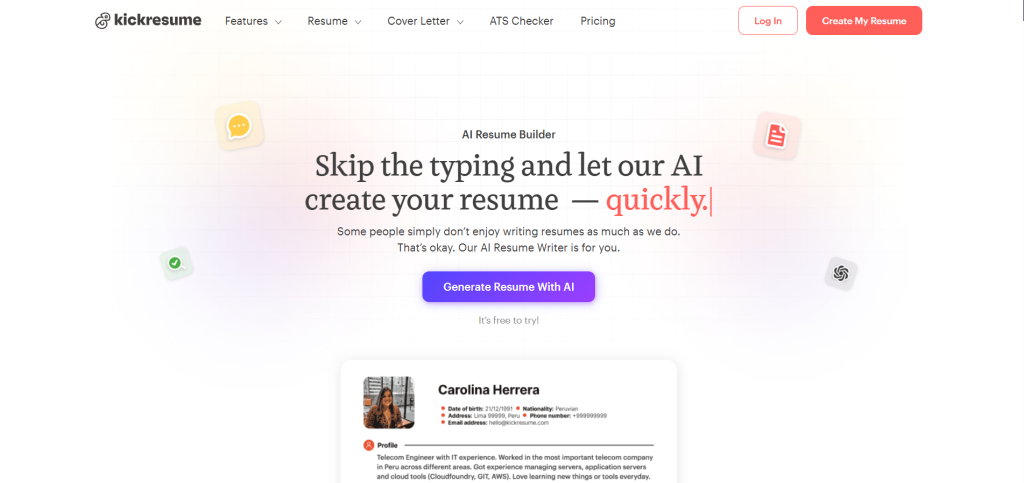
Kickresume is a popular free AI resume builder that helps people make resumes fast. It uses AI to create content based on your job title. For example, it can write bullet points for your work history. The tool has many templates you can change, like colors and fonts. In the free plan, you get four templates for resumes and cover letters. You can make as many resumes as you want and download them.
One key feature is the AI resume writer. You enter your job title, and it makes a draft with sections like summary and skills. It also has pre-written phrases to pick from. This makes it simple for beginners. The designs are modern and eye-catching, which can help in creative fields. But for plain jobs, you might need to adjust them.
How does it work? First, sign up for free. Then, choose a template. The AI asks questions about your experience. It fills in parts for you. You can edit everything. When done, download as a PDF. According to Kickresume, this tool scores high for being easy to use and having good AI. A user on Reddit said Kickresume is the best all-in-one hub because it handles AI tailoring well.
I tested the 10 best resume builders of 2026. Here’s what actually works.
byu/toso_o inResumeCoverLetterTips
Pros include unlimited downloads in the free version. It checks for grammar too. Cons are that the free plan has limited templates, and AI text might need changes to sound like you. In the US job market, it helps with ATS because templates are clean. Many people use it for tech jobs. As shared in a post on X, tools like this help create pro resumes in minutes.
To get started, go to their site and try the AI writer. It takes about 10 minutes to make a basic resume. You can add sections like education or skills easily. This builder is good if you want something quick and free.
Rezi: Great for ATS Optimization
Rezi is another strong free AI resume builder. It focuses on making resumes that pass ATS checks, which many US companies use. The AI helps with bullet points, summaries, and keywords. You can target specific jobs by adding the job description. The tool scans it and suggests changes.
Features include an AI bullet point writer and skills explorer. It gives real-time checks on your resume. The free plan lets you build and download resumes. You get access to basic templates and AI tools without paying.
Step by step, sign up and import your info. Paste a job ad, and AI suggests keywords to add. Then, it rewrites your experience to match. Download when ready. According to Rezi, it guides you through the process with keyword targeting. A discussion on Facebook mentions Rezi as a top tool for creating resumes.
It helps in the US because it optimizes for big job sites like Indeed. Users say it increases interview chances. The free version has no watermarks, which is nice. But some advanced AI needs a paid plan. Still, the basics are free and useful.
For example, if you’re applying for a sales job, AI can suggest action words like “achieved” or “increased.” This makes your resume stronger. Many reviews call it one of the best for tech and corporate roles.
Teal: Unlimited Free Resumes with Job Matching
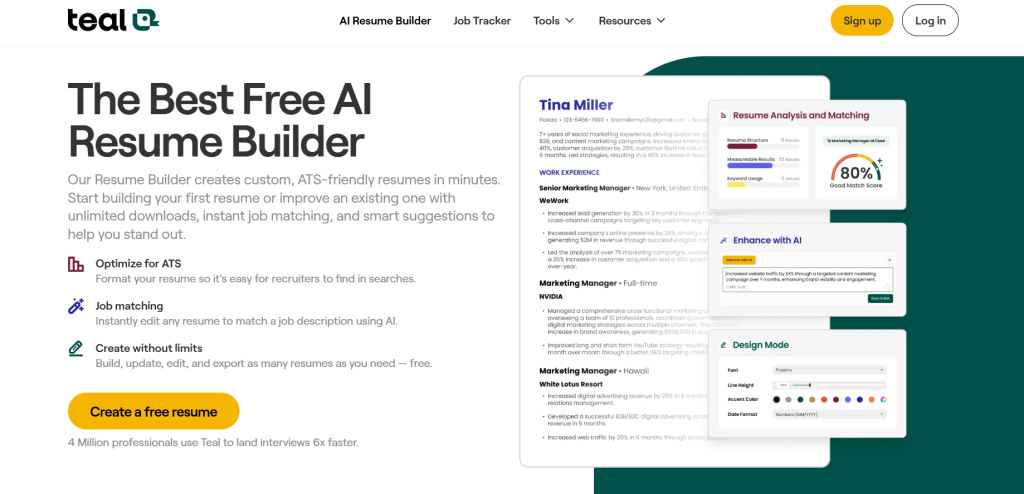
Teal offers a free AI resume builder that lets you make as many resumes as you need. It uses AI to match your resume to job descriptions. This is helpful for US job seekers who apply to many positions. The tool analyzes your resume against a job and gives a score.
Key features are AI bullet point generator and summary writer. It has over 100 templates you can customize. You can import from LinkedIn too. The free plan includes unlimited exports in PDF or Word.
To use it, create an account. Upload a job description. AI suggests keywords and fixes. Edit with drag and drop. Then, download. According to Teal, it lands interviews six times faster. A post on Reddit praises Teal for its free features.
Best Resume Builder of 2026? What are People Actually Using Now
byu/Medical-Ad-8105 injobs
Benefits include job tracking tools. It shows skill gaps. In the US, this helps with remote jobs. The designs are simple and ATS-friendly. Free users get full access without limits, unlike some tools.
If you have multiple career paths, Teal lets you save versions. This saves time. Users report applying to more jobs easily.
Enhancv: AI for Content Tweaks
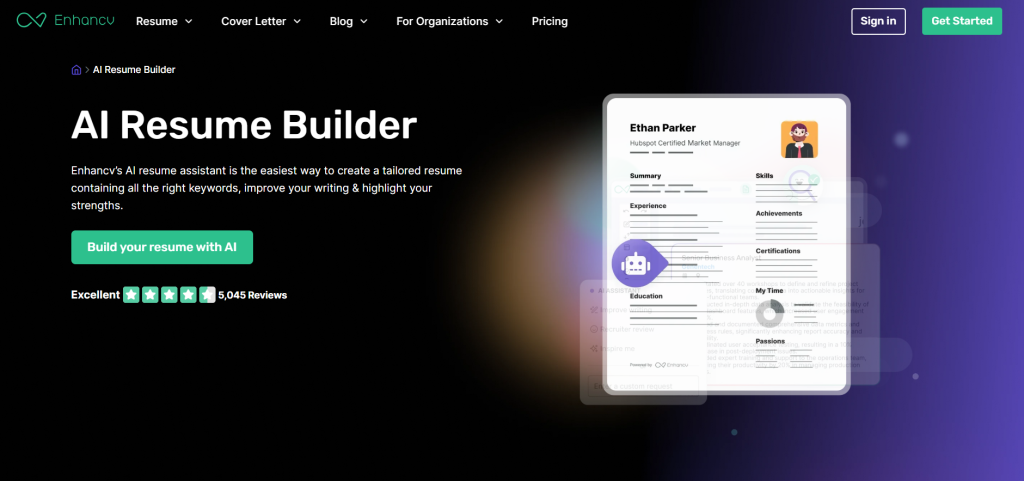
Enhancv is a free AI resume builder with a chatbot for help. It suggests bullet points and titles. You get 20 templates in the free trial. The tool checks ATS and grammar.
The free part is a 7-day trial with all features. After, you can build but need to pay to download. Still, it’s useful for quick tries.
How it works: Sign up and choose a template. AI helps fill sections. It translates to other languages too. Download during trial. According to Enhancv, it uses AI for evaluation and optimization. A user on X talked about building a free AI resume tool, similar to Enhancv’s approach.
It’s good for US jobs because of keyword tools. Designs are flexible. Cons are the short free period. But many use it to make one resume fast.
For creative jobs, it has modern looks. You can add sections like projects.
Canva: Design-Focused Free AI Builder
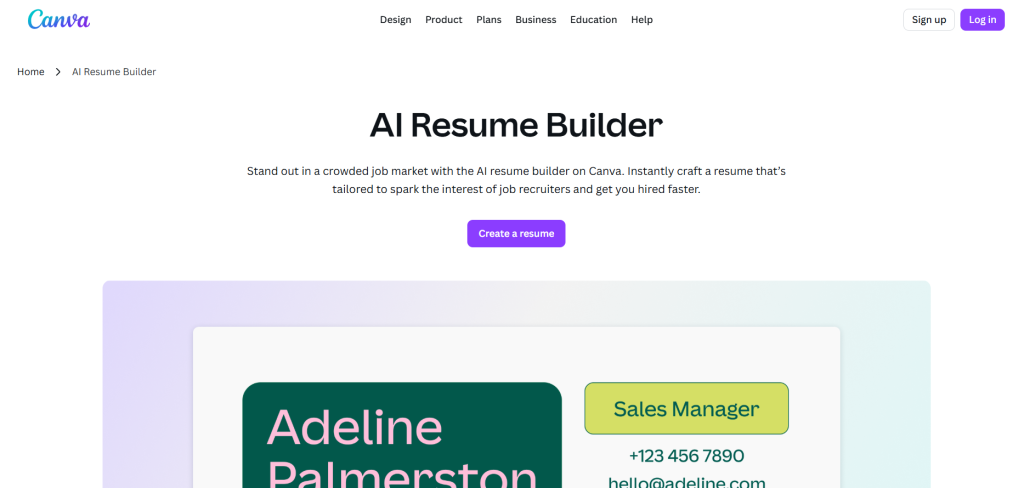
Canva has a free AI resume builder for visual resumes. It generates text from your input and job details. You get thousands of templates.
Features include drag-and-drop and AI rewrite. It’s fully free for resumes, no paywall.
Start by pasting text. AI makes suggestions. Edit and add images if needed. Download as PDF. According to Canva, it’s free and quick. A group on Facebook lists Canva as a top free builder.
In the US, it’s great for design roles. But check ATS, as fancy designs might not work. It’s easy for beginners.
You can collaborate with others for feedback.
Comparison of Features
Here’s a table showing key features of these builders:
| Builder | Free Templates | AI Content Generation | ATS Check | Unlimited Downloads |
|---|---|---|---|---|
| Kickresume | 4 | Yes | Yes | Yes |
| Rezi | Basic | Yes | Yes | Yes |
| Teal | 100+ | Yes | Yes | Yes |
| Enhancv | 20 (trial) | Yes | Yes | Trial only |
| Canva | Thousands | Yes | No | Yes |
This table helps see differences. For example, Teal has the most templates.
Tips for Using Free AI Builders
Pick based on your job type. Test ATS with tools like Jobscan. Always edit AI text to make it personal. In the US, focus on skills and results. According to BeamJobs, tested builders like these score high for AI.
Users on Reddit say AI helps but keep your voice. A post on X highlights top tools for US seekers.
These builders make job search better without cost. Try them to see what works.







