 Gourav
 Live streaming is fun. It lets people share ideas with others online. But sometimes, hosts get tired. They need help. That’s where AI avatars come in. These are digital people made by computers. They look and talk like real humans. They can host streams for you. This makes streaming easier and more exciting.
In this blog post, we will talk about the top five AI avatar services. These are great for live streaming hosts. We picked them because they are popular and work well. They help make streams look professional. You can use them to talk to viewers without being on camera all the time. Let’s learn more about each one.
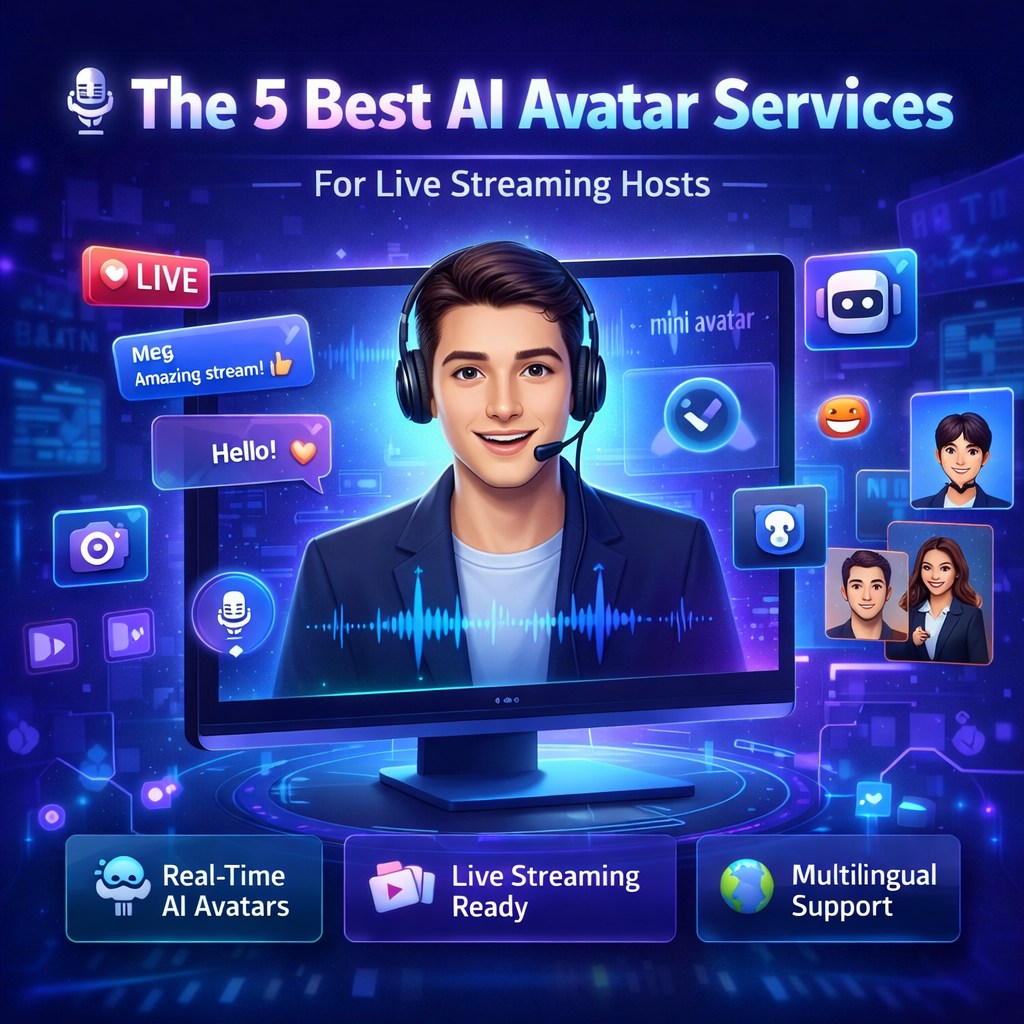
What Are AI Avatars?
AI avatars are like cartoon or real-looking people on your screen. They are made using smart computer programs. These programs use artificial intelligence. That’s what AI means. Avatars can move their lips when they talk. They can smile or wave. Some even answer questions from viewers in real time.
Why do hosts use them? Because they save time. You don’t have to sit in front of the camera for hours. The avatar does the work. It can read scripts you write. Or it can chat live. This is perfect for games, talks, or selling things online. Many people on sites like Twitch or YouTube use them now.
Why Use AI Avatars for Live Streaming?
Live streaming can be hard. You have to talk a lot. Your voice might get sore. Or you might feel shy on camera. AI avatars fix that. They never get tired. They can stream all day if you want.
They also make streams more fun. Viewers like seeing cool digital people. Avatars can change looks. One day, it can be a fun character. The next, a serious host. Plus, they speak many languages. This helps reach more people around the world.
From what people say online, these tools are getting better. For example, in a Reddit discussion on AI video platforms, users talked about how avatars help creators. They said tools like these make videos faster. A news site like Unite.AI also explains how avatars boost engagement. That’s when viewers watch and interact more.
The 8 Best AI Video Platforms to Start Your Creator Journey in 2026
byu/Educational_Wash_448 ingenerativeAI
The Top 5 AI Avatar Services
Here are the five best ones. We looked at reviews from places like X.com, Facebook, and news sites. Each has special features for live streaming.
HeyGen: Great for Real-Time Chats
HeyGen is one of the top choices. It lets you make avatars that talk live. You can use it for streaming on platforms like Twitch. The avatars look very real. They move their mouths right with the words.
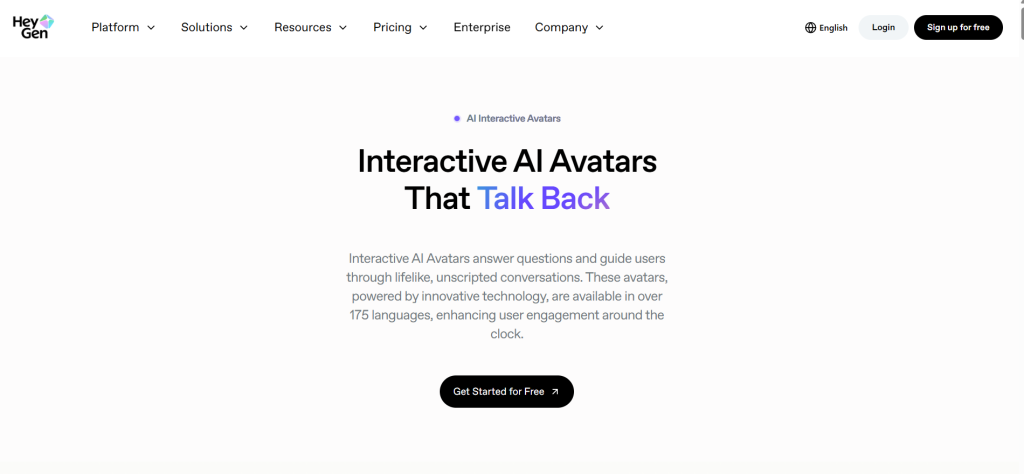
Key Features of HeyGen
HeyGen has over 100 avatars to pick from. You can make your own too. Just upload a photo of yourself. The AI makes it into a talking version. It supports many languages. This is good if your viewers are from different countries.
For live streaming, HeyGen has a special mode. It’s called Streaming Avatar. It lets the avatar answer questions in real time. You connect it to a chat system. Viewers type messages, and the avatar replies. This feels like a real host.
Pricing starts low. You can try it for free first. Then pay about $24 a month for more features. It’s easy to use. Even kids can learn it fast.
What Users Say About HeyGen?
People love HeyGen for its speed. On X.com, a post by Gustavo Garcia talks about live avatars. He says HeyGen is flexible and integrates well. That means it works with other tools easily.
In a Facebook group post, someone recommended HeyGen for real-time streaming. They said it has good multilingual support. A review on YouTube from a comparison video calls HeyGen one of the best for quality.
But some say it can be pricey for big uses. Still, for beginners in live streaming, it’s a top pick.
Synthesia: Best for Professional Looks
Synthesia is another big name. It’s great for making avatars that look like pros. Many companies use it for training videos. But it works for live streaming too.
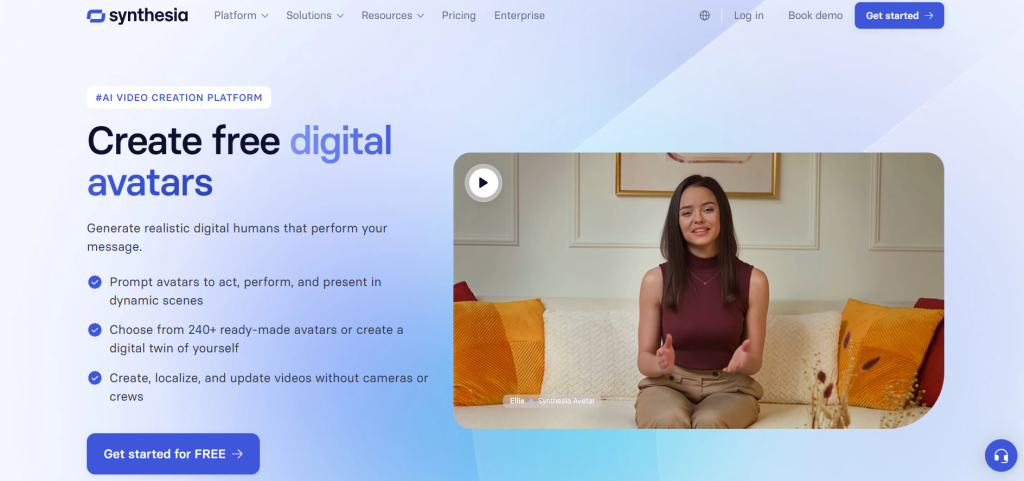
Key Features of Synthesia
Synthesia has over 150 avatars. They come from real actors. This makes them look natural. You type a script, and the avatar says it. For live streams, it has a beta feature for real-time talks.
It supports 120 languages. You can add gestures. Like nodding or hand moves. This makes the stream feel alive. It’s secure too. Big businesses trust it.
Plans start at $18 a month. You get minutes of video time. It’s simple to set up. No need for fancy cameras.
What Users Say About Synthesia?
Reviews are mostly good. A Reddit post in r/ProductivityApps compares it to others. Users say it’s great for business videos. On X.com, a post by Wildminder mentions similar tools, but Synthesia stands out for quality.
Synthesia, Leadde AI, HeyGen, or AI Studios: Which is the best AI avatar video generator for business?
byu/BornYak6073 inProductivityApps
A Facebook discussion asks for the best avatar system. Many suggest Synthesia. A news article on Wyzowl praises its avatars and voices.
Some users wish it was faster for live stuff. But for polished streams, it’s excellent.
DeepBrain AI: Good for Multilingual Streams
DeepBrain AI focuses on realistic talks. It’s perfect for hosts who want avatars in many tongues.
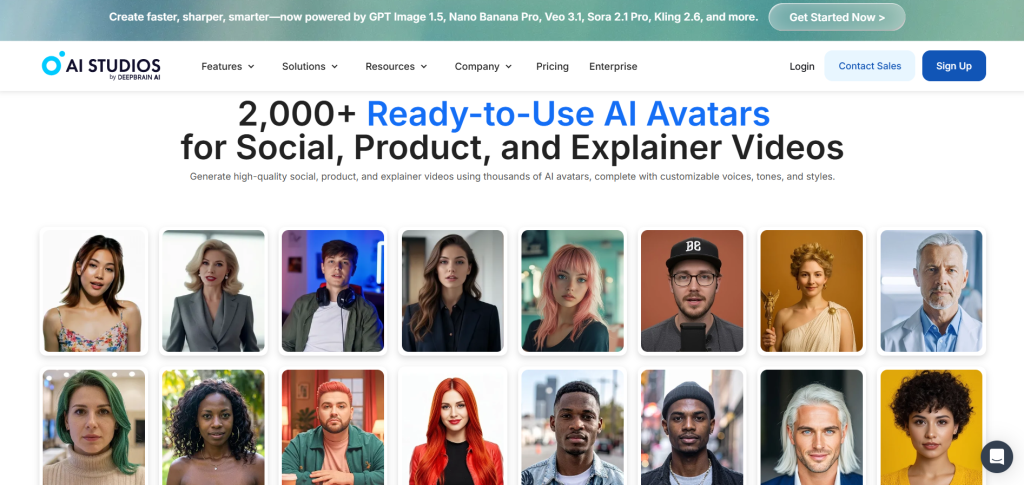
Key Features of DeepBrain AI
It has avatars that lip-sync well. That means mouths match words perfectly. You can make custom avatars from videos of yourself. For streaming, it has real-time options.
It supports over 80 languages. You can add backgrounds and music. It’s easy to edit scripts. Pricing is about $24 a month.
What Users Say About DeepBrain AI?
People like its natural voices. In a Reddit thread on r/automation, users compare it to others. They say it’s solid for videos.
Best ai avatar generator?
byu/JusticeForSimpleRick inautomation
On X.com, a post by Halim Alrasihi talks about talking head avatars. DeepBrain gets mentions in similar contexts. A Facebook post recommends it for streaming.
A review on Android Police tests it and says it’s convenient for social media.
It might need better free trials, say some.
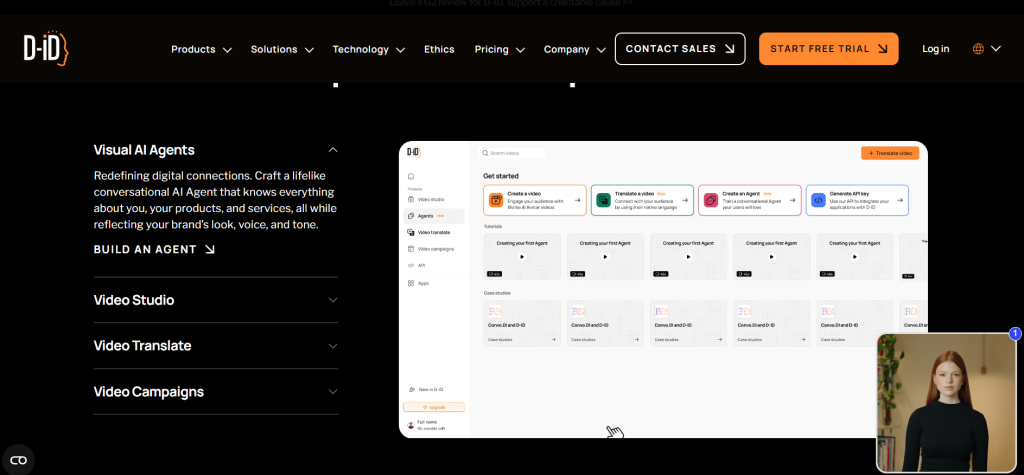
D-ID: Fast for Quick Streams
D-ID is quick and easy. It’s good for hosts who need fast setups.
Key Features of D-ID
You can turn text into videos in minutes. Avatars are diverse. It has real-time features for live chats. Supports many languages.
You can clone your voice. This makes the avatar sound like you. Plans start at $6 a month.
What Users Say About D-ID
Users say it’s beginner-friendly. A Reddit post in r/AI_UGC_Marketing discusses avatars, and D-ID is noted for quality, though some mention pricing concerns.
On X.com, a post by The Capitalist mentions realistic tools like this. In Facebook groups, it’s praised for interactions, based on general AI avatar discussions.
News from G2 Learning Hub calls it revolutionary for multilingual and real-time use.
Some want more custom options.
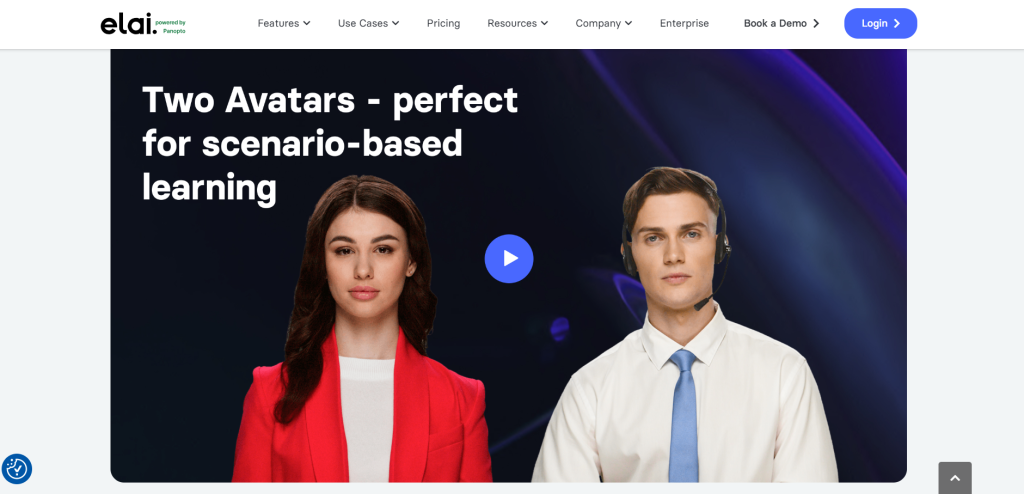
Elai: Flexible for Custom Streams
Elai is versatile. You can build stories with avatars.
Key Features of Elai
Over 80 avatars. You can make them from articles or scripts. Good for live with chat features. Supports 75 languages.
It’s collaborative. Teams can work together. Pricing from $23 a month.
What Users Say About Elai?
Feedback is positive for ease. A Reddit post in r/StableDiffusion talks about similar, but Elai is cloud-based and simple.
On X.com, a post by Min Choi shows demos that inspire. Facebook recommendations include Elai for videos.
A site like Powtoon says it’s everything you want in a generator.
It could improve on speed for very long streams.
How to Choose the Right One?
Think about what you need. If you want real-time chats, pick HeyGen. For pro looks, go with Synthesia. Check prices and try free versions.
Read more reviews. Sites like G2 Learning Hub have lists. Or check X.com threads for tips.
Conclusion
AI avatars change live streaming. They make it easier and fun. The five we talked about are HeyGen, Synthesia, DeepBrain AI, Hour One, and Elai. Each has strengths. Try them out. See what fits your style.
Many hosts use them now. As seen in news from NVIDIA, tech is advancing fast. Start small. Soon, your streams will be better than ever.







