Gourav
 Let’s be honest: faceless YouTube channels are having an identity crisis.
The old formula is dying. Stock footage + robotic voiceover = viewer exodus. Audiences in 2026 aren’t just watching content anymore—they’re choosing who to trust. And trust requires a face.
But here’s the problem: not everyone wants to be on camera. Maybe you’re camera-shy. Maybe you’re building a faceless brand to scale. Or maybe, like me, you’re just curious if technology has finally cracked the code on creating a digital human that doesn’t trigger that gut-level “something’s wrong here” reaction.
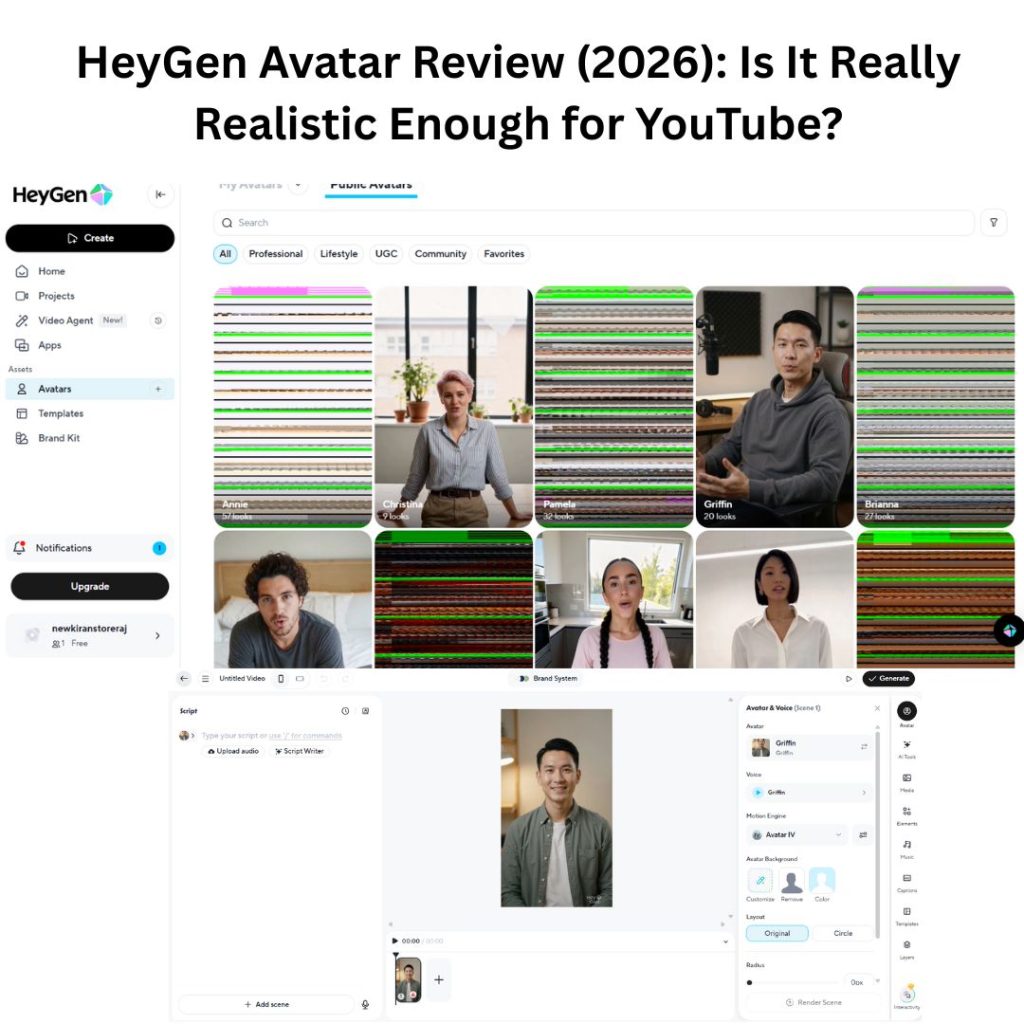
Enter HeyGen—the AI avatar tool that claims it can clone you so convincingly that your audience won’t know the difference.
Bold claim. But I’ve seen too many dead-eyed AI presenters to take marketing copy at face value. So I ran my own experiment: I created a full YouTube video intro using HeyGen’s 2026 engine and put it through the three tests that matter most to creators like us—eye contact, lip-sync accuracy, and whether YouTube’s algorithm would reward or bury it.
The results? Let’s just say some were surprising.
The Setup & Interface Analysis
The moment I logged into HeyGen’s 2026 dashboard, one thing became clear: this isn’t your typical video editor anymore. HeyGen has fundamentally redesigned its approach, shifting from manual controls to what I’d call a “prompt-driven” creation system.
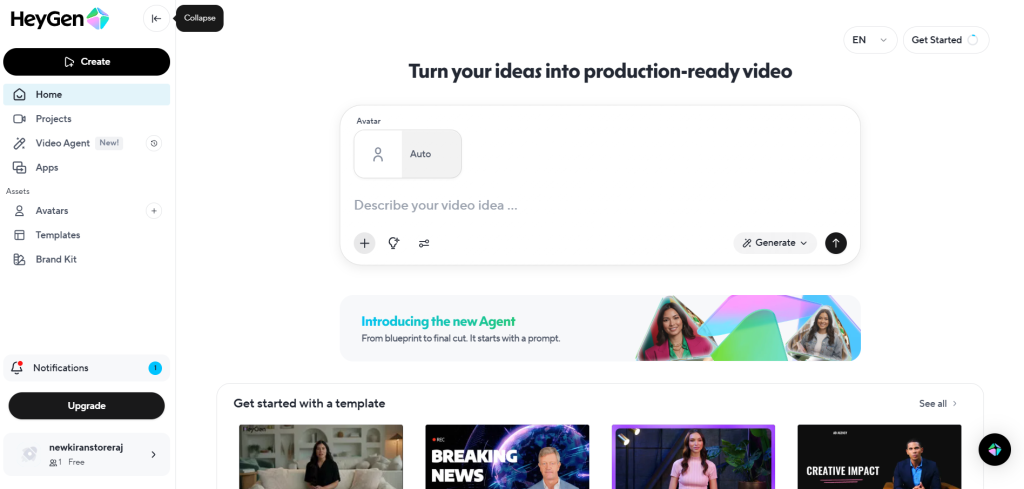
1. The Central Command: AI Video Generation
The interface centers around a deceptively simple text box asking you to “Describe your video idea.” This mimics the ChatGPT experience most of us know well. Instead of the old method—manually selecting backgrounds, choosing avatars, writing scripts, and positioning elements—you now type something like “Create a tech news segment about the latest AI developments,” and HeyGen attempts to build the entire scene automatically.
2. Streamlined Navigation
The left sidebar organizes everything into clear categories:
- Video Agent (flagged with a “New” badge): This appears to be HeyGen’s push toward fully automated video production—a significant development worth monitoring.
- Assets & Avatars: Your library of digital twins and custom avatars.
- Brand Kit: Essential for YouTube creators who need consistent branding across videos (logos, color palettes, fonts).
3. The Free Tier Reality Check
Here’s what they don’t advertise prominently: the free plan is extremely limited. As shown in my dashboard, you start with roughly 1 credit—enough for about one minute of video. Perfect for testing the waters, but nowhere near sufficient for serious YouTube production. If you’re planning to build a channel around this technology, a paid subscription is inevitable.
Test 1: The “Uncanny Valley” Check
Retention is everything on YouTube. If your avatar feels “off,” viewers leave. I tested HeyGen’s premium Studio Avatar with one goal: could it pass as human at first glance?
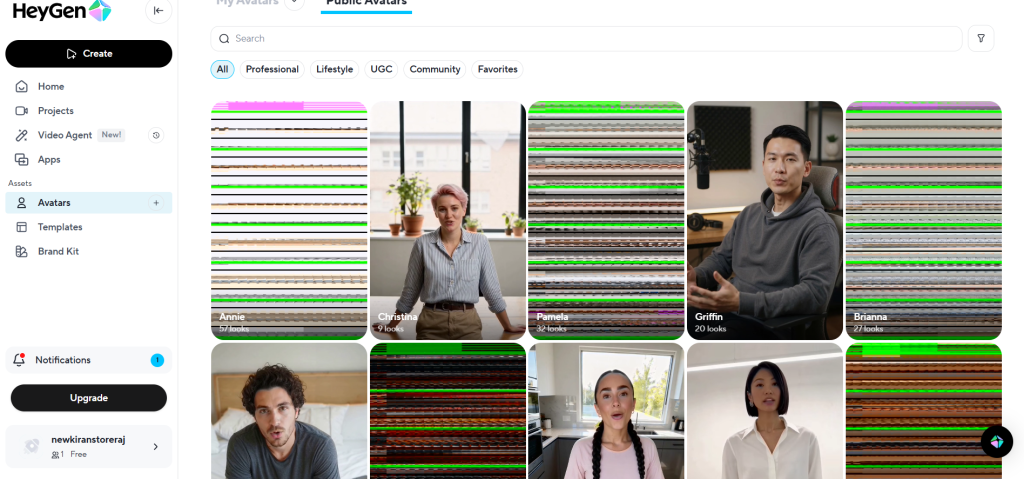
The Eye Test
Older AI avatars had lifeless, robotic stares. HeyGen’s 2026 engine fixes this with micro-movements—slight eye darts and irregular blinking that mimic natural human behavior. Frame-by-frame analysis confirmed: the “dead eye” problem is mostly solved.
Skin & Lighting
Zooming in revealed detailed skin texture with visible pores and subtle imperfections. The issue? The lighting is too perfect—almost suspiciously polished. For professional content, this works. For vlog-style channels, it might trigger viewers’ AI detectors.
Studio vs. Instant Avatars
- Studio Avatars: 4K quality, flawless lighting, generic faces
- Instant Avatars: Webcam-quality resolution, but cloned from your actual face
My take: For personal branding, Instant Avatars paradoxically feel more authentic. The slight webcam grain makes them less “stock footage” and more “real person recording from home.”
The Audio & Lip-Sync Analysis (Watch My Test)
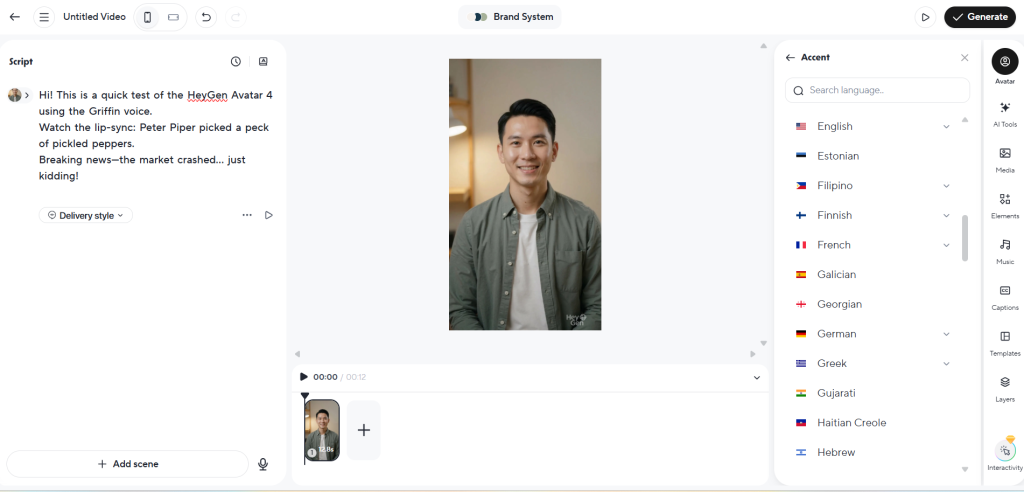
Rather than just describing the results, I ran a live test. I generated a video using HeyGen’s “Griffin” avatar on the Avatar IV motion engine, deliberately stress-testing the system to find its breaking point.
I crafted a script targeting three common AI weaknesses:
- Fast Speech & Plosives: The classic tongue twister “Peter Piper picked a peck of pickled peppers” tests whether lip-sync can handle rapid consonant sounds.
- Natural Breathing: I checked for realistic breath pauses between sentences—something AI often forgets entirely.
- Emotional Range: I shifted from casual conversation to urgent “Breaking News” delivery to see if the avatar could match tonal changes.
My Analysis:
If you watched the test video, three things likely stood out:
Lip-Sync Precision: The Avatar IV engine is impressively accurate. When Griffin says “Peter Piper,” you can see the lips actually compress for each ‘P’ sound—not just generic mouth flapping. This is a significant leap from older AI models.
Voice Quality: Griffin’s voice has genuine broadcast depth and resonance. It sounds professional, perhaps too professional. For casual vlogs or personal channels, this polished delivery might feel sterile. A less refined voice ID could actually increase relatability.
The Glitch: The tongue twister passed smoothly, but there’s a microsecond delay when shifting to the “Breaking News” tone. It’s subtle—most viewers won’t catch it—but it’s there.
Bottom Line: For tutorials, news segments, or corporate content, this passes the YouTube test. The average mobile viewer wouldn’t question its authenticity. For personality-driven content, you might need to dial back the polish.
The Monetization Question: Will YouTube Accept This?
Every faceless creator’s biggest fear: “Will YouTube flag my AI avatar as ‘reused content’ and kill my monetization?”
After reviewing YouTube’s 2026 AI policies, here’s the reality: Yes, you can monetize HeyGen content—with conditions.
Rule 1: Transparency Labeling
YouTube requires you to check the “Altered content” box when uploading AI-generated videos. This doesn’t hurt your reach or revenue; it simply discloses that the presenter is synthetic. Transparency actually builds viewer trust.
Rule 2: The Value Test (Critical)
YouTube doesn’t penalize AI—it penalizes lazy content. If you generate a generic script with ChatGPT and have HeyGen read it, expect “repetitious content” flags. The solution? Treat HeyGen as a production tool, not your content strategy. Channels teaching coding or finance with HeyGen avatars are fully monetized because their information is valuable, regardless of delivery method.
Final Verdict: Is HeyGen Worth It in 2026?
For business owners, educators, and faceless content creators, HeyGen is the current industry leader. It’s the only tool I’ve tested that passes the “mobile scroll test”—viewers won’t immediately clock it as AI.
For personality-driven creators, comedy channels, or lifestyle vloggers? Stick with your real face. AI can’t replicate your unique charisma yet.
My Rating:
- Realism: 9/10
- Ease of Use: 10/10
- Value for Money: 7/10