 Gourav
 An AI logo maker is a smart tool that helps you make a logo very fast. A logo is a simple picture or a set of words that helps people know your brand. You can think of a logo like a face for your business or your team. The term AI stands for artificial intelligence. This is like a computer that can think and create things like a human designer would. The computer takes your ideas and turns them into a beautiful design you can use anywhere. You can tell the computer the name of your shop and the colors you like the most.
These tools are very powerful in the year 2026. They use new technology to make logos that look very clean and professional. Using an AI tool helps people save a great deal of time and money. You do not have to wait many days for a person to draw a picture for you. Many people like these tools because they make starting a new company feel very simple. You can find many helpful reviews of these tools on websites like Dev.to. Many people also share their favorite tools and tips on Reddit. These websites show that using a computer to help with design is the popular way of the future.
Why You Should Use an AI Tool for Your Logo?
Small shops and new projects often need to move very fast. AI logo tools help you get great results in just a few minutes. They cost much less than hiring a person to draw a logo from scratch.
You do not need special drawing skills or art training to use these tools. You just click your mouse and type in the words you like. The computer already knows which designs look good and which ones do not.
The AI understands what makes a business look professional to your customers. This is very helpful for people who are just starting a brand identity. A brand identity is the way your business looks and feels to other people.
Experts at TechRadar say that these tools are changing how small businesses work today. You can see many examples of these logos on social media sites like X. Many people share videos on Facebook to show how the computer creates art.
The Best AI Logo Makers for 2026
There are many different tools available on the internet for you to choose from today. Some tools are made for people who want to save as much money as possible. Other tools are built for people who want a very fancy look for a large company. In 2026, the technology has changed from just making simple shapes to truly understanding brand feelings. We have looked at many tests and reviews to find the top choices for you to try right now.
Fiverr AI Logo Maker
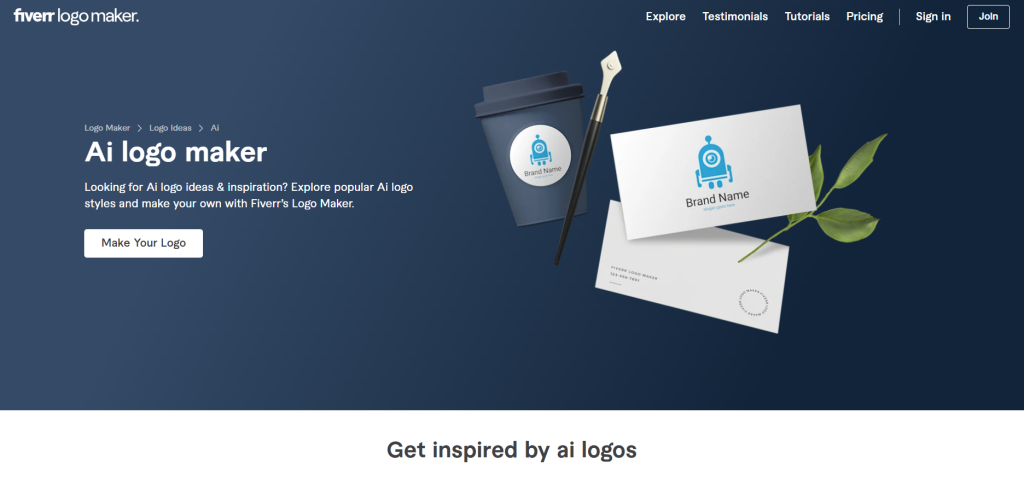
Fiverr is one of the top choices for making a professional logo in 2026. It works by asking you a few simple questions about what your business does and who your customers are. You tell the computer if you want your logo to look fun or very serious. The AI then looks at your answers and provides many different ideas for you to see. When you use this tool, it feels like you are talking to a human designer who is listening to your every word.
One of the best parts about this tool is the Brand Kit it offers for new businesses. A Brand Kit is a set of files and rules that helps you keep your business looking the same everywhere. It includes your logo in many sizes for your website and your social media pages. Using this tool feels very high-end because the computer suggests layouts that fit your specific style. You can read more about how this tool compares to others on the DesignRush website.
There are many good things about using Fiverr for your new design. The logos it makes look like they were made by a real person with many years of training. The tool is very easy to use even if you have never designed anything in your life. One thing to keep in mind is that you must pay after you try the tool to get your final files. Many people on Reddit say this is a fair price for the high quality you get back.
Canva AI Logo Generator
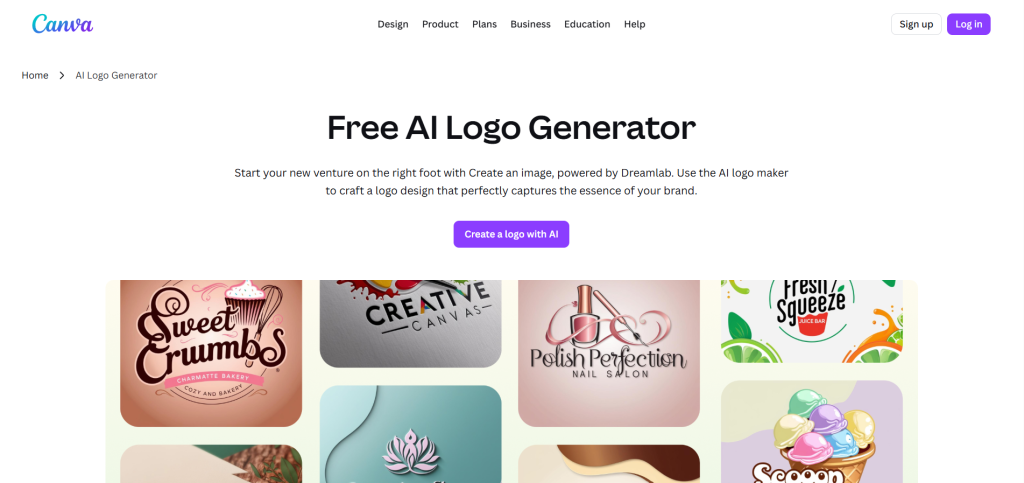
Canva is a tool that is very free and fun for beginners to use for any project. You start the process by typing in a description of what you want your logo to look like. You can say you want a blue bird or a very fast car in the picture. The AI then creates many different styles for you to browse through on your screen. The interface feels very smooth and uses a simple drag-and-drop method that anyone can master in seconds.
This tool makes it very easy to add your new logo to other things like flyers or posts. You can put it on business cards or on your new website with just one simple click. This saves you the step of having to download and upload files many times during the day. You can visit the Canva website to start creating your first design right away. Many groups on Facebook recommend this tool because it has so many helpful templates. It is a wonderful choice if you want to be creative without spending a lot of money.
Wix Logo Maker
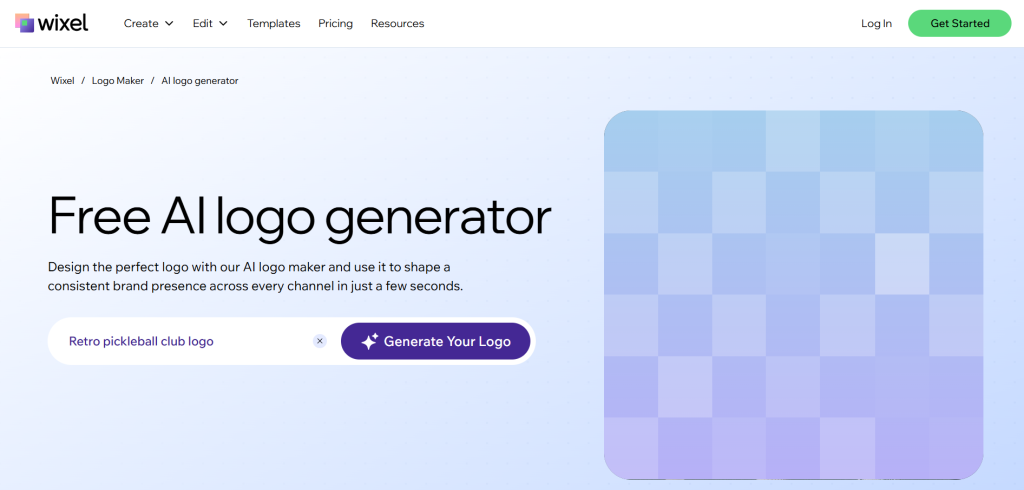
The Wix Logo Maker is a great choice for people who are already building a website. The process starts with the AI asking you deep questions about your business and your personal style. It wants to know if you like things that are modern or things that look very classic and old-fashioned. After you answer the questions, it gives you a custom logo that fits your brand perfectly. The user journey feels very guided and safe, almost like having a teacher help you with an art project.
When you use this tool, you get a full kit that you can use for your whole brand presence. You can change the colors and the fonts to make sure they match your vision for the future. It does require a one-time payment to download the high-quality files you need for printing. This is a good deal for many because it keeps everything you need inside the Wix system where your website lives. You can see how this works in many helpful videos on YouTube. People on Reddit say it is the best tool for people who do not have a lot of technical skills.
Looka AI Brand Tool
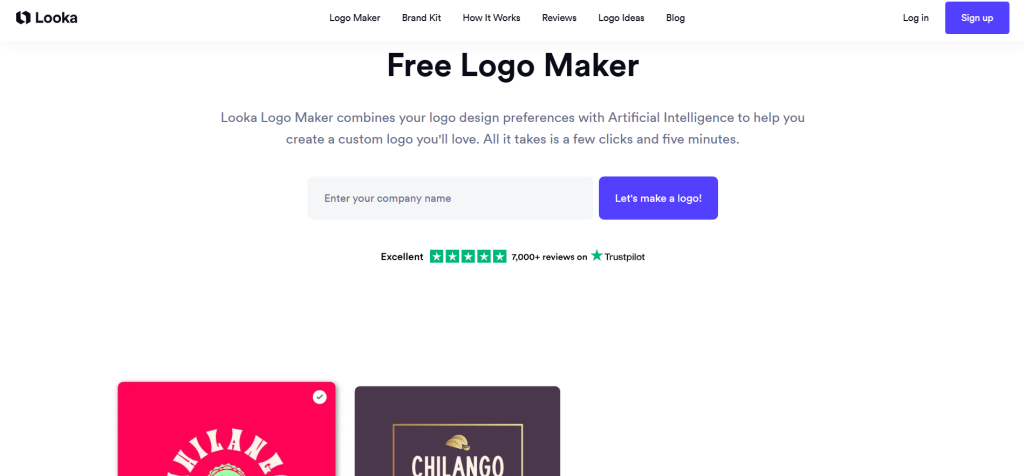
Looka is often described as a very polished tool that does more than just make a simple logo. It uses its smart computer brain to help you create a whole brand identity from the ground up. This includes choosing colors that look good together and picking fonts that are very easy for people to read. It creates matching designs for things like business cards and email signatures. Using Looka feels like visiting a boutique design studio where everything is curated and elegant.
The AI in Looka focuses on making logos that are unique and do not look like everyone else’s designs. It provides you with many options so you can see which one feels right for your new shop. You can find more details about this tool on the Logodiffusion website. Users on X often talk about how Looka helps them find the exact right colors for their brand. It is a very strong choice for anyone who wants a complete and professional look for their new business.
LogoAI.com
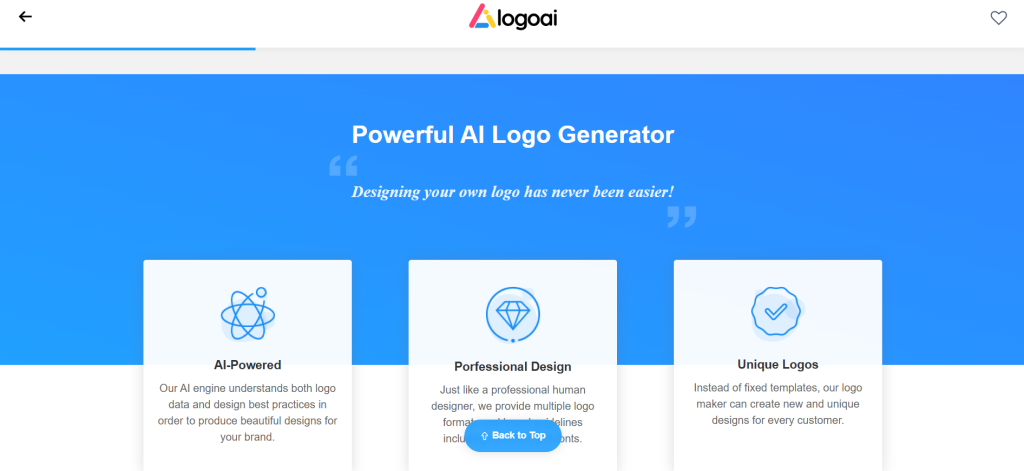
LogoAI.com uses what they call a smart engine to match your brand’s specific identity. This engine is designed to follow good design practices that expert artists use every day. It looks at your business type and suggests logos that fit that specific industry perfectly. This means a logo for a gym will look strong, while a logo for a spa will look very calm and soft. The website feels very intelligent and responsive as it predicts what your customers will like to see.
This tool is also very useful for creating content for your social media pages automatically. It helps you automate the process of making posts that use your new logo and colors. You can visit LogoAI.com to see how the engine works for yourself in real time. There are also many great recommendations for this platform in groups on Facebook. It is a smart choice for people who want a tool that understands the hidden rules of professional design.
Tailor Brands
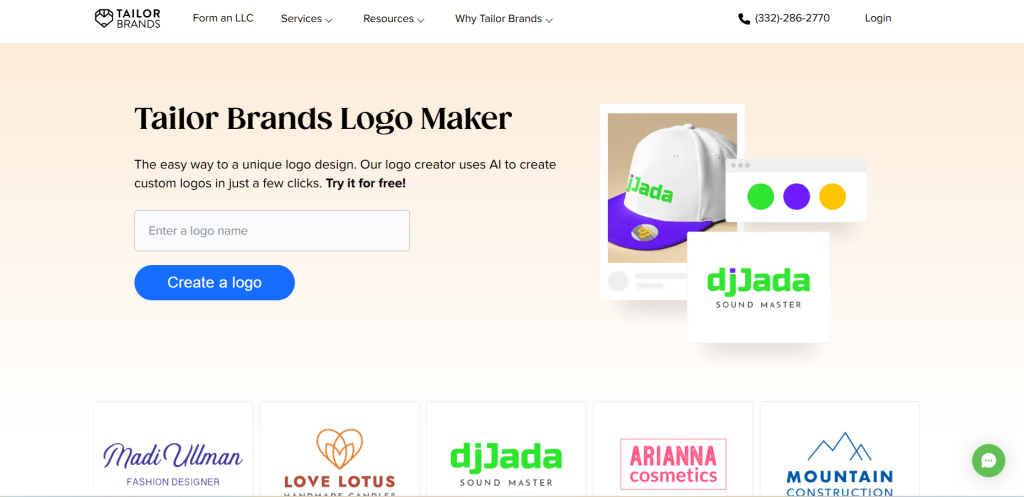
Tailor Brands focuses on making unique and custom logos in just a few clicks of your mouse. The AI acts like a designer that is always ready to work for you at any time of the day. It builds a full brand kit that includes everything a new company might need to grow and succeed. The platform feels very friendly and welcoming, making the design process feel less like work and more like a hobby. You can see how easy it is by visiting the Tailor Brands website.
This service uses a subscription model, which means you pay a small amount every month to keep using it. This is helpful because it allows you to keep using their tools to grow your brand as you get more customers. Many people on Reddit say it is one of the best sites for making logos. It is a good option if you want a tool that stays with you as your business gets bigger over the years.
Logomakerr.ai
Logomakerr.ai uses a model where you can try the tool for free and only pay if you like the final result. This is a very friendly way to design because there is no risk to your money while you play. The AI works by blending different design ideas together until it finds something that you truly love. The experience of using the tool is very relaxed because you can keep clicking until the logo is perfect. You can visit Logomakerr.ai to start making your own designs today.
It is a great tool for people who want to see many different options before they make a final choice. The tool is custom to your needs and helps you blend styles like modern looks and vintage feelings. This way, your logo will stand out and show people that your business is very special and different. The interface is simple and clean, which makes it very easy for anyone to use without any training at all.
Design.com
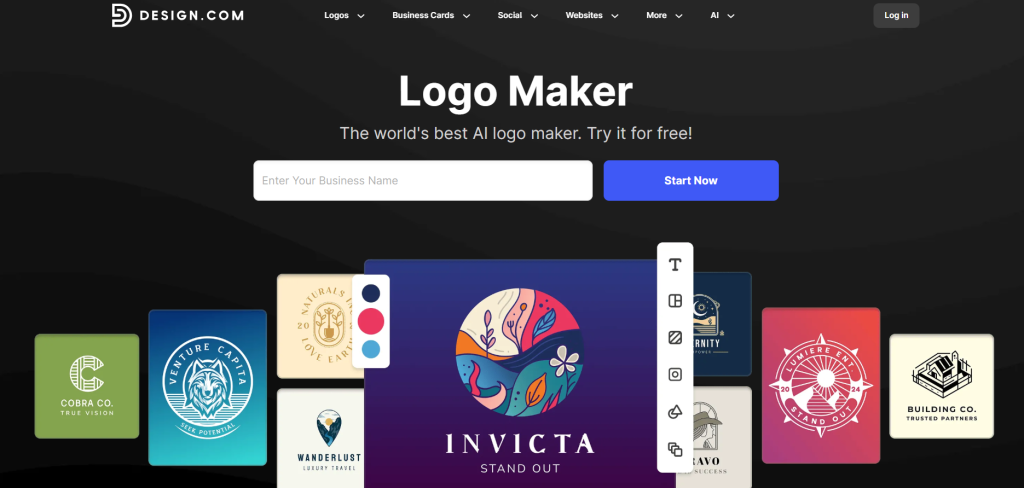
Design.com is known for providing very high quality and original templates for all its users. The AI helps you pick from designs that have already been checked by design experts. This ensures that every logo you make looks professional and very clean for your customers. Using this tool feels like you are browsing through a high-end art gallery made just for your brand. There is no free version of this tool, but many people think the price is worth it for the high quality.
This tool is great for people who want a logo that looks like it was made from scratch by an artist. The computer makes sure that your design is original so that you do not have the same logo as your neighbor. You can find more updates about their new features on the social media site X. You can also see why people like it by reading the blog at DesignCrowd. It is a top choice for people who care a lot about having a high-quality image.
Adobe Express
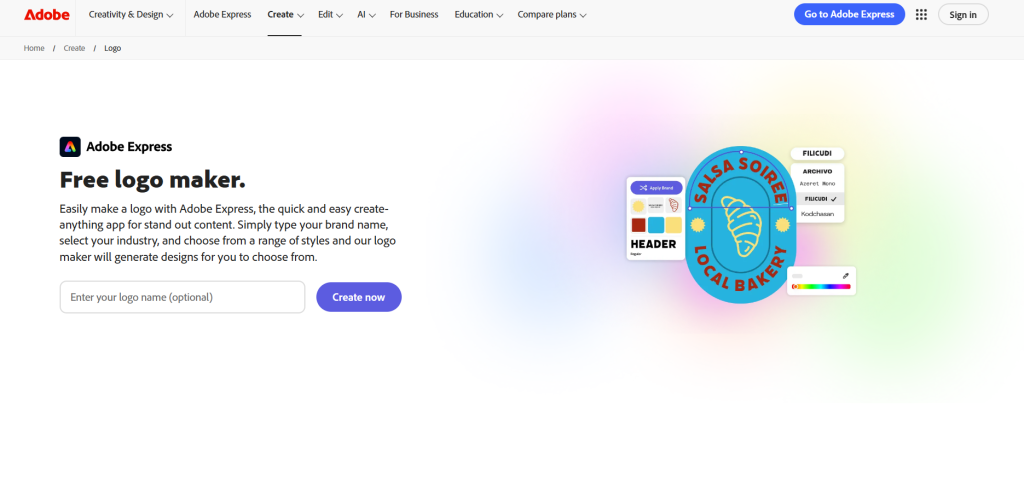
Adobe Express offers free AI features where you can describe your logo using your own words. You can type something like “a silver mountains logo for a hiking club” into the box. The AI will then generate several high-quality logos for you to choose from based on your words. The experience feels like magic as the computer turns your sentences into colorful art in just a few seconds. It uses a credit system where you get a certain number of tries for free every month.
The files you get at the end are very high quality and look great when they are printed on paper or shirts. You can find this tool at the Adobe Express website. Many people on Reddit have tested this tool against many other options. They say it is one of the best for making logos that look very modern and artistic. It is a very powerful tool that uses the best technology from a very famous design company.
Hatchful by Shopify
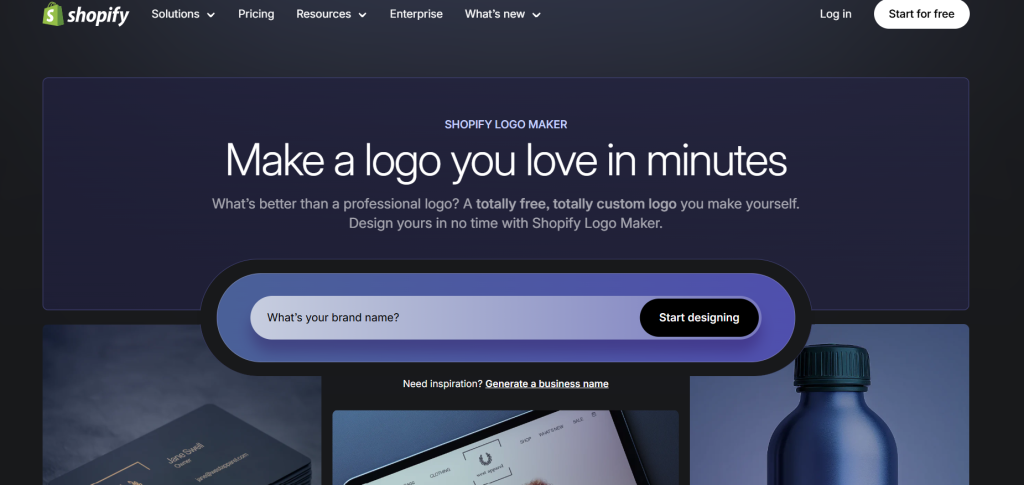
Hatchful by Shopify is a tool that was built specifically for small business owners who sell things online. It asks you very simple questions about what you sell and who your customers are in the real world. The AI then uses these answers to make logos that align perfectly with your brand’s mission. Using Hatchful feels very efficient and fast, which is perfect for a busy shop owner. This saves you a lot of time because the computer does the hard work of thinking of new ideas.
You can learn more about how this tool helps small businesses on the AND Academy website. Many people on Facebook say it is the best way to get a quick logo for a new website. It is free to use and focuses on making things very simple for people who have never designed before. This makes it a great choice for your very first business project or local shop.
How to Choose the Right Tool for You?
Choosing the right tool depends mostly on your budget and what you need the logo for in the end. If you want to spend no money at all, you should try tools like Canva or Adobe Express. These sites are very friendly for beginners and let you play with many different ideas for free. If you need a very professional look for a large business, you might want to pay for a tool like Fiverr or Looka. These tools give you more files that help you look like an expert to your customers.
You should always check to see if the tool gives you the right kind of computer files for your needs. A file type called an SVG is very important if you want to print your logo on a big sign or a shirt. This kind of file stays very sharp and clear even when you make it very large. You should also try a few different sites to see which one feels the easiest for you to use. Every tool works a little bit differently, so it is good to find the one that fits your own style.
You can read more about picking the right tool for your brand on Manypixels. You can also see which tools are the most popular by checking the app rankings on X. Trying a trial version of a tool is a great way to see what it can do without spending any money yet. Most people find that trying two or three different tools helps them make the best choice for their project.
Professional Tips for Better Logo Designs
To get the best result from an AI, you must give it very clear and detailed information. Make sure you tell the computer the exact name of your business and what you do every day. You should also pick colors that make people feel the right way about your new shop. For example, blue often makes people feel like they can trust you and your business. Green is a great color to use if you sell things that are healthy or come from nature.
You should always try to keep your logo design very simple and clean. A simple logo is much easier for people to see when it is very small on a phone screen. If there are too many lines or words in the picture, it can be very hard for people to read. You can see more advice on what to tell the AI on the Superside blog. Following these simple rules will make your brand look much better to everyone who sees it online.
It is a very good idea to add a personal touch to the logo that the AI makes for you. You can do this by changing a color or moving a shape to a different spot on the screen. This makes sure that your logo is not exactly the same as someone else’s logo. Many people on Reddit share their own tips for making logos look much better. You can also find free help and new ideas in groups on Facebook.
Fun Facts About Artificial Intelligence and Logos
Artificial intelligence is incredibly fast at coming up with new and creative ideas for your brand. One smart tool can create 100 different logo designs for you to see in just a few seconds. This same task would take a human designer many days or even weeks to finish by hand. This incredible speed is why so many people are choosing to use AI in the year 2026. It lets you see many different possibilities without having to wait a long time.
Experts believe that by the end of 2026, almost every brand will start its design process with AI. It has become the most common way to get a new creative project started for any company. You can find more fun facts about these smart tools on Zoviz. You can also see new technology like Sketch Logo AI being shared on X. It is an exciting time to be a creator because the computer is such a helpful and fast partner.
Comparison Table of Top AI Logo Makers
| Tool Name | Best For | Key Features | Cost Structure | Pros | Cons | Output Quality (Inferred) |
| Fiverr AI Logo Maker | Professionals and businesses | Questions-based generation, brand kits, and downloadable files | Paid (Pay after trying) | Easy to use, professional results, and highly rated for business use | Requires payment to download files after testing | Professional |
| Looka | Polished brand identities | AI-generated brand systems, business cards, and color matching | Paid | Unique designs and professional aesthetic | Must pay to access high-resolution files | Professional |
| Wix Logo Maker | Website owners and non-technical users | AI interview for business information, custom logos, and full brand kits | Paid (One-time payment) | Seamless web integration and provides full brand kits | Strong lock-in to the Wix ecosystem | Professional |
| LogoAI.com | Smart automation and social media content | Smart engine for matching identities and automated social content | Paid | Automates branding practices via a smart engine | Often requires manual tweaks for final results | Professional |
| Adobe Express | Descriptive prompts and creative control | Text-to-logo generation and style selection tools | Free | High quality output and provides free access | Usage is limited by a credit system | High Quality |
| Tailor Brands | Unique, full brand creation | Custom AI logos in clicks and brand development tools | Subscription | Easy process with beautiful results | Uses a subscription-based pricing model | High Quality |
| Design.com | Original, high-quality designs | AI generation with templates and pre-checked designs | Paid | High originality and good user ratings | No free option available | High Quality |
| Canva AI Logo Generator | Beginners and quick social media graphics | Describe-to-generate, templates, and export to sites or cards | Free | Completely free with a simple interface and vast template choice | Designs may be too basic for some users | High Quality |
| Hatchful by Shopify | Small businesses and Shopify users | Tailored question flow and brand alignment tools | Free | Saves time and specifically designed for small businesses | Heavy focus on Shopify ecosystem integration | Basic |
| Logomakerr.ai | Users who want to try before buying | Idea blending and custom design generation | Free to try / Paid for files | Free to generate; pay only if satisfied with the design | Free version offers limited basic features | Basic |
Extra Ideas for Using Your New Logo
You do not have to use these tools only for big businesses or professional shops. They are also great for fun things like sports teams or group projects you do at school. You can make a logo for your family reunion or a local hobby club in your own town. These tools make it so easy that you can have a custom logo for almost anything you do. It is a fun way to make your group feel more special and organized for everyone.
Another great idea is to mix two different tools together to get the best result possible. For example, you can get a great idea from an AI tool like Looka and then move it to Canva to edit it. This helps you get the best parts of every website and tool available on the internet today. You can find more ideas for your prints and designs on Firebird Prints. Many people on Reddit share how they use different tools to get a perfect logo.
What to Watch Out For When Using AI?
You must be careful because AI can sometimes make designs that look like other logos. It is very important to check if your logo is unique before you start using it for your brand. You want your brand to be the only one with that specific look in the whole world. Sometimes the first result the computer gives you will not be perfect for your needs. You might need to change the colors or the fonts a few times to get it exactly right.
You should also watch out for tools that say they are free but then charge you money later. Some sites will let you design for free but make you pay for the high-quality files at the end. It is a good idea to read the rules of the site before you spend a lot of time designing your art. You can find more warnings and helpful tips on the Beebom website. There are also helpful discussions about this in groups on Facebook.
Conclusion
AI logo makers are a fast and fun way for anyone to start a new brand identity today. They take the hard work out of designing and let you focus on growing your business or team. Fiverr is a top choice if you want a professional look that is very polished and serious. Canva is the best option if you want something that is free and very easy to learn in a few minutes. No matter which tool you pick, the computer is there to help you every step of the way.
We encourage you to try one of these tools today and see what you can create with your ideas. It only takes a few minutes to see your vision come to life on the screen. Making a logo is the first big step in showing the world what you can do. Use these smart tools to make your brand shine and help people remember who you are. The future of design is here in 2026, and it is very easy for everyone to use right now.







