 Gourav
 What Is User-Generated Content Video Software?
UGC video software lets you use videos made by your fans. UGC means user-generated content. This is video made by guests instead of a paid crew. This software helps event planners collect these videos. It also helps you show the videos on big screens. These tools often use smart AI to make editing very fast. This makes it easy for anyone to use. You can find more about these platforms on Cohley. Experts on Reddit also recommend Flowbox for gathering these videos and showing them to others.
Why You Should Use UGC Software at Your Events?
Using these tools makes events feel more personal and exciting. When guests see their own videos on big screens, they feel like part of the show. This interaction helps build deep trust with your brand. It also encourages more people to buy tickets for future events. Research shows that using user content can boost sales by 29% as noted by Yotpo.
Advanced AI tools are also a major benefit because they save event teams a lot of time. Tools like MakeUGC and InVideo AI handle the heavy lifting of video production. This is perfect for busy festivals or conferences where you need new content every hour. This efficiency is a top priority for modern planners as discussed on X and Facebook.
Top Software Options for Real-Time Event Engagement
Skeepers
Large-Scale Live Streaming
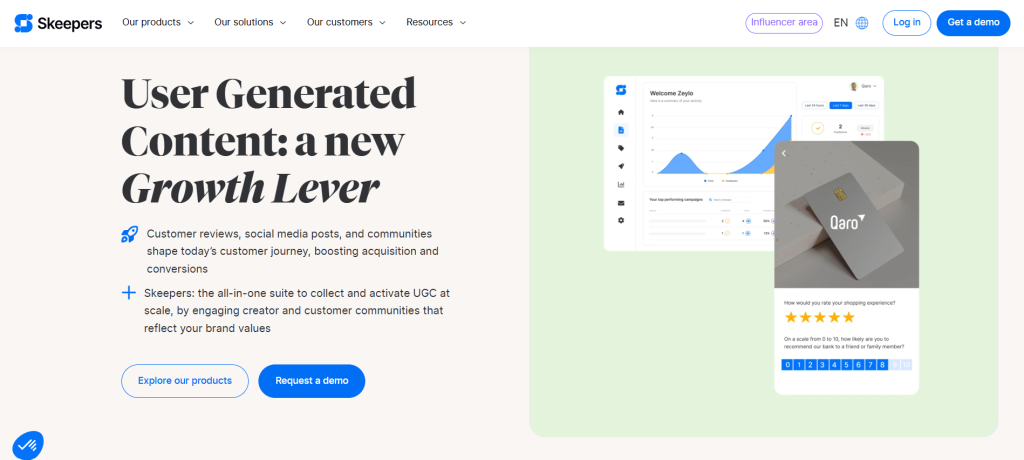
Skeepers is a powerful choice for live streaming and working with micro-influencers during an event. It is designed to handle high volumes of content, making it the best option for scaling engagement at very large events. Planners use it to gather authentic moments as they happen. More information on its scalability is available at Cohley.
Taggbox
Social Walls and Brand Safety
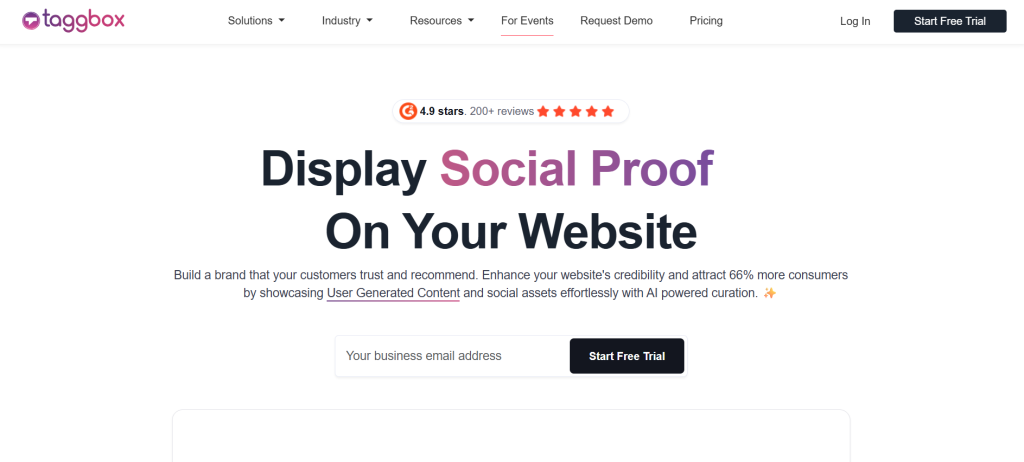
Taggbox is built to create social walls that pull videos directly from event hashtags. It includes essential moderation features to ensure brand safety by filtering out inappropriate content before it hits the big screen. Industry reviews on Reddit and Shortimize highlight it as a primary tool for live crowd engagement.
Walls.io
Engagement and Custom Branding
Walls.io focuses on pulling the crowd together by displaying content in real-time with custom looks. You can change the colors and style to match your event theme perfectly. It also provides detailed analytics to help you see how many people are posting, according to Capterra.
Leading Tools for Content Creation and Professional Editing
Billo
Professional Creator Connections
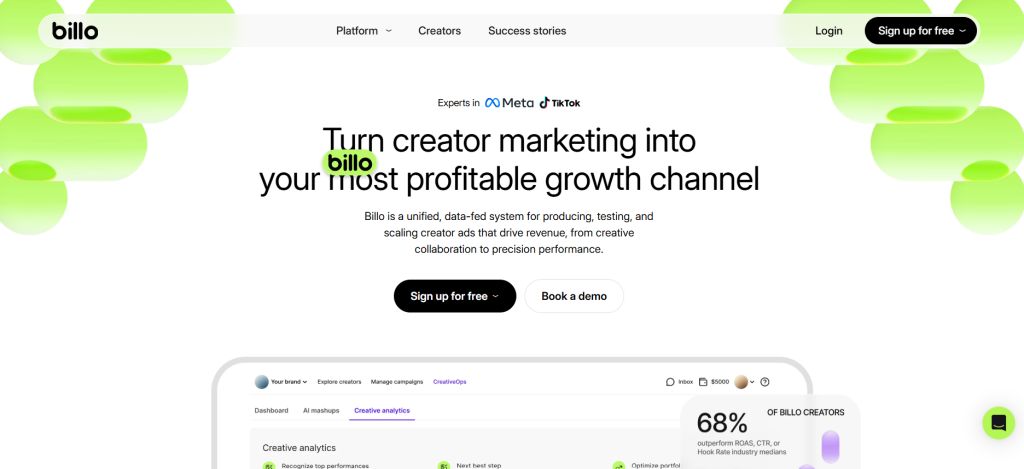
Billo connects event planners with a network of creators to produce high-quality videos quickly. This is useful for making professional promos before or during an event without a full camera crew. This service is widely recognized on Cohley and Reddit.
CapCut
Fast Mobile Editing
CapCut is a free and highly accessible tool for editing videos on a smartphone or tablet. It offers a simple timeline that makes it easy to add captions or music while walking around an event floor. Sources like Shortimize and Facebook recommend it for quick social media updates.
InVideo
AI Script to Video
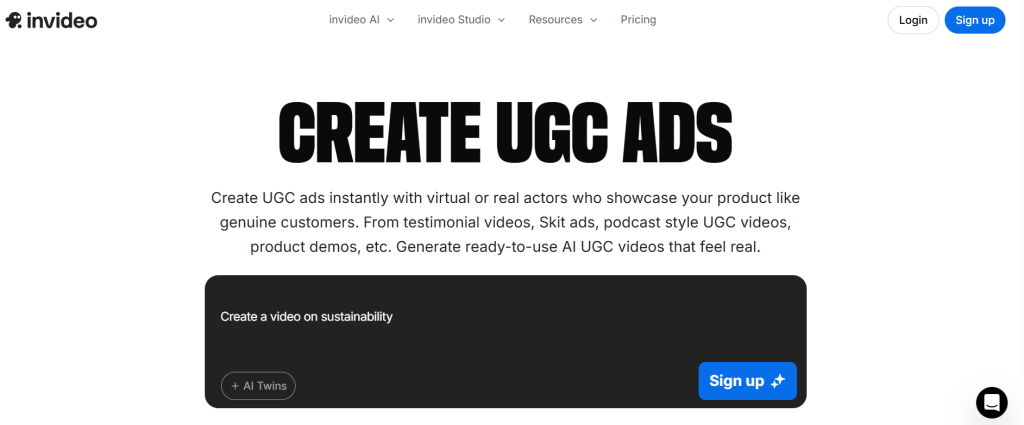
InVideo specializes in turning text scripts into full videos using AI and stock media libraries. This allows planners to create announcements or highlight clips without needing to film new raw footage. Its time-saving capabilities are detailed by Sovran and on X.
Pictory
Text-Based Video Summaries
Pictory uses smart technology to take long event recordings and turn them into short highlight reels. Its auto-summary feature uses text-based editing to find the best parts of a speech or performance automatically. This tool is mentioned as a top AI choice on Shortimize and Facebook.
Advanced AI Tools for Promotional Content
MakeUGC
AI Avatars and Custom Hooks
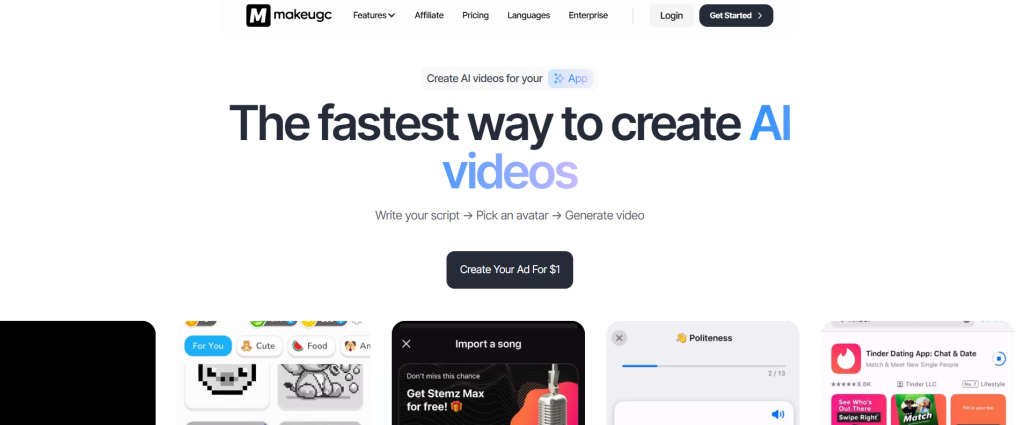
MakeUGC uses digital avatars that can be programmed to hold products or speak to your audience. It offers custom hooks that help event marketers capture attention in social media ads. Insights on X suggest this is a very efficient way to generate high-performing video ads.
Arcads
Realistic AI Marketing
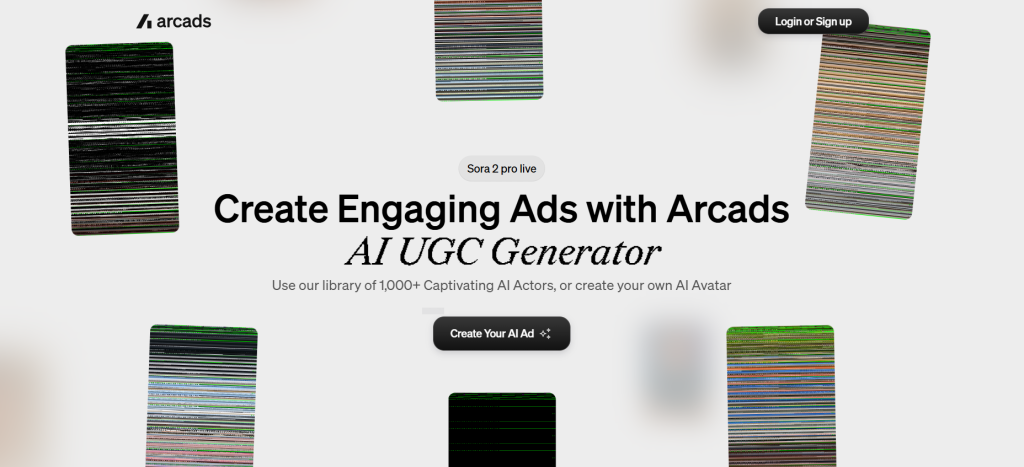
Arcads focuses on creating realistic AI-generated videos specifically for marketing and advertisements. It is known for producing very convincing content that looks like a real person talking about your event. The performance of these AI ads is documented on YouTube.
Tagshop
Automated Social Media Ads
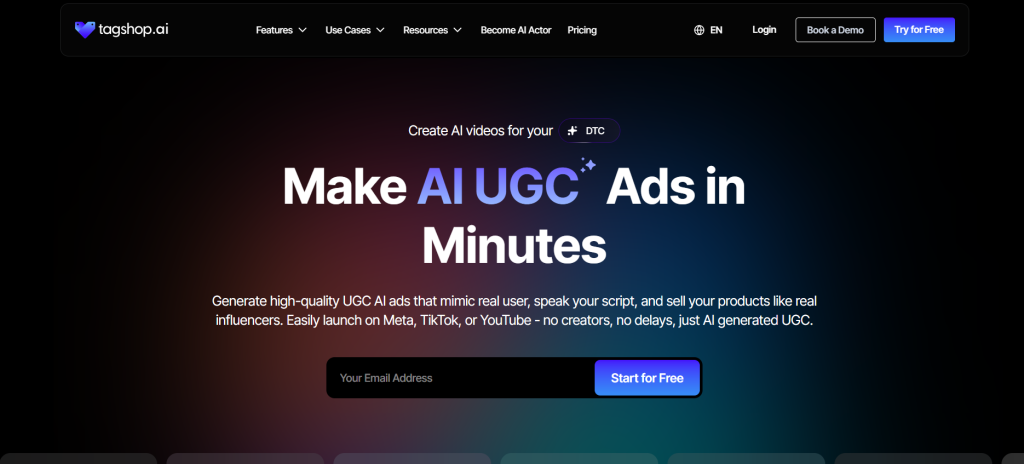
Tagshop allows users to create social media ads directly from product shots or event photos without filming. This makes it a cost-effective resource for digital marketing on a tight schedule. Both Capterra and Reddit list it as a reliable tool for automated content.
How to Select the Best Software for Your Needs?
Selecting the right software depends on the specific goals of your event. For live gatherings that need real-time video walls, specialized tools like Taggbox or Walls.io are the most effective. If your team needs to edit clips on the fly using mobile devices, CapCut is the standard choice.
Always look for software that is compatible with major social media platforms to make sharing easier for guests. It is also wise to test free versions or trials to ensure the interface is easy for your staff to manage under pressure. Experts at Blaze.ai and on X recommend matching the tool’s features to your specific venue requirements and budget.
A Step-by-Step Guide to Using UGC Software
The process of implementing these tools begins with a clear planning phase where you define the type of content you want, such as fan testimonials or behind-the-scenes clips. Once the strategy is set, you must select the software that fits your event type, such as choosing Skeepers for large-scale live streaming. Following the setup of the tool, you should apply your brand colors and logos to ensure the software matches your event’s visual identity.
As the event begins, you will start the collection phase by encouraging guests to use specific hashtags or scan digital forms to submit their videos. Next, use the built-in AI features of your chosen software to edit the clips by removing unwanted parts and adding professional transitions. Once the editing is complete, the videos can be displayed live on venue screens to entertain and engage the audience. Finally, the best moments should be shared across social media to reach fans who were unable to attend in person. These professional steps are supported by insights from RevenueCat and Reddit.
Creative Ways to Use UGC at Live Events
There are many innovative ways to apply these technologies to make an event stand out. You can use AI avatars from MakeUGC to introduce speakers or lead short segments of a presentation. To keep the audience focused, you can use Colossyan to add interactive quizzes directly into the video stream. Another highly effective method is using Flowbox to create shoppable videos, allowing guests to purchase event merchandise or tickets by clicking links within the video content. These creative strategies are discussed by Sovran and on Facebook.
Comparison Table of Top UGC Tools
| Tool Name | Best Use | Cost Status | Key Features |
| Skeepers | Live streaming | Paid | Real-time collection and micro-influencers |
| Taggbox | Social walls | Paid | Hashtag pulling and brand safety moderation |
| Walls.io | Crowd engagement | Paid | Custom event looks and user analytics |
| Billo | Creator content | Paid | Direct connection to professional creators |
| CapCut | Mobile editing | Free | Phone-based timeline and quick effects |
| InVideo | Script to video | Paid | AI script generation and stock media |
| Pictory | Highlight reels | Paid | Auto-summary using text-based editing |
| MakeUGC | AI marketing | Paid | AI avatars and custom marketing hooks |
| Arcads | Marketing ads | Paid | High-performance realistic AI generation |
| Tagshop | Social ads | Paid | Automated ads from photos without filming |
Addressing Common Problems and Solutions
One of the biggest challenges at live events is receiving low-quality video submissions from attendees. To solve this, you should use the moderation tools in software like Taggbox to filter clips and ensure only clear content is shown. Another critical tip is to always ask for permission from users before featuring their content on a large scale. Keeping videos between 15 and 30 seconds ensures the audience stays interested and the pace remains fast.
Technical issues like slow internet at a venue can also disrupt live displays, so it is important to have a backup of pre-loaded content ready to play. For planners with limited budgets, using free tools like CapCut for manual editing is a great way to save money while still producing professional results. Finally, using analytics helps you see which videos the audience liked most so you can improve future events. These solutions for common hurdles are provided by SourceForge.
Interesting Facts About UGC and Events
User-generated content is now a primary driver of event success and revenue growth. Authentic fan videos lead to a definitive 29% boost in sales across various industries. Modern AI technology has become so efficient that it can now generate a professional-quality video in just a few minutes. By the year 2026, almost all major events will use live UGC to keep their audiences engaged. These facts and future trends are highlighted by Capterra and industry experts on X.
Final Summary
UGC video software is an essential part of the modern event planner’s toolkit. Tools like Skeepers and Taggbox make it easy to collect and display real-time content that your audience will love. By embracing these technologies, you can build stronger trust and create a more memorable experience for every attendee. To stay ahead of the curve with the latest tools for the future, visit Blaze.ai.







