 Gourav
 What Is a Smart Website Builder?
An AI website builder is a new kind of tool that helps you make a website in a very short time. You can think of it as a clever computer brain that does the hard work for you. In the past, people had to spend weeks learning how to write code. They had to hire a pro designer to build a site which cost a lot of money. Now, you can just tell the AI what you want. It can pick the best colors for your brand. It can write the short stories and words for your pages. It even finds the right pictures to show your customers. It is designed just for regular people. This includes parents, students, or small shop owners who do not have time to learn tech tricks.
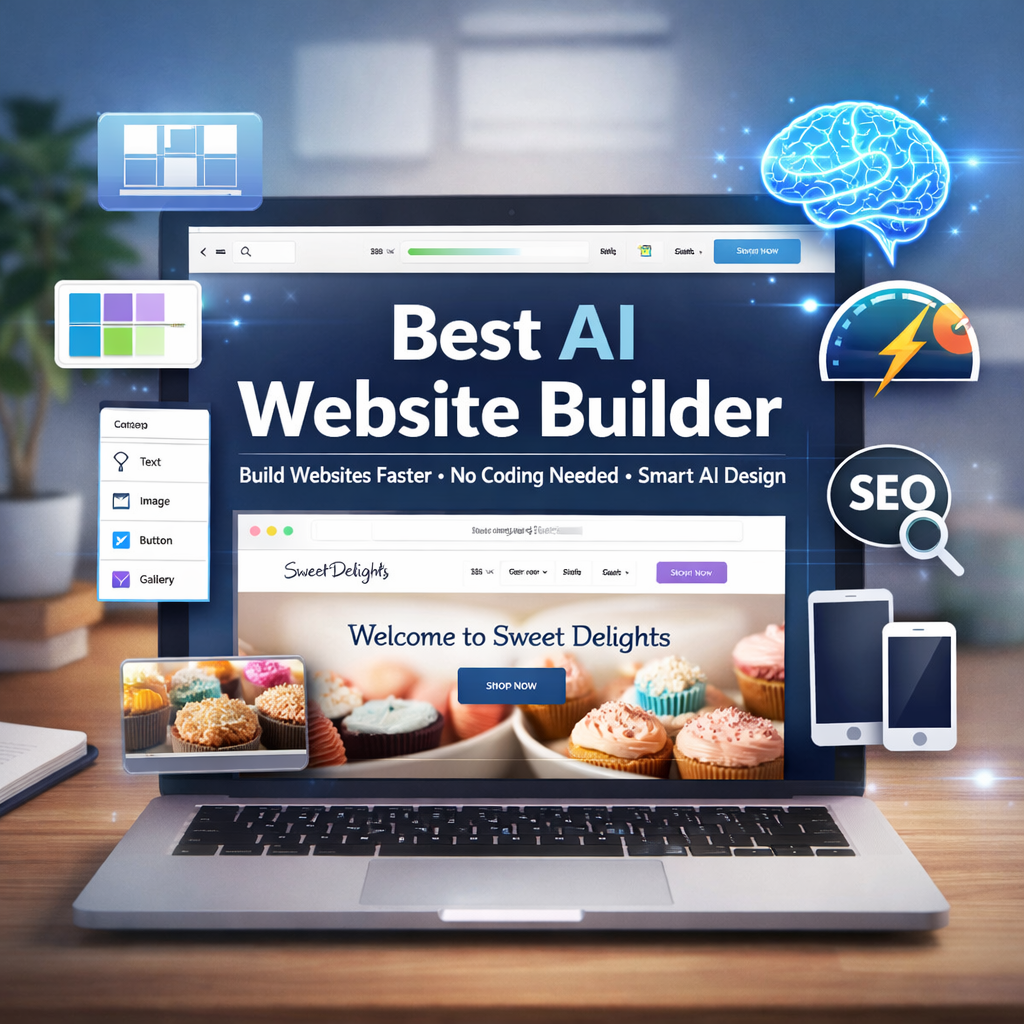
These tools are great because they save a lot of time and money. If you have a small pet store or a bakery, you can use an AI builder to get online today. You do not have to wait for months for a designer to finish your project. The computer brain looks at the information you give it and makes a site that fits your needs. For example, if you tell the AI that you have a dog grooming business, it will add photos of happy dogs on its own. It will also add buttons so people can book a time to visit you. Everyone is talking about these tools now because they have become very smart. They are very easy for anyone to use without any help. You can see many people sharing their success stories on Reddit and X every day.
Why You Should Use AI to Build Your Site
Using an AI website builder is a smart choice for many reasons. One of the best things is that you do not need to know hard languages like HTML or CSS. You do not have to look at lines of code that look like a different language. Instead, you just type in simple English. You can tell the tool to make a site for a cake shop and it understands exactly what you mean. This makes the whole process feel like magic. The site appears right before your eyes in just a few minutes. You can find more details about how these tools are helping people on AllAboutCookies.org.
Another big reason to use these tools is that they make your site look great on phones. Most people use their phones to look at websites today. If a site looks bad on a small screen, people will leave quickly. AI builders are smart enough to make sure every picture and every word fits perfectly. It looks good on a phone, a tablet, or a big computer screen. This helps you reach more people without having to do extra work. Experts on Medium say that using these tools can make your site building process 50 percent faster than it used to be.
The cost is also a very important factor for new users. Hiring a person to build a site can cost thousands of dollars. This is very hard for a new business owner who is just starting. Many AI builders are much cheaper. Some start at very low monthly fees. This means you can save your money to buy more supplies for your shop or pay for ads. This brings a lot of peace of mind to small shop owners. They can feel happy that they are not spending all their savings on a simple website.
These tools also help your site show up when people search for things on Google. This is called SEO. The AI does most of the heavy lifting for you on its own. It writes details that help people find you online. This means more visitors come to your page. More visitors lead to more sales and more success for your project. Because these tools offer so many benefits for speed and cost, they are the best way to get a new project online. Now that we know why they are so helpful, we can look at which specific tools are the best for different goals.
The Best Tools at a Glance
The following table shows the top tools you can use to build your site today. Each one is good for a different type of user. You can pick the one that fits your goal the best.
| Tool Name | Best For | Starting Cost | Main Feature |
| Wix | Beginners | $17/mo | 800 templates and AI text maker |
| Hostinger | Business | $3/mo | Makes a site in minutes with a logo maker |
| Squarespace | Creators | $16/mo | Blueprint AI for very pretty layouts |
| 10Web | WordPress | $13/mo | Copies old sites to a new system |
| Framer | Designers | Free start | Turns words into site designs for pros |
| Durable | Quick | Free try | Builds a site in seconds for testing ideas |
While this table shows the basics of each tool, it is helpful to know that each one has its own story. Some are better for stores while others are better for artists.
Top Tools for Beginners and Small Shops
Wix AI
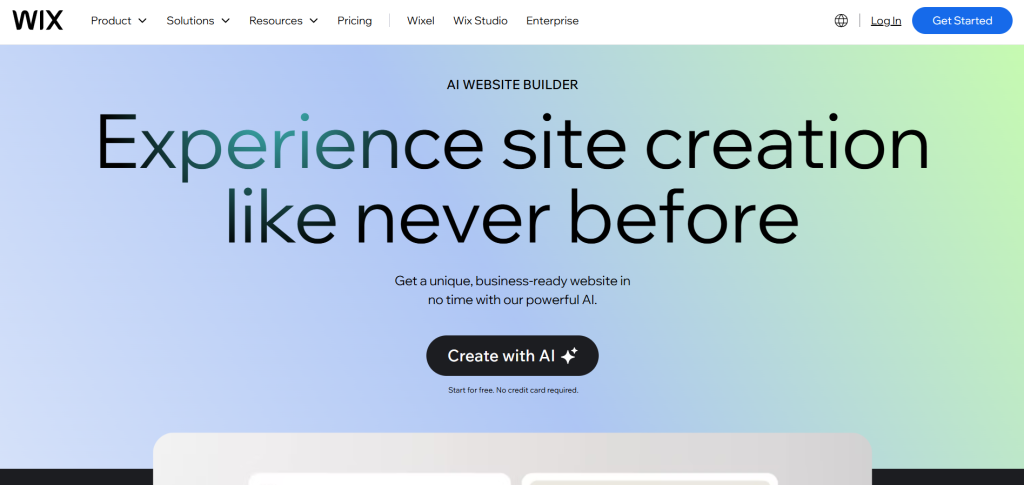
Wix is a top pick for people who are just starting out. It is very good if you want to sell things online or start a blog. When you use Wix, the AI asks you a few simple questions. It might ask what your business name is and what you want to do on your site. After you answer, it builds the whole thing for you. It can even write the text and find the images on its own. It has over 800 looks or templates to choose from. This means your site will not look like everyone else’s site. It costs around $17 a month. This is a fair price for all the features you get like a safe place for your site to live. You can read more about why it is a top choice on Tech.co and see what users say on Reddit.
Hostinger AI
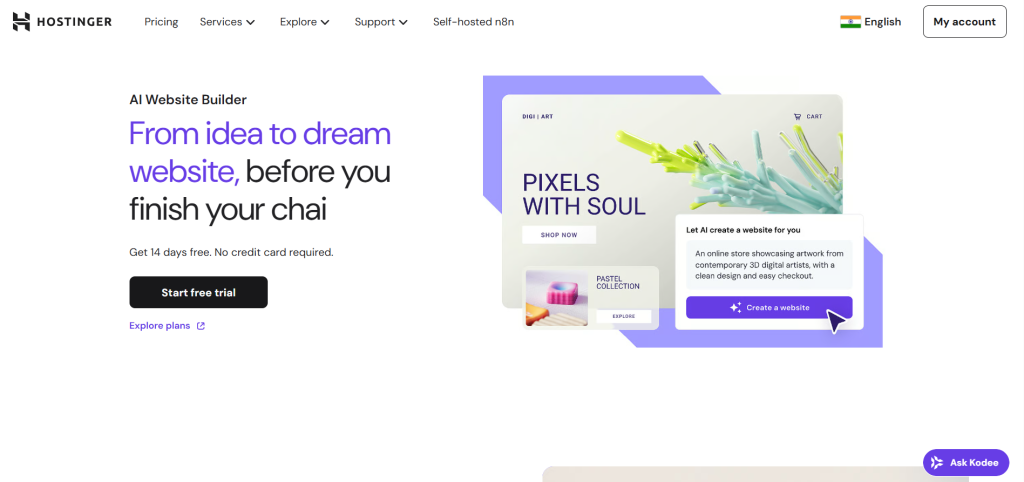
Hostinger is known for being very fast and offering a great price. It is one of the cheapest options at around $3 a month. This makes it perfect for a small business that wants to save money for other things. The AI in Hostinger can make a site for you in just a few minutes. It also has a special tool to help you make a logo for your business. This is a big help if you do not have a brand yet. You just tell the AI what your business name is and it shows you many logo ideas. People on YouTube and Reddit often say it is the best tool for the money. It also helps your site load very fast so visitors do not get bored.
Shopify AI

If your main goal is to sell products, Shopify is the tool you should look at first. It has a special AI helper called Sidekick. This helper acts like a smart assistant for your shop. It helps you set up your product pages. It can write short stories for your products that make people want to buy them. Shopify is built just for stores. It handles all the money and shipping parts very well so you do not have to worry. You can find discussions about how easy it is to use for stores on Reddit. These tools are great for starting out but some people might want a site that focuses more on art and design.
Tools for Designers and Creators
Squarespace AI
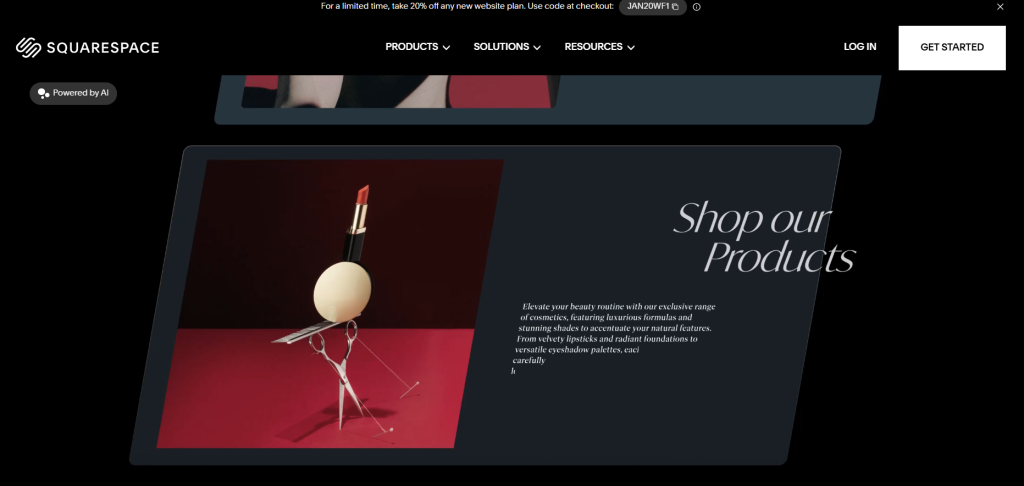
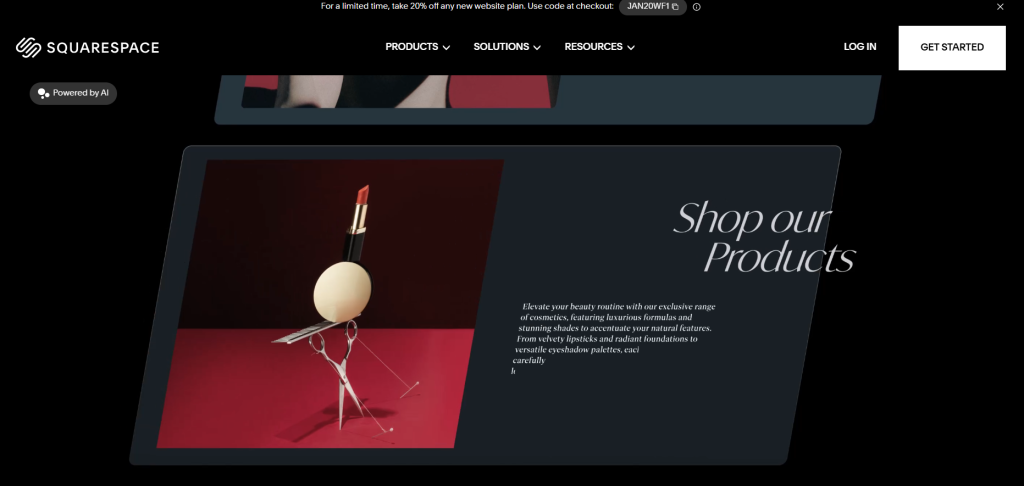
Squarespace is famous for making websites that look very pretty and professional. It is a favorite for artists, photographers, and creators. They have a feature called Blueprint AI. This helps you start your site very quickly with a layout that looks perfect. You pick from different parts like a header or a gallery. Then the AI puts them together in a way that looks like a pro made it. It is very good at making sure your art or photos look great on any device. It starts at about $16 a month. You can learn more on the Squarespace blog and see why small businesses love it on Reddit.
Framer AI
Framer is a bit different because it allows you to build sites just by typing words. It is designed for people who want to be more creative with their designs. You can tell the AI to “make a dark site with big text and bright colors” and it will do it on its own. It is very powerful and used by people who know a bit more about design. It offers a free way to start so you can practice your ideas. It is like having a pro designer inside your computer that listens to your every word. There are more details for creators on Wedoflow.
Webflow AI
Webflow is a tool for teams and people who want a totally custom look. It is very strong and gives you a lot of control over how your site works. The AI helps you with the design and the code so you do not have to do the hard work yourself. It can help you change the look of many pages at once. It is perfect for professional looks that need to stand out from other sites. You can find more about how powerful it is on Manus. These visual tools are amazing for showing your art to the world.
Fast Builders and Special Apps
Durable AI
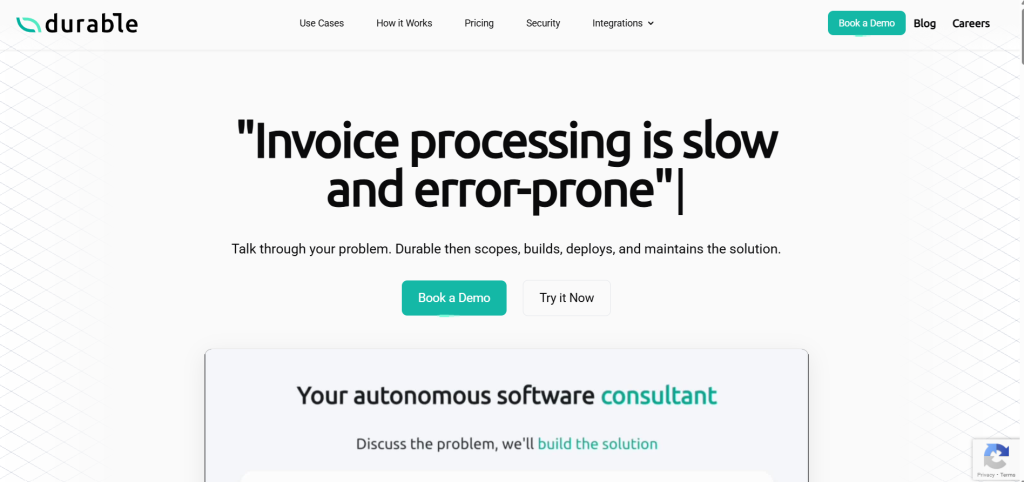
Durable is one of the fastest tools available. It can build a full website in just a few seconds. This is perfect if you have a new idea and want to see how it looks online right away. This is often called an MVP. An MVP is just a simple version of a project used to test an idea. It is very helpful for testing if people like your business idea before you spend a lot of time on it. People on X often talk about how fast it can get a business started. It even helps with things like ads and simple shop tools.
10Web
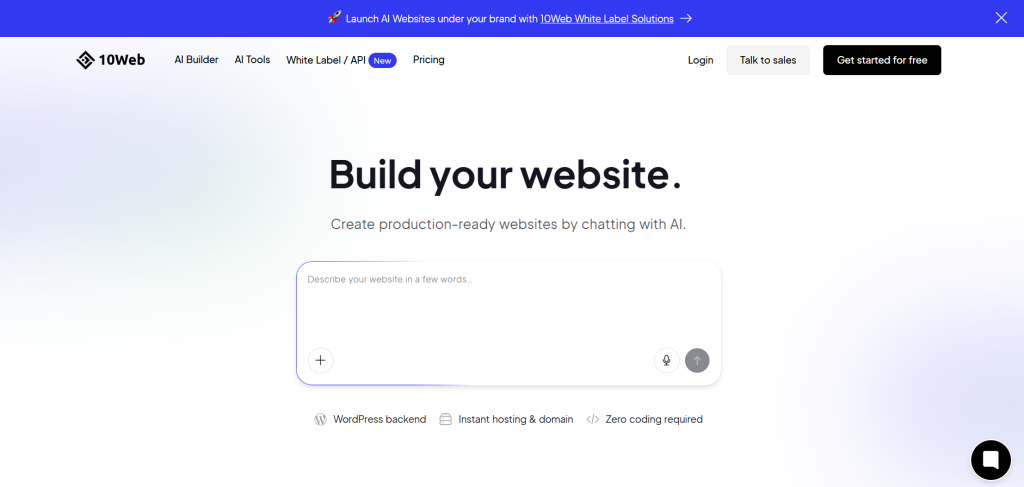
10Web is a special tool because it can help you copy a site you like. It can also move an old site to a new system called WordPress. The AI helps make the site run very fast. It handles a lot of the technical parts on its own so you can relax. It costs $13 a month and is a great choice if you already use WordPress and want to make it better. You can read more about it on Beehiiv.
Lovable and Replit Agent
Lovable and Replit Agent are a bit different because they help you build actual apps. An app is like a special tool on your phone or computer that does a job. It is more than just a page of words. It can help people play a game or track their work. You can talk to the AI in a chat and it will build the app for you from your words. This is a very smart way to build things if you have a big idea for a new tool. You can learn more about these smart builders on MachineLearningMastery and PlayCode.
There are also hidden gems like Dora and Github Spark. Dora makes every part of a site feel brand new and fresh. Github Spark helps you build tools very fast using your words. Choosing the right tool is the first step toward your new site.
How to Choose and Use Your AI Builder?
When you are ready to start you should choose a tool based on what you need most. If you want something easy and fast, Wix or Hostinger are the best places to start. If you want to sell things to customers, go with Shopify. If you want a site that looks like art, try Squarespace or Framer. It is always a good idea to test many different tools. This helps you see which one feels best to you. Many of them let you try for free so you can see the magic happen before you pay any money.
You should use very clear words when you talk to the AI. Tell it exactly what your business does and what kind of colors you like. For example, tell it if you want a “happy and bright site for a toy store” or a “serious and clean site for a law office.” The more details you give the computer brain, the better the site will look. This helps the AI understand your vision. Then it can pick the right pictures and write the best words for your brand. Using clear words makes the AI work much better for you.
Always check the site for any mistakes after the AI finishes its work. Sometimes the AI might use a word that sounds a bit funny. It might pick a picture that is not quite right for your shop. You should take a few minutes to read through everything and change anything you do not like. This makes sure your site is perfect before you show it to the world. You can find more tips on how to pick the best builder on PCMag and Reddit.
Risks and Things to Remember
One thing to watch out for is that AI can sometimes make websites that look very similar. Because the computer brain uses the same logic for many people, your site might look like another person’s site. To fix this, you should add your own human touch. This means adding your own photos of your shop or your team. You should also write some of the words yourself to show your personality. This makes your site feel real and special to your customers. It helps your business stand out from the crowd.
Another risk is that the AI might get some facts wrong. It is a smart tool but it is still just a computer. It might write a store hour that is wrong or list a service you do not offer. You must be the editor and check all the information. If you do not check, your customers might get confused when they visit you. Check your phone number, your email, and your list of prices very carefully. This saves you from trouble later on.
Also keep an eye on the costs. Sometimes the price can go up if you add extra features later on. You should start small and only add what you need. You can read more about what to watch for on Medium and X. Being careful helps you keep your site running well for a long time.
Your New Website Awaits
AI website builders have changed the way we think about the internet. They make it possible for anyone to have a beautiful site. You do not need to be a tech expert to get online anymore. Wix and Hostinger are currently the top choices for most people. They are easy to use and do not cost a lot of money. They offer a great balance of features and speed for beginners. Whether you are building a shop or a blog, these tools help you get the job done.
You should not wait to get started on your project. Try a free trial of one of these tools today. You can see how the AI can build a site for you in minutes. It is a fun and exciting way to bring your ideas to life. You can explore a full list of these amazing tools on Futurepedia to find the perfect match. Your new website is just a few clicks away.







