AI tools have changed how we get info and make art. In 2026, free ones that need no sign up and let you use them as much as you want stand out. They help with questions and pictures in simple ways. This guide dives deep into the top five. We look at how they work, what makes them special, and real tips from users.
What Makes a Good AI Tool in 2026?
Smart tech keeps growing. Tools now understand us better and make things faster. Free ones without sign ups are popular because they skip extra steps. You just go to the site and start. No emails or passwords. This keeps things private and quick.
These tools use big models to think like people. For answers, they pull facts from wide knowledge. For images, they draw from words you type. In the USA, laws help keep them fair. But always use them wisely.
Why No Sign Up Matters?
Signing up can slow you down. It might ask for info you don’t want to share. Free tools without that let anyone try them. Kids in school or folks at work like this. It feels open and easy.
Unlimited Use for Endless Fun
Limits can frustrate. The best tools give as many tries as you need. Want to ask 100 questions? Go ahead. Need 50 pictures? No problem. This helps big projects or just playing around.
Tool 1: Perchance AI
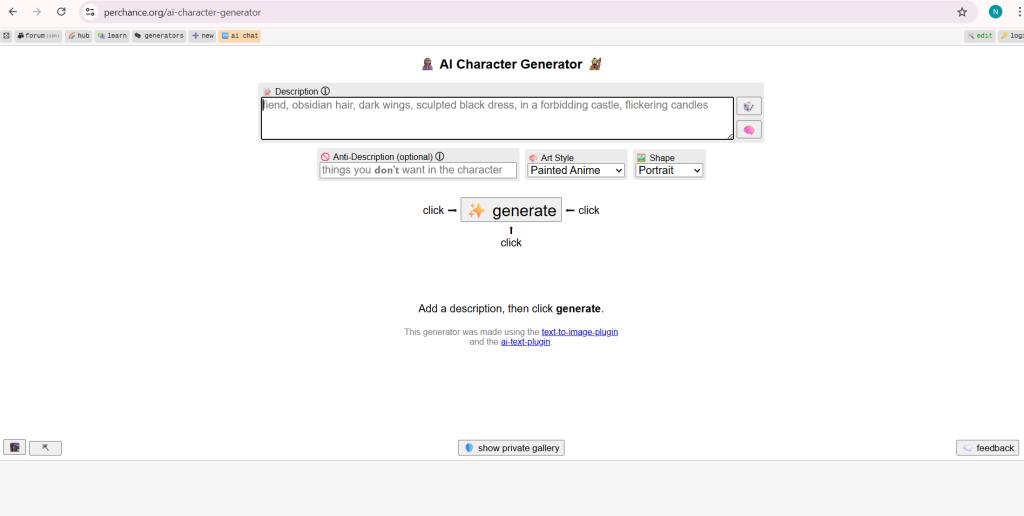
Perchance stands out for doing both answers and images well. You type words, and it makes pictures or chats back. No need to join or pay. It runs smooth and feels like magic.
How to Use Perchance for Images?
Go to Perchance and type what you see in your mind. Like “a red apple on a blue table.” It draws it fast. Pick styles like real or cartoon. Save what you like.
Users say it’s great for quick art. On Reddit, one post in r/AIAssisted shared how it makes endless ideas without stops. Link to that chat: Reddit.
What are some good free AI image generators?
byu/joshymochy inAIAssisted
Chatting with Perchance
For answers, try the chat side at Perchance. Ask anything, like “What’s the weather like?” It talks like a pal. Role play or get facts. No end to talks.
A Twitter user named Aman praised free tools like this for helping without cost. See the post: X.
Pros and Cons Table
| Feature | Details |
|---|---|
| Free | Yes, always |
| No Sign Up | True |
| Unlimited | No caps mentioned |
| Models | Custom AI for text and art |
| Best For | Fun chats and quick draws |
Perchance fits many needs. Teachers use it for lessons. Kids make stories. It grows with user ideas.
Tool 2: AI Free Forever
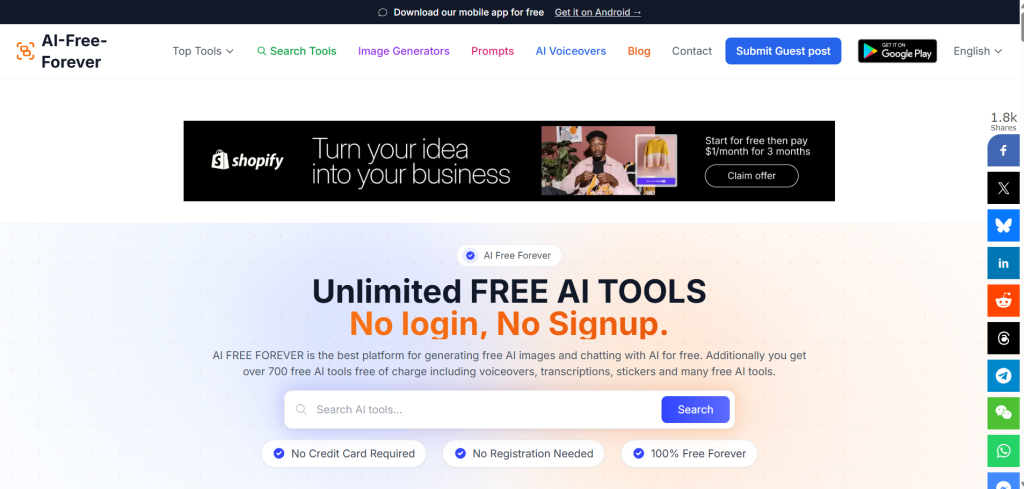
This tool packs lots in one spot. Chat for answers and make images, all free. No join needed. It’s like a big box of helpers.
Getting Answers with AI Free Forever
Head to AI Free Forever and click chat. Ask about homework or recipes. It uses smart models like ChatGPT style. Answers come quick and clear.
On Facebook, groups share how it helps daily. One post said it’s endless and fun. But since no direct link, think of it as community love.
Making Images Here
Pick image makers from the list. Styles like anime or real photos. Type your idea and get pics. Tools for fixing old photos too.
A Reddit thread talked about free gens like this. Users love no limits. Check: Reddit.
More Features
It has over 700 tools. Voice makers, writing helps, and more. All free forever.
Comparison Table with Others
| Tool | Chat | Images | Extra |
|---|---|---|---|
| AI Free Forever | Yes | Yes | 700+ tools |
| Perchance | Yes | Yes | Role play |
| Others | Varies | Varies | Less |
This makes it a top pick for all-around use.
Tool 3: FreeForAI
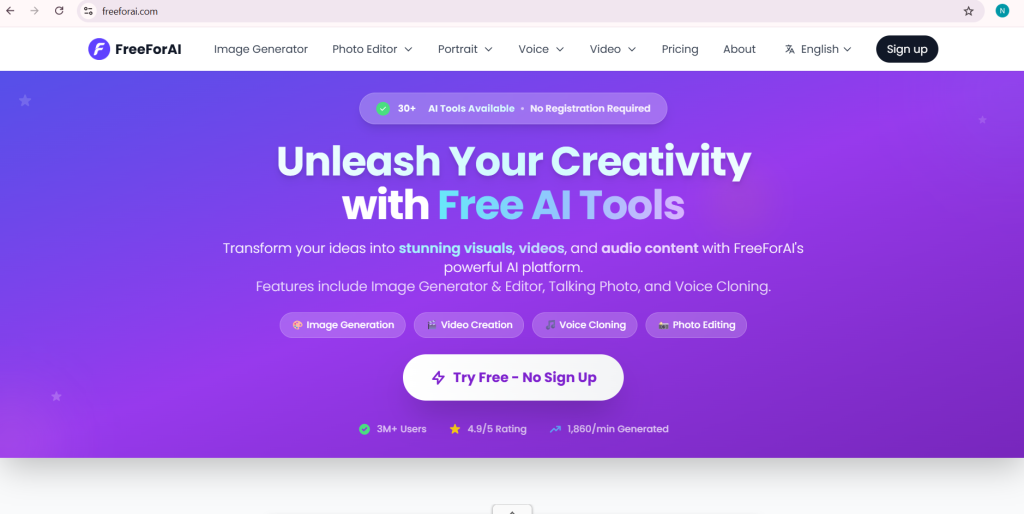
Focus on images but with text twists. Free, no sign up, endless makes. Powered by strong models.
Image Magic with FreeForAI
Visit FreeForAI and type prompts. It uses FLUX model for sharp pics. Styles from real to dream.
Twitter buzz from Rohit listed free image tools. He said they’re beating paid ones. Post: X.
Text Sides
Has speech to text and text to speech. Turn words to voice or back. Good for notes or stories.
On Reddit, chats praise unlimited art. One user said no blocks ever.
Why It Stands Out?
Privacy focus. No data kept. Fast and clear.
User Tips Table
| Tip | How |
|---|---|
| Prompts | Be detailed for best pics |
| Styles | Try anime for fun |
| Save | Download quick |
Great for artists or quick needs.
Tool 4: CreateVision AI
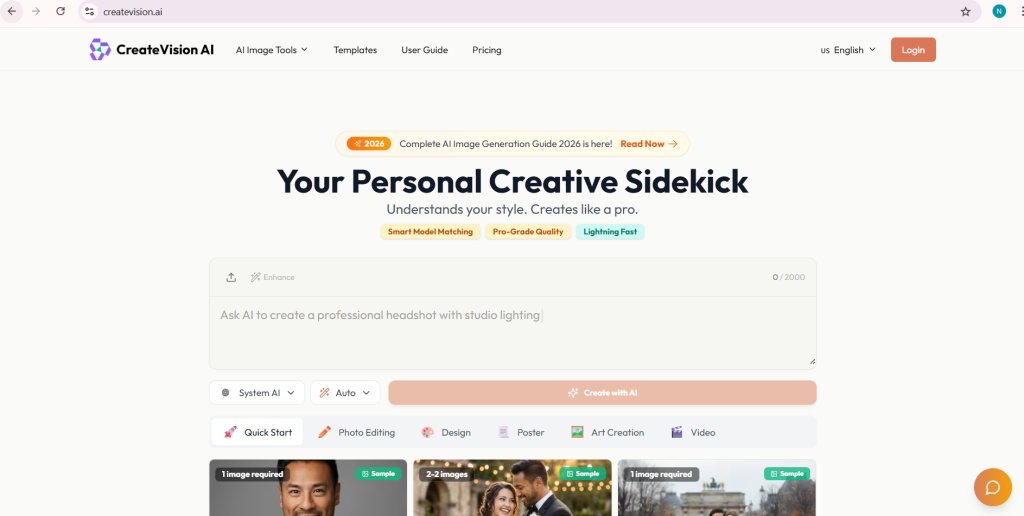
Strong on images with text help. Free, no join, unlimited. Uses top models like Nano Banana.
Creating Images
At CreateVision, describe and generate. Edit too. Prompts get better with ChatGPT inside.
A Twitter thread from Amit shared free AI lists. He noted tools like this for 2026. Link: X.
Text Boost
Enhance words for better pics. Like a mini chat for ideas.
Reddit users in AI groups say it’s game-changing. No sign up wins big.
Advanced Table
| Model | Use |
|---|---|
| Basic | Free endless |
| Premium | Extra for pros |
Fits creators in USA who want pro looks free.
Tool 5: EaseMate AI
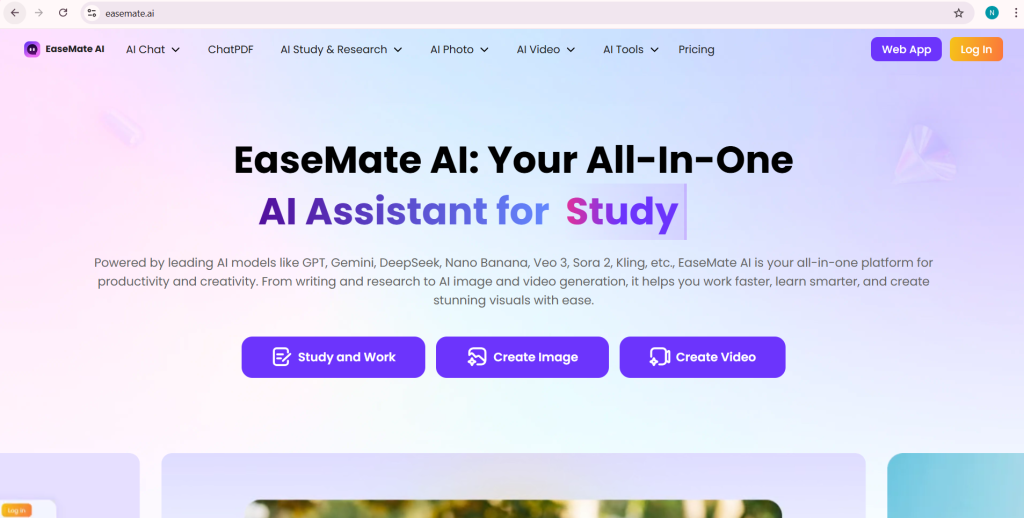
Top for answers, pairs well with images from others. Free chat no login, unlimited.
Chatting Endless
Go to EaseMate and ask away. Uses GPT models for smart replies.
On X, Aaliya listed AI gens including chat ones. Her post helps: X.
Why Add It?
For full answers without stops. Mix with image tools for both.
Facebook shares show it’s loved for school help.
Limits and Tips
No caps. Use for facts or fun talks.
| Question Type | Example |
|---|---|
| Facts | “What’s 2+2?” |
| Stories | “Tell a tale.” |
Mixing Tools for Best Results
Use Perchance for chat and images together. Add FreeForAI for special pics. This way, you cover all.
Future of These Tools
In 2026, expect smarter versions. More styles, faster speeds. USA users lead in use.
Real Stories from Users
On Twitter, Miss.ayo.artss shared free lists including gens. Post: X. She said they’re worth it.
Reddit threads like in r/AIAssisted talk endless gens. One user made 100 pics no issue.
Safety and Tips
These are safe but check what you make. For kids, watch use.
Wrapping Up
These five give power without cost or hassle. Try them and see magic happen.