 Gourav
 Introduction to AI Video Editing
Hello! Do you like making videos? Maybe for school, fun, or sharing with friends. In 2026, AI helps a lot. AI means smart computers that do hard jobs for you. Video editing used to be tough. You had to cut parts by hand and add sounds. Now, AI tools make it simple. They fix mistakes, add fun effects, and save time.
This post talks about the top five AI video editing tools. We picked them from what people say on sites like Reddit, X (that’s old Twitter), Facebook, and news places. Each tool has special powers. We will look at what they do, how to use them, and why they are good. The words here are easy, like for a fifth-grade kid. Short sentences. No big words. Let’s start!
Many creators share tips on social media. For example, on Facebook, Inuri Munasinghe talks about tools that turn long videos into short ones. Check it out here: Inuri Munasinghe on Facebook. It shows how AI makes editing quick.
News sites like PCMag also review these tools. They say AI helps small businesses and fun users. See their list: PCMag Best Video Editing Software. On X, people like Jerrod Lew share about AI tools in one place. His post has a video: Jerrod Lew on X.
The best AI creative tools in one place.@elevenlabsio gives creatives AI art, music, video and editing tools on a single platform.
— Jerrod Lew (@jerrod_lew) January 18, 2026
Here are some of the incredible features to take your content to new heights in 2026.
Start now with the link below 🔽 pic.twitter.com/lcmgydKu4T
Now, let’s meet the tools one by one.
Tool 1: Descript
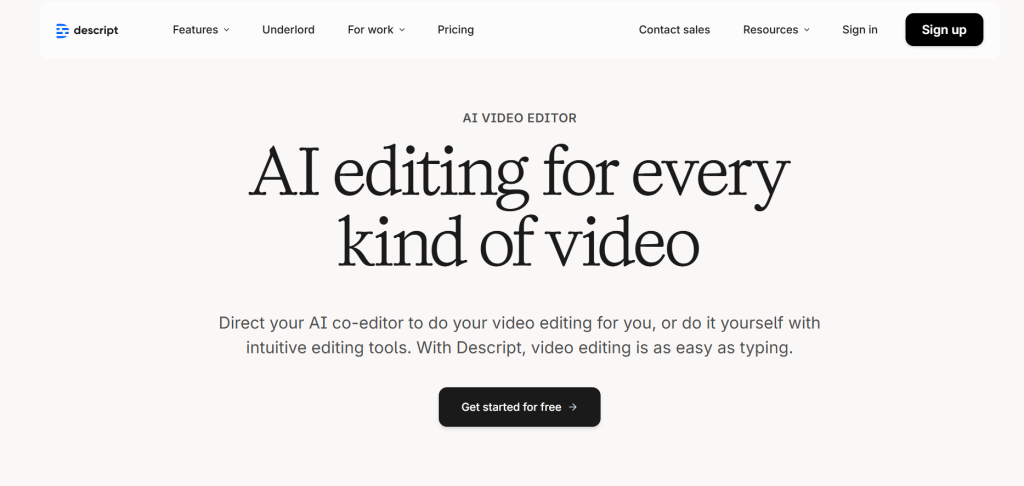
Descript is a fun tool for editing videos and sounds. It uses AI called Underlord. This AI acts like a helper. You edit videos by changing words, not by moving clips around.
What Descript Can Do?
Descript lets you record your screen or voice. It turns what you say into words right away. Then, you fix the words, and the video changes too. That’s magic! AI removes bad sounds like “um” or noise. It fixes eye contact so you look at the camera. It adds green screens without real ones. You can make avatars that talk for you. These are like cartoon people.
Underlord helps write scripts. Tell it what you want, and it makes a story. It adds pictures or moves things. For podcasts, it cleans sounds to make them clear. You can translate to other languages. That’s good for friends around the world.
How to Use Descript?
Sign up for free online. Upload your video or record new. AI writes the words. Cut bad parts by deleting words. Add effects with one click. Share with teams. It’s like playing with blocks.
Why It’s Good for Beginners?
Kids can use it because it’s not scary. No hard buttons. Just type and fix. Users say it saves time. One teacher made videos twice as fast. On Reddit, people in generativeAI group say it’s great for starting creators. See this thread: Reddit GenerativeAI on AI Video Platforms. A news site like MASV tested it and liked the clean audio. MASV on Best AI Video Editors.
Fun Stories from Users
On Facebook, groups talk about Descript for school projects. One post says it helps make pro videos without skills. Nafees Salim on Facebook. On X, RiseToRaise mentions it for YouTube. RiseToRaise on X. Price? Free to start, then pay for more. Try it at Descript Official Site.
Descript is strong for teams. It lets friends work together. If you make talks or lessons, this tool shines. It turns hard editing into play.
Tool 2: CapCut
CapCut is free and easy. It’s made by the TikTok people. It uses AI to make videos fun and fast. Great for phones or computers.
What CapCut Can Do?
AI turns text into videos. Type a story, and it makes clips. It removes backgrounds with one click. Fix shaky videos. Add captions that match the talk. Make photos talk or sing. That’s silly and cool! AI cleans noise from sounds. Turn words into voice. Pick from many effects and music.
It has templates. Pick one, add your stuff, done. For Instagram or YouTube, it fits the size right.
How to Use CapCut?
Download the app or use online. Pick a template or start new. Upload clips. AI suggests cuts. Add text or effects. Export and share. Simple steps.
Why It’s Good for Beginners?
It’s free! No card needed. Kids love the fun filters. Users say it’s stable, no crashes. On Facebook, AI Savvy shares tools like this for 2026. AI Savvy on Facebook. A Reddit post in AIAssisted says CapCut is quick for shorts. Reddit AIAssisted on Top AI Video Creators.
News like YouTube videos praise it for speed. YouTube on Best AI Video Editing Tools. On X, Muhammad Ilyas shows free AI tools including CapCut. Muhammad Ilyas on X.
Fun Stories from Users
One kid made a pet video in minutes. Parents use it for family clips. Pro version adds more, but free is enough. Visit CapCut Official Site.
CapCut is best for short videos. Like TikToks or Reels. It makes you feel like a star.
Tool 3: VEED
VEED is online and quick. No download needed. AI helps make videos pro.
What VEED Can Do?
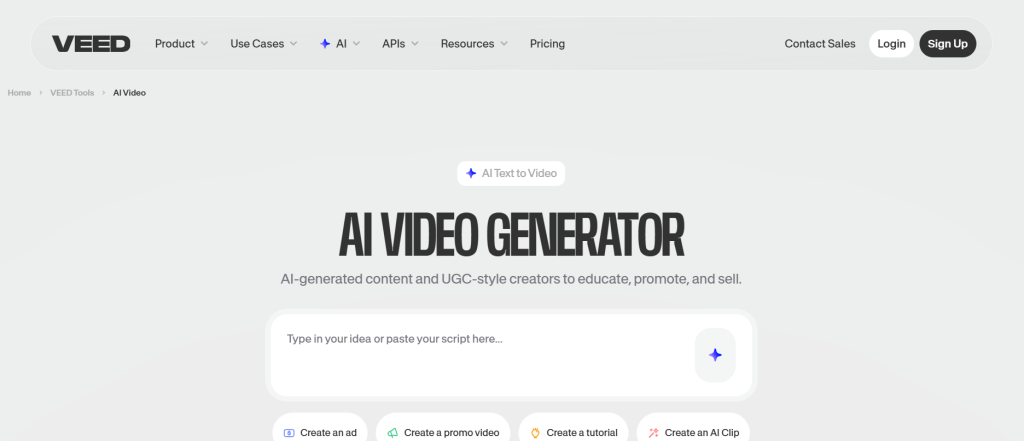
AI adds subtitles fast. Makes clips from long videos. Creates avatars that talk. Fixes eye contact. Removes fillers. Translates languages. Turns text to speech. Clones voices. Removes backgrounds.
It’s all in one place. Add music or effects from a big library.
How to Use VEED?
Go to the site. Upload video. AI suggests edits. Add subtitles or cuts. Share with friends.
Why It’s Good for Beginners?
Saves time. Users say it cuts editing by half. On Facebook, Salmaun Hossain lists it for 2026. Salmaun Hossain on Facebook. Reddit in AskMarketing talks about VEED for ads. Reddit AskMarketing on AI Tools for Videos.
A news site like SendShort picks it as top. SendShort on Editor’s Picks. On X, VidMonkey.App mentions it with other tools. VidMonkey.App on X.
Fun Stories from Users
Teams use it for work videos. Kids make school reports. Free to start. Go to VEED Official Site.
VEED is great for sales or lessons. It makes videos clear and fun.
Tool 4: Opus Clip
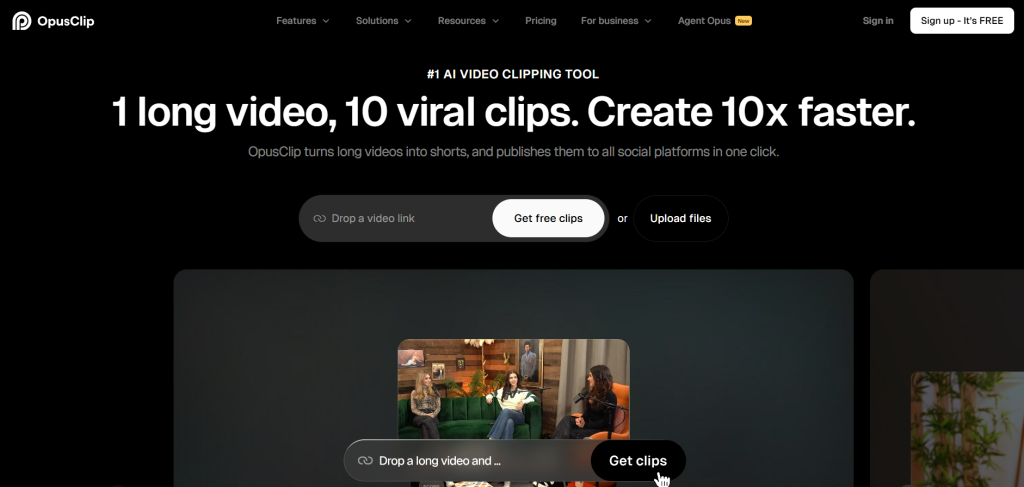
Opus Clip turns long videos into short ones. AI finds the best parts.
What Opus Clip Can Do
AI clips viral moments. Adds captions with high accuracy. Resizes for any site. Adds B-roll pictures. Enhances sounds. Supports many languages.
It works with YouTube or Zoom files.
How to Use Opus Clip?
Upload long video. AI makes 10 shorts. Edit captions. Post to social.
Why It’s Good for Beginners?
Fast! Makes clips in minutes. Users love the growth. On Facebook, Nasir U Shamim teaches with it. Nasir U Shamim on Facebook. Reddit in AskTechnology says it’s top for shorts. Reddit AskTechnology on Best AI Video Editor.
News like CyberLink lists similar tools. CyberLink on Best AI Video Editors. On X, Growth Matrix Ai talks about video tools. Growth Matrix Ai on X.
Fun Stories from Users
YouTubers get more views. One got 2x watches. Try at Opus Clip Official Site.
Opus Clip is best for social media. It finds fun bits.
Tool 5: Runway ML
Runway ML makes new videos from words. It’s for creative fun.
What Runway ML Can Do?
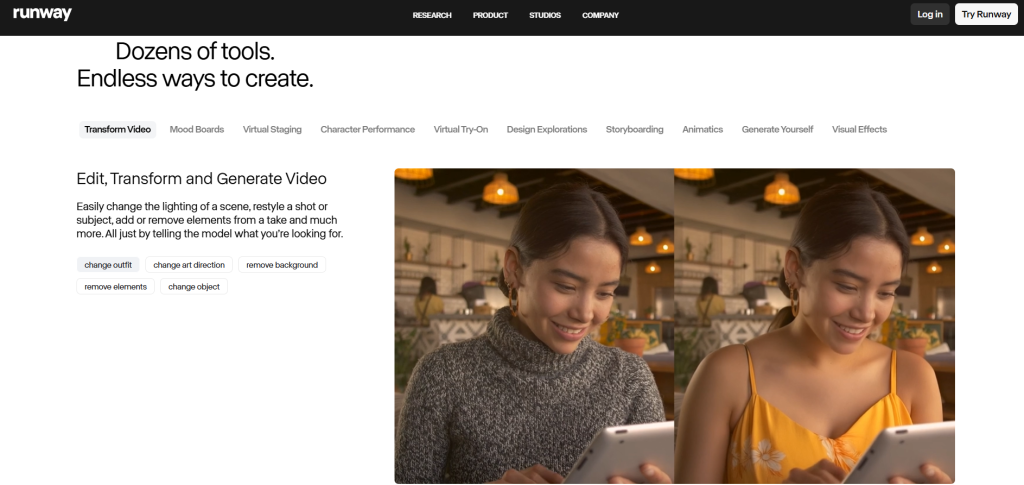
Gen-4.5 makes real-looking videos. Good motion and colors. Edit with brushes. Make worlds or robots. High quality for movies.
Partners with big companies.
How to Use Runway ML?
Type what you want. AI makes video. Edit parts. Export.
Why It’s Good for Beginners
Gives freedom. Users say it’s pro but easy. On Facebook, The AI Millionaires includes it. The AI Millionaires on Facebook. Reddit in aipromptprogramming praises control. Reddit AI Prompt Programming on Best AI Video Platforms.
News like Agility PR talks about similar tools. Agility PR on Top AI Video Tools. On X, Emmanuel Bassey lists it for animation. Emmanuel Bassey on X.
AI Video & Animation Tools (40)
— Emmanuel Bassey (@BasseyEmm53639) January 13, 2026
1.Runway — best for gen video + AI editing suite
2.Pika — best for short viral clips + quick motion
3.Luma Dream Machine — best for realistic motion + prompt video
4.Synthesia — best for AI avatar presenter videos
5.HeyGen — best for avatar ads…
Fun Stories from Users
Artists make short films. Kids dream up stories. Pay for more. See Runway ML Official Site.
Runway is for big ideas. It simulates worlds.
Wrapping Up
These tools make video editing easy in 2026. Pick one and try. Share your videos! More tips on sites like Setapp: Setapp on Best AI Video Editing Software. Or YouTube: YouTube on Top AI Tools for Content Creators.







