 Gourav
 Making slide decks can be fun and easy with AI tools. These tools help you create pretty slides fast. You don’t need to be a design expert. In this blog post, we will look at the top five AI tools for making slide decks. We picked them based on what people say online. Each tool has special features to make your work simple. Let’s start!

What Are AI Tools for Slide Decks?
AI tools use smart tech to turn your ideas into slides. You just type what you want. The tool adds pictures, colors, and words. This saves time. Many people use them for school, work, or fun talks.
These tools are getting better in 2026. They work with apps like Google Slides or PowerPoint. Some are free to try. Others cost a little money for more features.
People share stories on social media about these tools. For example, on Reddit, users talk about which ones make the best designs. On X.com, folks list tools that create slides in seconds. News sites like Zapier review them too. They say AI makes slides look pro without hard work.
Now, let’s learn about the five best tools. We will talk about how they work, what is good, and what users say.
Tool 1: Gamma
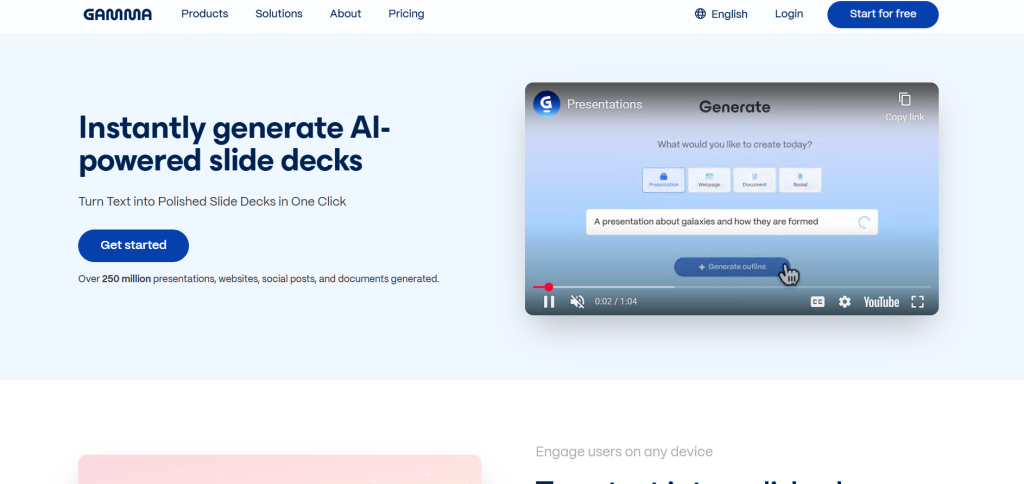
Gamma is a popular AI tool for making slide decks. It turns your words into nice slides quickly. You can use it for reports or talks.
How Gamma Works?
You start by typing a topic. Gamma uses AI to make slides. It adds text, images, and layouts. The slides look modern and clean. You can edit them easily. Gamma also lets you share slides online. It works on phones and computers.
One cool thing is the scroll format. It feels like a web page. This is great for sharing info without a live talk. You can export to PDF or PowerPoint too.
Good Things About Gamma
Gamma is fast. It makes a full deck in minutes. The designs are fresh, not old-looking. Free plan gives you lots of tries. Many users like how it handles async sharing, like for team updates.
But, some say the scroll style is not good for big screens. Editing can change more than you want sometimes.
What Users Say?
On Reddit, one user called Gamma great for docs you share without presenting live. They like the free plan with 400 credits. Another post on X.com shows how Gamma turns data into charts fast. A news site, StoryChief, says Gamma creates standout slides with little setup.
People on Reddit also say Gamma beats basic tools like ChatGPT for slides. It understands your topic better. If you look at Lindy, they tested Gamma and called it versatile.
Gamma is good for beginners. It makes you look like a pro. Try it if you want quick, pretty slides.
Tool 2: Plus AI
Plus AI is perfect if you use Google Slides. It fits right into your work. This tool makes slides from your notes or ideas.

How Plus AI Works?
Install it as an add-on for Google Slides. Type your topic or paste text. Plus AI creates slides with content and designs. You can ask it to rewrite slides or add more. It works with PowerPoint too now.
The AI looks at your words and makes smart layouts. It can make full decks or just one slide. This is handy for teams who share files.
Good Things About Plus AI
It has zero learning curve if you know Google Slides. Edits are smooth. It keeps your team style. Free trial lets you test it. Users say it saves time on big projects.
One downside is less creative control than some tools. Designs are good but not super fancy.
What Users Say?
A Reddit thread says Plus AI is the best for Google Slides users. It has great collab features. On X.com, someone shared how Plus AI makes high-quality slides fast. The site Plus calls it the top for pros. They show real examples.
News from SlidesAI Blog lists Plus AI as a top pick for Google. Users there say it generates full presentations well. Another Reddit post recommends it for consistent colors and fonts.
Plus AI is simple for school or work. It helps if you hate starting from blank slides.
Tool 3: Beautiful.ai
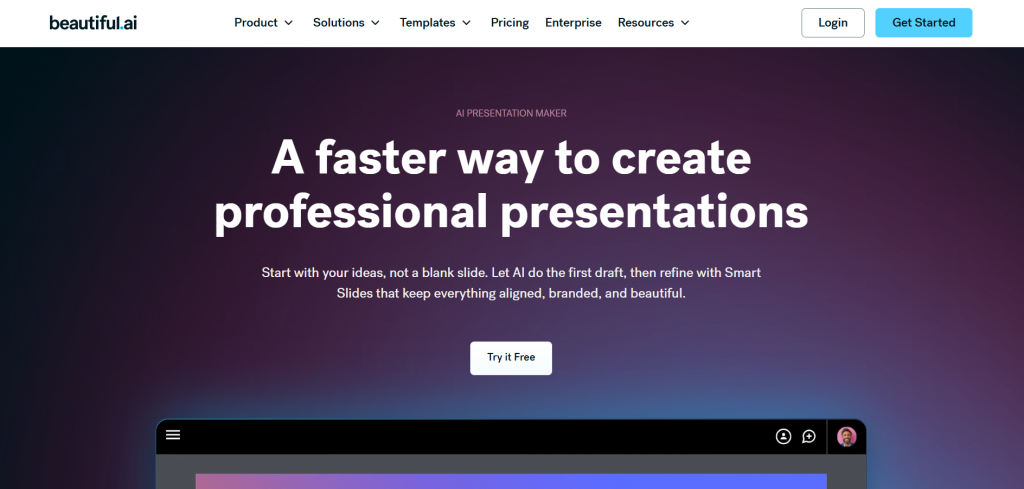
Beautiful.ai focuses on design. It makes your slides look polished. Use it for business talks or reports.
How Beautiful.ai Works?
Type your prompt. The AI picks templates and layouts. It adds charts and images. Slides update as you add info. It keeps everything neat.
Smart templates fix spacing and colors. You can brand it for your company. Export to PowerPoint or share links.
Good Things About Beautiful.ai
Designs are pro-level. It updates stats easy. Good for teams with collab. AI suggests changes to make slides better.
Some say templates feel dated. It’s pricier than free tools.
What Users Say?
In a Reddit review, users skip Beautiful.ai for old templates but like the AI for drafts. On X.com, it’s called a tool for pretty decks with smart help. Zapier praises it for updating data over time.
A news site, Global Cyber Security Network, says it’s best for high-quality slides. Reddit users call it a go-to for visuals. One X post links it for pro slide making.
Beautiful.ai is great if you want slides that wow people. It’s like having a designer friend.
Tool 4: Canva
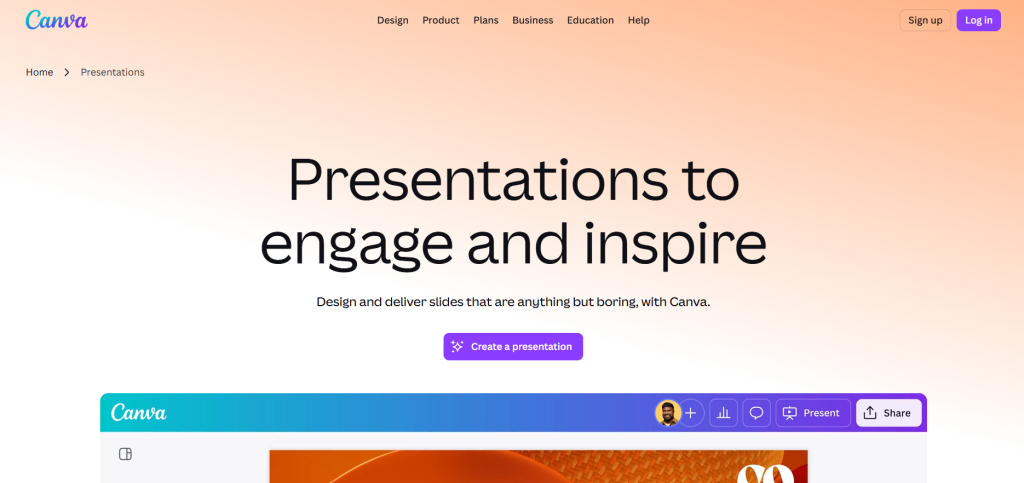
Canva is an all-in-one design tool with AI for slides. It’s easy for everyone.
How Canva Works?
Use Magic Design. Type your idea. AI makes slides with layouts and pics. Huge library of templates and stock images. Edit with drag and drop.
It works for presentations, posters, and more. Share online or download. Free version has lots of features.
Good Things About Canva
Massive choices for looks. AI is fast for drafts. Good for non-designers. Works on all devices.
Downside: Not just for slides, so some features are extra.
What Users Say?
Reddit says Canva is great for templates. You probably have it already. An X post shows Canva competing with others for data slides. Canva’s site explains how it generates decks.
News from Prezi Blog lists Canva for fast visuals. Reddit thread mentions it for pretty outputs. On X.com, users say it’s better than old tools.
Canva makes creating fun. Use it if you like colors and pictures.
Tool 5: Alai
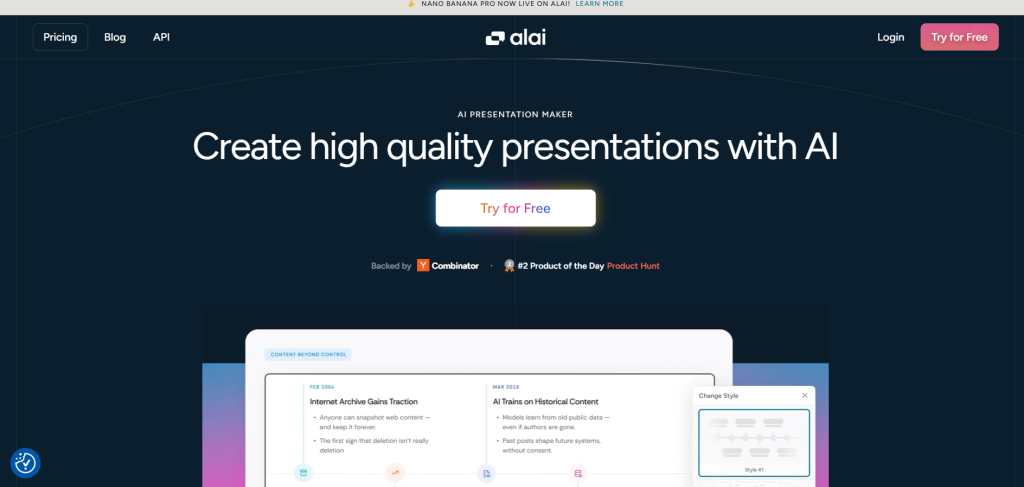
Alai is new but strong for quality slides. It gives options for each slide.
How Alai Works?
Type your prompt. AI makes slides with four layout choices per page. Edit with AI or by hand. It understands context across slides.
Export to files. Good for speed and design.
Good Things About Alai
Best for quality and fast work. Context-aware AI helps edits. Pro designs without compromise.
Small template library. No Google add-on yet.
What Users Say?
A Reddit post calls Alai the best overall. It beats others for design. On X.com, it’s linked with other tools for saving time. Alai Blog says it’s top for pitches.
News site Deckez includes it in best lists. Reddit recommends it for real work. An X thread talks about AI decks like Alai.
Alai is for people who want control and beauty. It’s growing fast.
Why Use These AI Tools?
These five tools make slide making easy. Gamma for modern looks. Plus AI for Google fans. Beautiful.ai for pros. Canva for fun designs. Alai for quality.
Pick one that fits your needs. Try free versions first. AI helps you focus on your story, not the work.
Many share tips on Reddit. News like Qubit Capital show how they help raise money. On X.com, users show quick results.
Start using AI today. Your slides will thank you!







