 Gourav
 What Are AI Content Creation Tools and Why Do They Matter?
AI content creation tools are smart computer programs that help people make things. They can write stories, design pictures, edit videos, and create social media posts. These tools use artificial intelligence to work fast and make creative tasks easier.
Many people use these tools today because they save lots of time. Students can write better essays, teachers can make fun lessons, and small business owners can create ads without hiring expensive help.
According to Forbes, content creators are saving hours of work every week by using AI. The tools help with ideas, writing, and making things look professional. This means more people can share their creativity with the world.
How AI Tools Changed Content Creation?
Content creation used to be very hard and slow. You needed special skills to write well, design graphics, or edit videos. Now AI makes these tasks much simpler.
According to IMPACT, AI tools have made content creation faster by doing the boring parts automatically. They fix spelling mistakes, suggest better words, and even create whole paragraphs from short ideas.
In 2026, these tools are smarter than ever before. They understand what you want to make and help you finish it quickly. According to MarTech Series, efficiency has become the biggest benefit of using AI.
The tools also help people who don’t have much money. Free versions let students and beginners try making content without paying. This opens up creativity to everyone, not just professionals.
Tool 1: ChatGPT – The Smart Writing Helper
What ChatGPT Does Best?
ChatGPT is one of the most popular AI tools in the world. It helps you write almost anything by chatting with you like a friend. You type what you need, and it writes back with ideas or full texts.
According to a Reddit discussion, one user said ChatGPT replaced all their Google searches for content ideas. It’s that good at giving quick answers and creative suggestions.
The tool works great for blog posts, social media captions, emails, and school assignments. You can ask it to make things shorter, longer, funnier, or more serious. It changes your content exactly how you want.
ChatGPT’s Special Features
ChatGPT can now make images using a tool called DALL-E. You describe what you want to see, like “a happy dog wearing a crown,” and it creates the picture. This helps when you need visuals for your stories or posts.
It also does voice chats now. You can talk to it out loud instead of typing. This is helpful when you’re driving or doing other things with your hands.
According to ChatGPT’s website, the Plus plan costs $20 per month. The free version works well for most people, but it can be slower when many people use it at once.
What People Say About ChatGPT?
On social media, people share lots of stories about ChatGPT. According to a Facebook post, one user called it the tool that “solves anything” and ranked it as the top AI tool for 2026.
Another user on X listed ChatGPT as key for research and brainstorming. Many teachers and students agree it makes homework faster and more fun.
However, you must check the facts ChatGPT gives you. Sometimes it makes mistakes or gives wrong information. Always read what it writes and fix any errors before using it.
Tool 2: Jasper – The Marketing Expert
How Jasper Helps Businesses?
Jasper is an AI tool made specially for marketing and business writing. It creates ads, product descriptions, email campaigns, and social media posts that help sell things.
According to Jasper’s website, the tool keeps your brand voice consistent. This means all your content sounds like it comes from the same company. Big businesses love this feature.
Jasper uses templates to make work faster. You pick a template like “Blog Post Intro” or “Facebook Ad,” fill in some details, and Jasper writes the full text. According to PR Newswire, Jasper introduced new features in 2026 that automate entire content pipelines.
Jasper’s Best Features
One cool feature is Jasper IQ, which remembers your brand rules and style. It learns how you like to write and copies that style every time. This saves you from explaining the same things over and over.
Jasper also helps with SEO, which means making content show up on Google searches. It suggests keywords and structures that help more people find your articles or websites.
According to a Reddit discussion, users said Jasper is great for getting first drafts quickly. You still need to edit and add your personal touch, but it handles the hard starting part.
What Jasper Costs and Who Uses It?
Jasper’s pricing starts at $59 per month for basic features. Higher plans cost more but give teams extra tools for working together. They offer a free trial so you can test it first.
According to Fritz AI, a 2026 review shows that Jasper works best for marketing teams and small businesses. It’s not as good for creative stories or fun personal projects like ChatGPT.
On X, one user called Jasper “the ultimate AI writing assistant for marketing teams.” The Jasper Official Facebook Community has thousands of members sharing tips and examples.
Tool 3: Claude – The Thoughtful Writer
What Makes Claude Different?
Claude is an AI made by a company called Anthropic. It focuses on being safe, honest, and really good at understanding long instructions. Many people use it for serious writing like reports, research, and technical documents.
According to Claude’s website, the tool excels at following complex prompts exactly. It doesn’t make as many creative mistakes as other AIs. This makes it perfect when you need accuracy.
Claude has a feature called Artifacts that creates interactive items. You can build simple websites, charts, or documents right inside the chat. According to Begins with AI, this feature helps creators prototype ideas quickly.
Claude’s New App Integrations
In January 2026, Claude added something really special. According to MacRumors, you can now use apps like Canva, Figma, and Slack right inside Claude.
This means you can design a poster in Canva or send team messages in Slack without leaving Claude. It saves tons of time because you don’t have to switch between different programs.
According to CIO, this reshapes how people work with AI. Instead of just getting text answers, you can complete whole projects in one place.
What Users Think About Claude?
On Reddit, many content creators prefer Claude for detailed writing. One user said Claude “crushes content creation” because it follows instructions better than other tools.
Claude’s free plan is good for trying it out. The Pro plan costs $20 per month and gives you more powerful models and unlimited Projects to organize your work.
According to Anthropic, Claude follows a special constitution that makes it prioritize safety and ethics. This means it won’t help with harmful or dangerous requests.
Tool 4: Canva AI – The Easy Designer
How Canva AI Makes Design Simple?
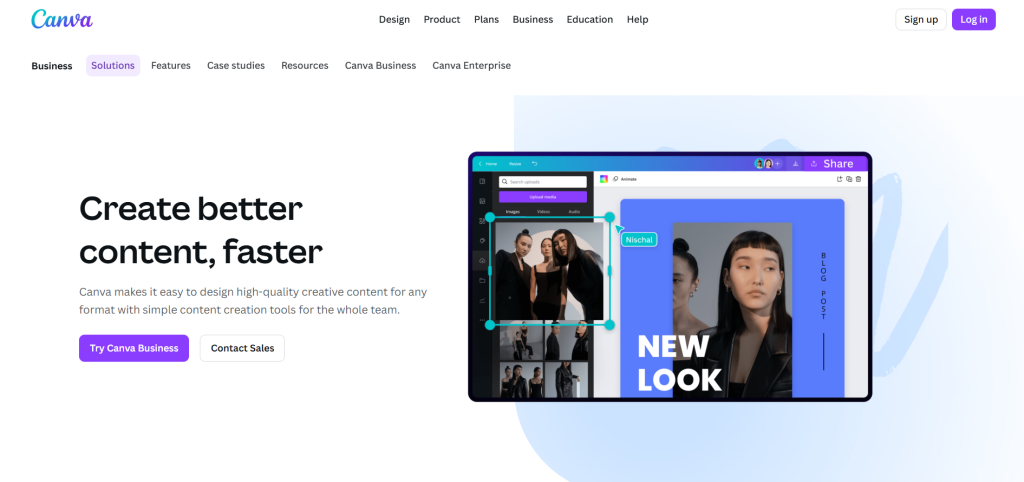
Canva AI helps people create beautiful pictures, posters, videos, and social media graphics. You don’t need to be an artist or designer. The AI does most of the hard work for you.
According to Canva’s website, Magic Studio is a collection of AI tools inside Canva. Magic Design creates full designs from just a few words you type.
For example, you type “birthday party invitation for a 10-year-old who loves dinosaurs.” Canva AI makes several colorful designs instantly. You pick the one you like best and customize it a little.
Canva’s Magic Tools
Magic Media is another cool feature that turns words into pictures or short videos. According to Canva Newsroom, these tools use advanced AI to understand exactly what you want to create.
Magic Edit lets you change parts of photos by typing commands. Want to change the background color or add clouds to the sky? Just type it and the AI makes it happen.
According to a Reddit post, users said Canva’s AI tools are “getting ridiculous” in a good way. The features keep improving and making design easier.
Canva Pricing and Popularity
Canva has a free version that works well for basic designs. Canva Pro costs about $15 per month and unlocks all the AI magic tools. Many schools and small businesses use this plan.
According to Canva Newsroom, TIME magazine named Canva Magic Studio one of the best inventions of 2024. This shows how important and helpful it is.
On X, Canva shared stories of “things Canva AI saved me from.” Users love how fast they can create professional-looking content without any design skills.
Tool 5: Descript – The Video Magic Maker
What Descript Does for Videos?
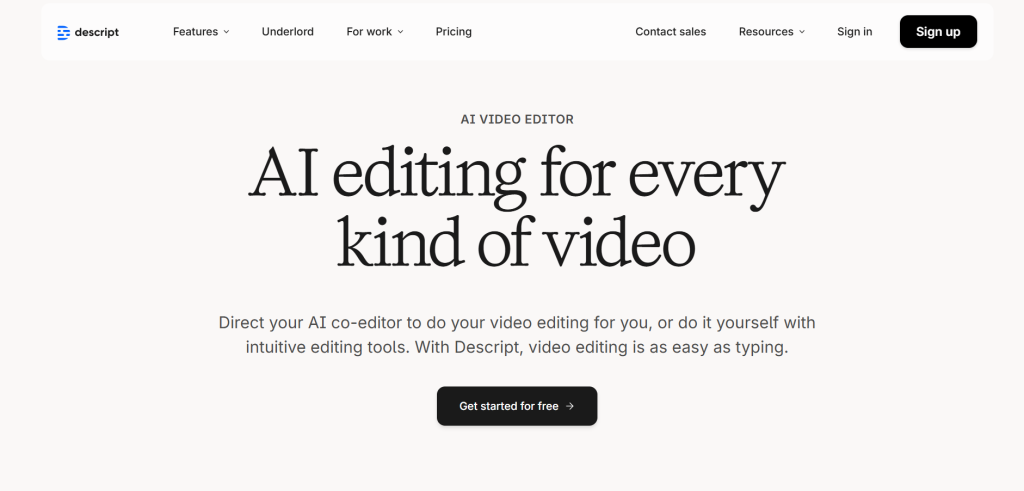
Descript changes how people edit videos and audio. Instead of cutting clips in a timeline, you edit by changing the text transcript. It’s like editing a school essay but for videos.
According to Descript’s website, you upload your video and it automatically creates a written script. When you delete words from the script, those parts disappear from the video too.
This makes editing super fast. You don’t need to learn complicated video software. If you can edit a document, you can edit videos with Descript.
Descript’s Special AI Features
One amazing feature is called Underlord AI. It helps write video scripts, adds extra video clips (called B-roll), and makes your videos look professional. According to eesel AI, Descript is top-rated for podcast and video creators.
Descript can also remove filler words like “um” and “uh” automatically. It makes your voice sound clearer with a feature called Studio Sound. There’s even an option to fix eye contact so speakers look at the camera.
AI Avatars let you create videos without recording yourself. The AI avatar speaks your script in a realistic voice and face. This is great for making quick explainer videos.
Descript in Real Use
According to posts on X, creators love editing videos by “editing text.” One user said it helps make demos and tutorials super fast.
On Reddit, Descript appears in many lists of top AI tools for 2026. The Descript Users Facebook group has thousands of members sharing tips and solving problems together.
Top 5 AI Tools for Content Creators in 2026: In-Depth Reviews & Practical Guides
byu/Half_amaizing inAIAssisted
Descript has a free plan to get started. Paid plans begin at $12 per month and give you more features like longer videos and more exports.
Comparing the Five AI Tools
Here’s a simple table showing how these tools are different:
| Tool Name | Best For | Main Features | Free Version | Paid Plan Starts At |
|---|---|---|---|---|
| ChatGPT | Writing & Ideas | Text generation, image creation, voice chat | Yes | $20/month |
| Jasper | Marketing & Ads | Brand voice, SEO help, templates | Free trial only | $59/month |
| Claude | Long Writing & Research | Accuracy, app integrations, artifacts | Yes | $20/month |
| Canva AI | Design & Graphics | Magic Design, photo editing, templates | Yes | $15/month |
| Descript | Video & Audio Editing | Text-based editing, AI avatars, Studio Sound | Yes | $12/month |
This table helps you see which tool fits your needs. If you need to write, try ChatGPT or Jasper. For pictures and designs, pick Canva AI. For videos, Descript is perfect.
How These Tools Help Different People?
Students use these tools to finish homework faster and make better projects. According to IMPACT, students create presentations, write essays, and design posters with AI help.
Teachers use AI to make lesson plans, worksheets, and fun learning activities. The tools save them hours every week so they can spend more time with students.
Small business owners create social media posts, ads, and websites without hiring expensive agencies. According to The CMO, this levels the playing field for small companies.
YouTubers and content creators make videos, thumbnails, and scripts much faster. According to a YouTube video, top creators now use multiple AI tools in their workflow.
What Experts Say About AI Content Tools?
According to Semrush, AI content tools will keep getting better in 2026 and beyond. They will understand context better and make fewer mistakes.
Experts say AI won’t replace human creativity. According to Visme, the best content comes from humans using AI as helpers, not letting AI do everything alone.
Some worry about AI making false information or copying other people’s work. According to Zapier, users must always check facts and add their own unique ideas to AI-created content.
Many industry leaders believe AI tools make creativity more accessible. According to LTX Studio, companies of all sizes can now create professional content that used to require big budgets.
Tips for Using AI Tools the Right Way
Always review and edit what AI creates. The tools make mistakes sometimes, so you need to be the final checker. Don’t just copy and paste without reading it first.
Add your own personality and ideas. AI can help with the hard parts, but your unique voice makes content special. According to DemandSage, the most successful creators blend AI efficiency with human creativity.
Start with one tool and learn it well before trying others. According to GWI, beginners should master the basics of one tool instead of using five tools poorly.
Respect copyright and be honest about using AI. Some schools and jobs have rules about AI use. Always follow those rules and give credit when needed.
The Future of AI Content Creation
AI tools will keep improving and doing more amazing things. According to MarketerMilk, future AI might create entire video games, interactive stories, or virtual worlds from simple ideas.
More tools will work together like Claude’s app integrations. You’ll be able to start writing in one tool, design in another, and create videos in a third without switching windows.
According to Scribe, social media content creation will become almost entirely AI-assisted by 2027. People will focus on strategy and creativity while AI handles production.
The tools will also get cheaper and easier to use. This means even more people around the world can share their ideas and stories with everyone.
Conclusion: Pick Your Perfect AI Helper
These five AI tools—ChatGPT, Jasper, Claude, Canva AI, and Descript—are the best for content creation in 2026. Each one helps with different tasks, from writing to designing to video editing.
The best tool for you depends on what you want to create. Students might love ChatGPT for homework help. Small businesses might choose Jasper for marketing. Creative people might prefer Canva AI for beautiful designs.
According to TechRadar, trying several tools helps you find your favorite. Most have free versions, so you can test them without spending money.
Remember that AI tools are helpers, not replacements for your own thinking. Use them to save time and make things easier, but always add your own creativity and check their work.
Start today with one tool from this list. See how much faster and easier content creation becomes. The future of making things is here, and it’s more accessible than ever before.







