Have you ever wanted to see a baby’s photo come to life in a fun dance? With new tech, it’s easy now. AI baby dance video generators are tools that take a still picture and make it move like the baby is grooving to music. They’re popular among US parents who share cute clips online. These tools have grown a lot since AI got better at handling photos and motions. Back in early days, videos looked choppy, but now they seem real and smooth.
Let’s look deeper into how these work. The tech scans the baby’s face and body from the photo. Then it maps dance moves onto it, matching steps to beats. This makes the video look natural. Many tools let you pick from dances like hip-hop or ballet. For example, on Twitter, users share how Kling AI helps make cool baby dances with just a few clicks. It’s exciting to see how simple it can be.
Understanding the Basics of AI in Video Creation
AI stands for artificial intelligence, which means smart computers that learn from data. In these generators, AI learns from lots of dance videos to copy moves. It keeps the baby’s face looking the same while adding wiggles and steps. This is safe for families, as most tools don’t keep your photos. In the US, where privacy laws are strict, this matters a lot.
Parents use these for birthdays or holidays. Imagine turning a newborn pic into a dancing elf for Christmas. Tools make it happen fast. But photo quality counts. Bright light and straight-on shots work best. If the pic is blurry, the dance might not look right.
Exploring Popular Tools in Detail
Now, let’s dive into the top five free tools. Each has unique perks.
1. Media.io: Simple and Browser-Based
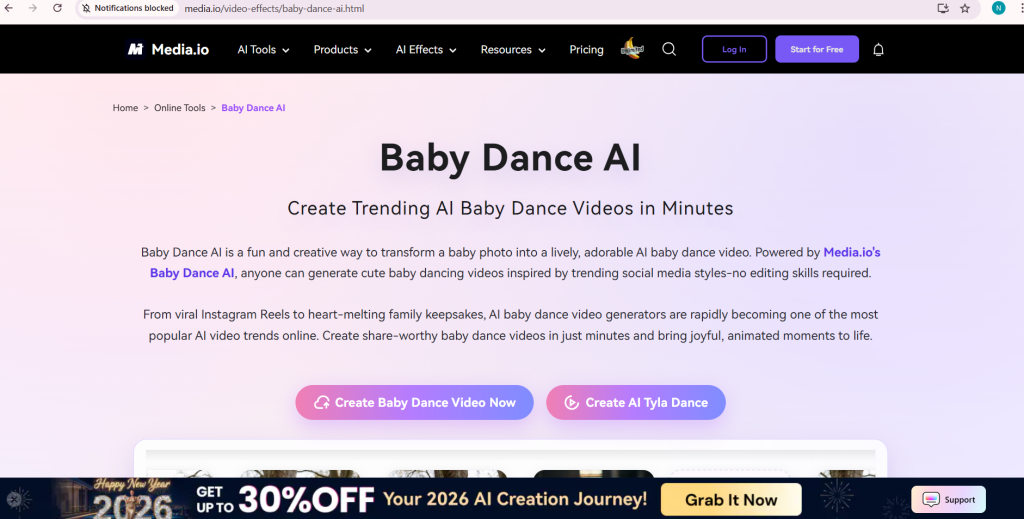
Media.io is a great start for beginners. It’s all online, so no downloads. You upload a baby photo and a dance clip, then type a prompt like “Change the dancer to the baby.” It makes the video in seconds. Features include face swap and smooth moves. It’s free, with no install needed.
How to use it: Go to the site, pick the tool, upload files, enter the prompt, and hit generate. Download after. Limits? Use clear photos for best output. On YouTube, tutorials show how to make viral ones. Users say it’s fun for family shares.
Pros: Fast, no skills required. Cons: Depends on your inputs. In the US, it’s handy for quick Reels.
2. Virbo by Wondershare: Template Heaven
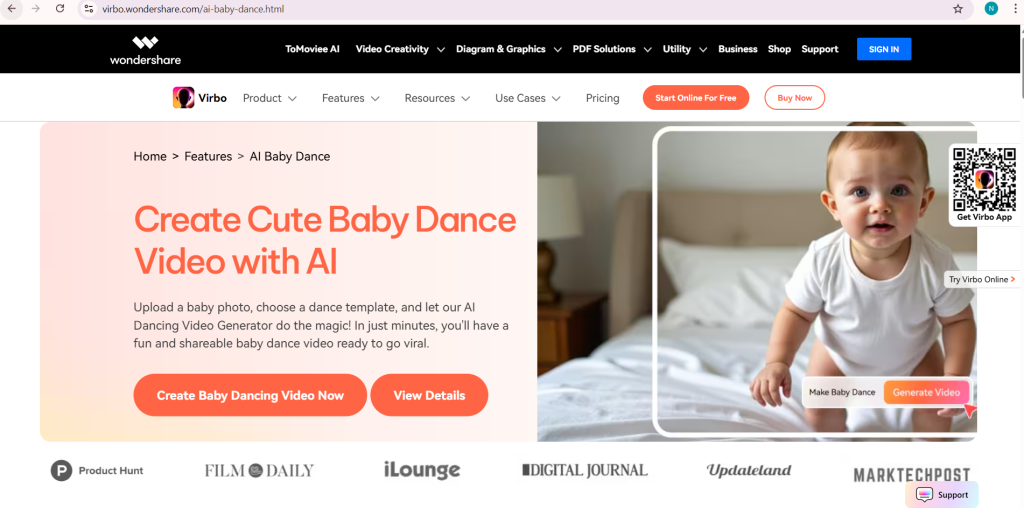
Next is Virbo. It gives free credits to try. Upload a photo, pick a dance template, and watch the magic. Features: Lots of styles, music options, high-quality output. It’s safe, no photo storage.
Step-by-step: Upload pic, choose template, generate, preview, download. Good for social media. Limitations: Credits might run out, but start free. A Facebook post talks about trends using similar tools.
US users love it for monetizing clips. Expand your creativity with heartwarming dances.
3. GoEnhance AI: Quick and Fun
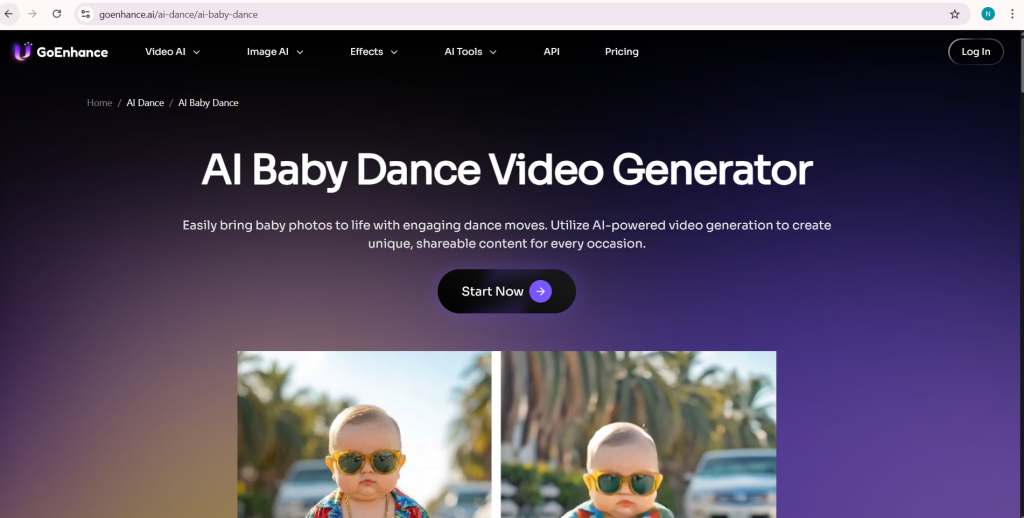
GoEnhance AI is free and fast. Upload photo, select template, generate HD video. Features: Many moods, instant make, share easy. Beginner-friendly.
Use it by logging in, uploading, picking style, downloading. No limits noted. On Twitter, they share tutorials for baby dances.
Great for US holidays like Halloween dances. Tips: Use well-lit pics.
4. AI Danza by Litmedia: Trendy Moves
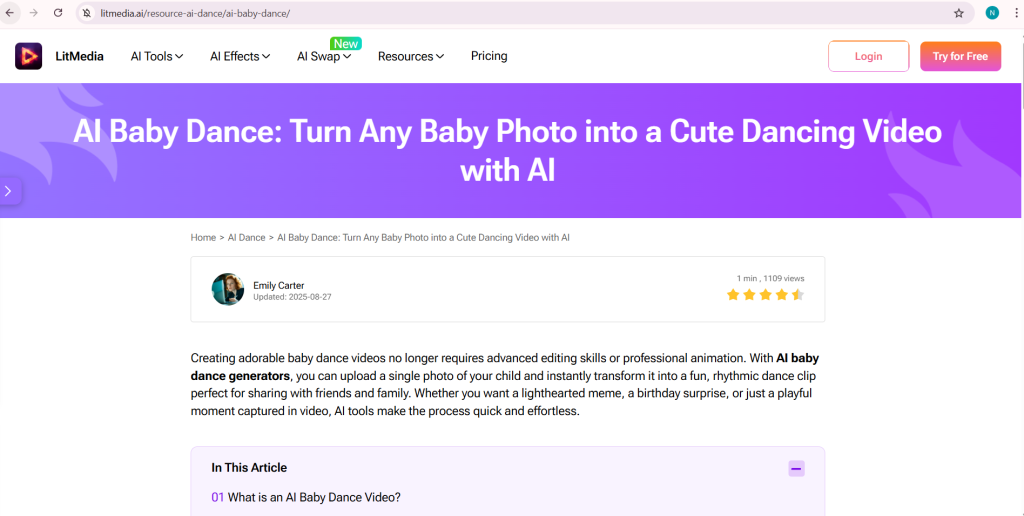
AI Danza has a free try. Over 300 templates, including memes. Upload photo, choose move, generate.
How: Download app or use online, pick template, upload, preview. Needs clear photo. A Reddit comment mentions similar tools like Viggle for motions.
The 8 Best AI Video Platforms to Start Your Creator Journey in 2026
byu/Educational_Wash_448 ingenerativeAI
Popular in US for TikTok trends. Expand with music sync.
5. Viggle AI: Meme and Social Ready
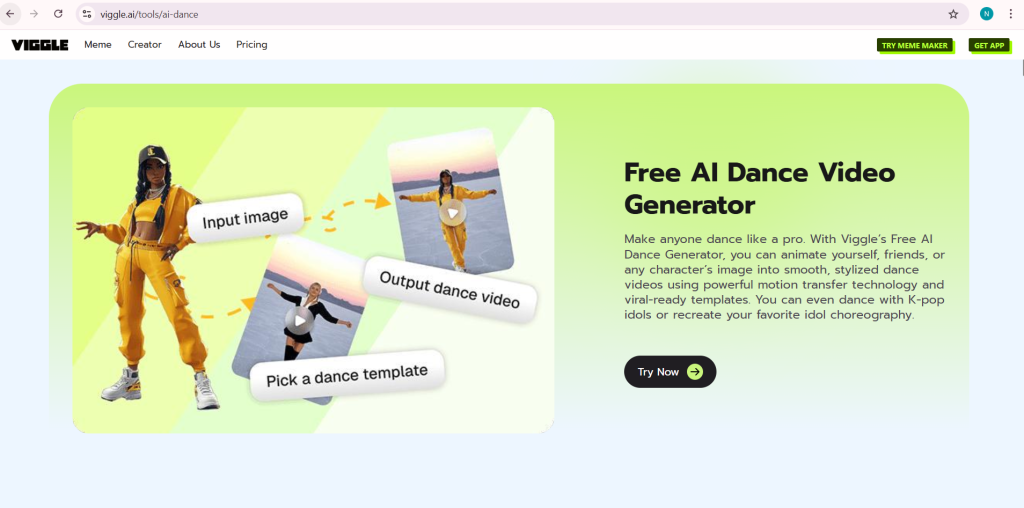
Viggle AI gives 5 free videos daily. Animate any image to dance. Features: Templates, motion transfer, viral trends.
Use: Upload, pick template, generate. Free for basics. On Facebook, posts show trending baby dances.
Ideal for US creators making shorts. Pros: Easy memes. Cons: Daily limit.
Comparing the Tools
Here’s a table to compare:
| Tool | Free Level | Key Feature | Best For | Limitations |
|---|---|---|---|---|
| Media.io | Full free | Browser-only | Quick starts | Input quality |
| Virbo | Credits | Templates | Variety | Credits end |
| GoEnhance AI | Free | Fast HD | Beginners | None noted |
| AI Danza | Try free | 300+ moves | Trends | Photo clarity |
| Viggle AI | 5/day | Memes | Social | Daily cap |
This helps pick one. For example, if you want speed, try GoEnhance AI.
Social Media Buzz Around These Tools
Social sites buzz with shares. On Twitter, HelloAi shows one-photo magic. A post says, “One Photo + One Dance Template = Magic!” with cute videos.
On Reddit, users talk Viggle for motion transfer. One says, “Viggle AI I’ve used it a bit for motion transfer on images/characters.”
Facebook has trends like “Baby Dance Viral AI Trend” with steps using Kling AI.
These show real use in the US.
History and Future of AI Dance Tech
AI video started simple but grew. Tools like these came from advances in motion capture. In 2026, they’re more real. Future might add custom music or longer clips.
Tips and Tricks for US Users
In the US, share on Instagram for family. Use holidays for themes. Always check terms for commercial use. Try combining tools for unique results.
Potential Drawbacks and Solutions
Some videos might glitch if photo is bad. Solution: Edit photo first. Free limits? Switch tools.
Real-Life Examples
A parent made a birthday dance with Virbo, shared on Facebook, got lots of likes.
On Twitter, Somake shows TikTok trends.
Why These Are Great for Families?
They create memories without cost. Safe and fun.
Expanding Your Creativity
Try adding text or effects post-generation.
Table of Dance Styles
| Style | Tool | Description |
|---|---|---|
| Hip-Hop | All | Energetic jumps |
| Ballet | Virbo, Danza | Graceful spins |
| Meme | Viggle | Funny twists |
More on Privacy
Tools like Media.io promise no storage.
User Stories from Social
On YouTube, a video mentions Facebook groups where people share tips.
A Twitter post from Clipfly says, “Create your viral baby dance video with Clipfly in seconds.”
These inspire.
Final Thoughts on Choosing
Pick based on ease. All are solid for free fun in the US.