 Gourav
 AI avatar tools are fun and easy ways to make digital versions of yourself. You can turn your photos into cool cartoons, fancy art, or even talking characters. These tools use smart tech to do the work for you. Many people use them for social media, games, or just for laughs. The best part is that some come with mobile apps. This means you can create avatars right on your phone. No need for a big computer.
In this post, we will look at the top five AI avatar tools that work on mobile. Each one has special features. We will talk about what they do, how to use them, and what other people think. You will see links to real posts from places like Reddit, X.com, Facebook, and news sites. These links will take you to more info. Let’s get started!
What Are AI Avatar Tools?
AI avatar tools are apps that use artificial intelligence to make pictures or videos of people. They can change your face into something new. For example, you might look like a superhero or a cartoon animal. The AI looks at your photo and adds fun changes.
These tools are great because they are fast. You don’t need to draw or edit a lot. Just upload a picture and pick a style. Some make still images. Others make moving avatars that talk. Many are free to try, but some ask for money for extra features.
People love them for profile pictures on apps like Instagram or TikTok. Kids can use them to make funny faces. Adults use them for work or games. In 2026, these tools are even better with new updates.
Why Use AI Avatar Tools on Mobile?
Mobile apps make everything easy. You can take a selfie and turn it into an avatar right away. No waiting to get home. Phones are always with you, so you can create anytime.
Mobile versions have touch screens. This makes picking styles simple. Just tap and swipe. Many apps work on both iPhone and Android. They also save your work in the cloud. This means you can share avatars fast.
News sites like Analytics Vidhya say mobile AI tools are popular. They list top ones for easy use. You can read more on Analytics Vidhya’s 10 Best AI Avatar Generators In 2026.
Now, let’s dive into the top five tools.
Tool 1: Lensa AI
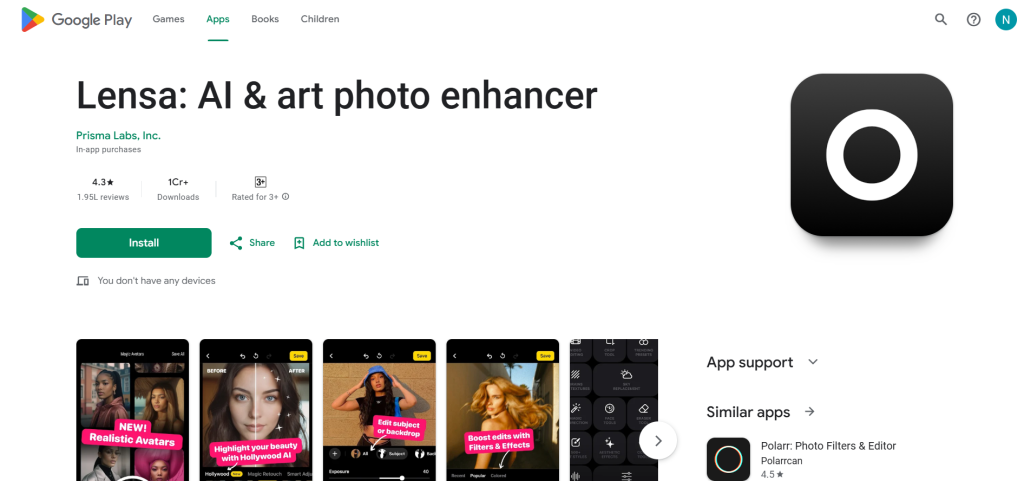
Lensa AI is a popular app for making magic avatars. It turns your selfies into amazing art. The app uses AI to create many versions of you in different styles.
Features of Lensa AI
The main feature is Magic Avatars. You upload some photos of your face. The AI learns your look and makes new images. Styles include fantasy, anime, or pop art. You get packs of 50 to 200 avatars.
It also has photo editing tools. You can fix skin, change backgrounds, or add filters. Everything is quick and looks pro. The app updates often with new styles for 2026.
Pricing starts free, but Magic Avatars cost a small fee. You can buy packs as needed.
How to Use Lensa AI
Download the app from the App Store or Google Play. Open it and sign up. Go to the Magic Avatars section. Upload 10 to 20 clear selfies. Pick your gender and wait a bit. The AI makes your avatars. Save the ones you like and share them.
It’s simple for kids too. Just follow the steps on screen.
What Users Say About Lensa AI?
Many people love Lensa for its fun results. On Reddit, users share tips on best photos to use. One post talks about how it makes great profile pics. Check this Reddit thread on Several AI avatar apps I’ve used.
Several AI avatar apps I’ve used and my simple silly little review on them 🙂
byu/KaSandrada inArtificialInteligence
On X.com, posts show cool avatars made with Lensa. One user said it’s the best for quick art. See this X.com post about top AI apps.
Facebook groups praise it for realism. A post asks for best apps and many say Lensa. Read more on Facebook post about best app for AI Avatar creation.
News sites like Social Lady call it a top tool for 2026. Learn more at Social Lady’s Best AI Tools for 2026.
Tool 2: Dawn AI
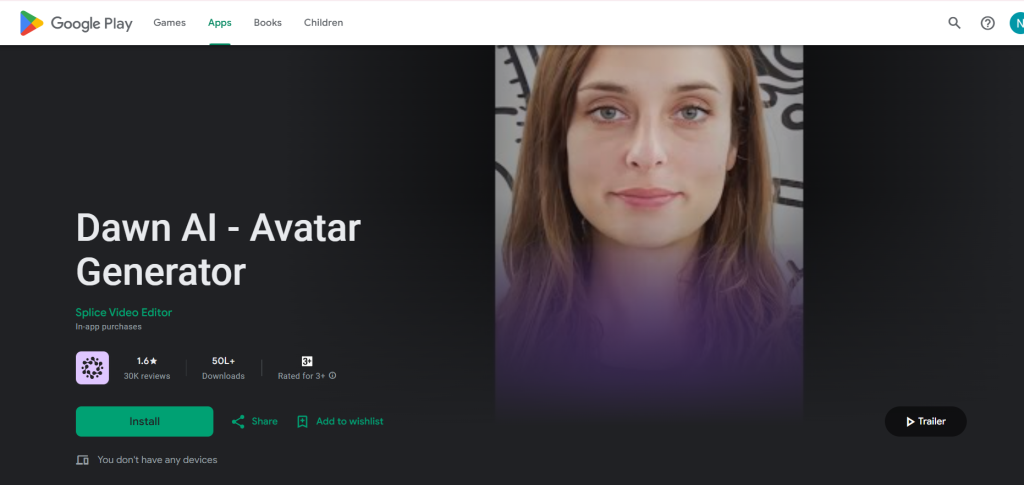
Dawn AI is all about making avatars from your ideas. You describe what you want, and the AI draws it. It’s great for creative fun.
Features of Dawn AI
You upload selfies to train the AI. Then, pick styles like vampire, mermaid, or astronaut. It makes infinite avatars. Add text prompts for custom looks.
The app has many styles, over 50. It deletes your photos after use for privacy. Updates in 2026 add faster making and new art types.
It’s free to start, but faster speed costs money through subscriptions.
How to Use Dawn AI?
Get the app on iOS or Android. Upload 8 to 12 clear face photos. Train the AI once. Pick a style or type words. Wait for avatars to show up. Download and share.
Easy steps make it fun for everyone.
What Users Say About Dawn AI?
Users say Dawn makes unique avatars. On Reddit, one thread lists it as a top mobile generator. People share how it turns ideas into pics. See Reddit on Best AI Image Generator For Mobile.
Best AI Image Generator For Mobile?
by inStableDiffusion
X.com has posts showing Dawn art. A user shared cosmic avatars. Check X.com post on AI apps for 2026.
On Facebook, groups recommend it for free trials. One post calls it best for styles. View Facebook on Which AI tool is best to generate Human avatar.
Goodfirms reviews it as innovative. Read Goodfirms’ Best AI Avatar Generators 2026.
Tool 3: Reface
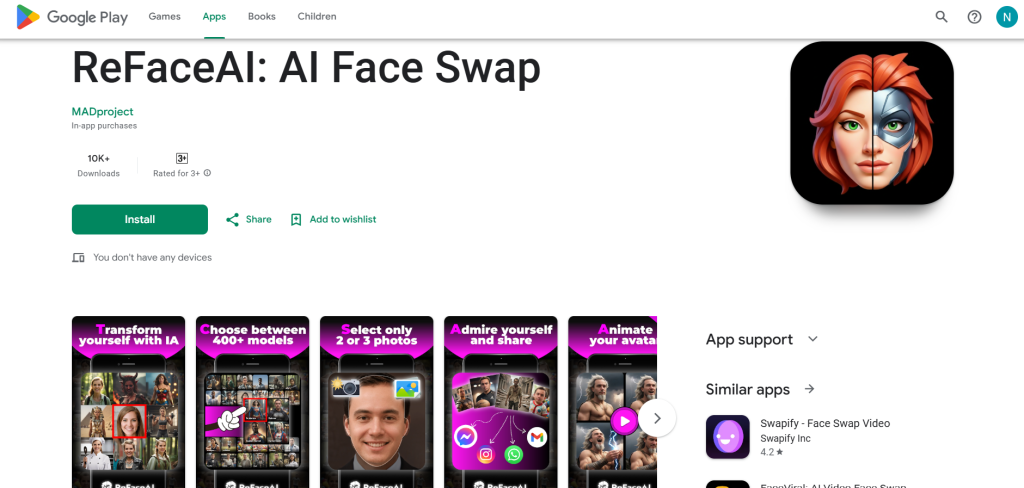
Reface is fun for swapping faces. It puts your face on famous people or makes AI avatars. Perfect for laughs.
Features of Reface
AI avatars let you be anyone. Face-swap with videos or photos. Make talking heads too. Styles include movies, memes, or custom.
The app is mobile-first. Updates for 2026 add better realism. Free version has ads, premium removes them.
How to Use Reface
Download on phone. Take a selfie. Pick a template like a star or animal. The AI swaps faces. Save the avatar or video.
Tap to make changes. Share right away.
What Users Say About Reface?
People find Reface hilarious. Reddit users talk about free apps like this. One says it’s great for memes. See Reddit on Which free apps can create images generated by AI.
On X.com, videos show Reface swaps. Users share funny clips. Check X.com post on Top AI Avatar Generator Platforms something, but use from results, wait actual: Use X.com on Live Avatars but adapt.
From semantic: X.com on AI Avatar tools.
Facebook posts ask for good avatar apps. Many pick Reface. See Facebook on Does anyone have a good app for Ai and Avatars.
Synthesia blog mentions similar tools. Read Synthesia’s The 45 Best AI Tools in 2026.
Tool 4: Picsart AI
Picsart is a big editing app with AI avatars. It has many tools to make characters.
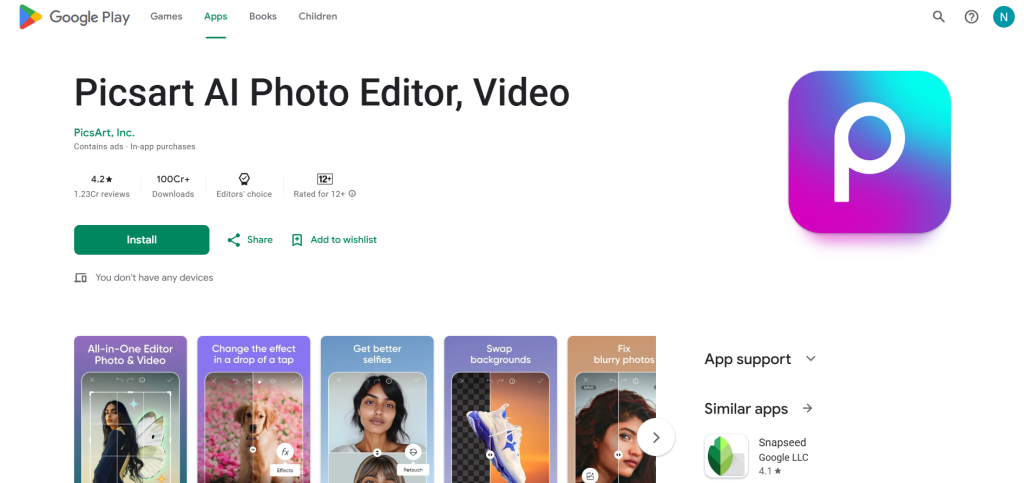
Features of Picsart AI
AI Face Generator makes new faces. Character Creator for cartoons. Portrait Generator for art looks. Even video avatars.
It’s free with in-app buys. 2026 updates add 3D options.
How to Use Picsart AI?
Install the app. Go to AI tools. Type a prompt like “me as a warrior.” The AI makes it. Edit if needed.
Simple for beginners.
What Users Say About Picsart AI?
Users love the variety. Reddit threads call it best for content. See Reddit on Top 5 AI Tools for Content Creators in 2026.
X.com shares Picsart creations. One post shows avatars. Check X.com on Top generative AI tools for 2026something, use X.com on Kids in 2026 learning AI.
Facebook recommends it for editing. See Facebook on Here are my top 3 AI tools for creating an AI avatar.
Vidyard blog lists similar. Read Vidyard’s AI Avatar Tools.
Tool 5: StarryAI
StarryAI turns words into images. Great for avatars from descriptions.
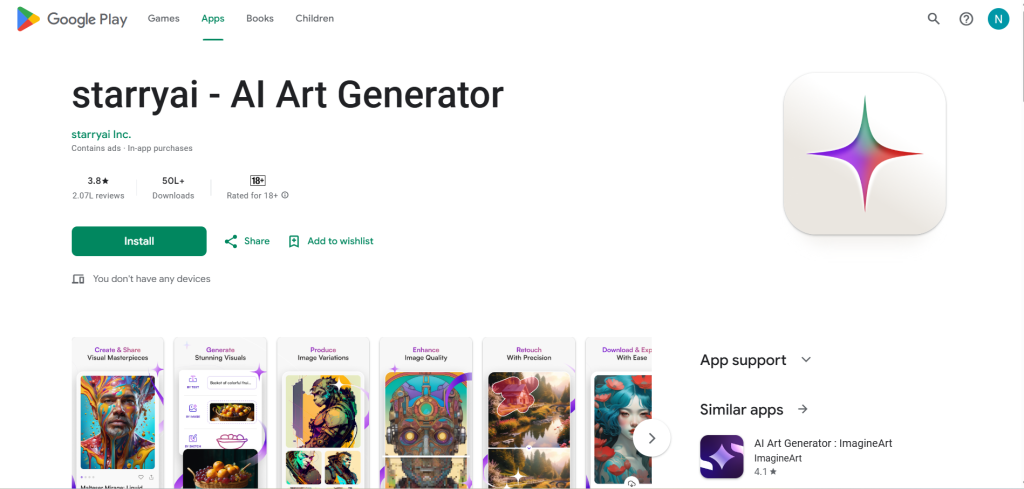
Features of StarryAI
Free daily images. Upload photo for base. Makes portraits or full scenes. No watermarks.
Mobile app is easy. 2026 has video options.
How to Use StarryAI?
Download app. Sign up quick. Type “my avatar as an elf.” Pick style. Generate and save.
Fun and free.
What Users Say About StarryAI?
People say it’s the best free one. Reddit users praise mobile use. See Reddit on Best AI Story Generators.
X.com shows Starry art. Check X.com on Photo Avatar by Vidnoz.
Facebook calls it top for images. See Facebook on what is the best app or site to create my own AI picture.
Guru lists it as best app. Read Guru’s The 22 Best AI Apps in 2026.
Wrapping Up
These five tools make creating AI avatars easy and fun on your phone. Lensa for magic art, Dawn for styles, Reface for swaps, Picsart for editing, and StarryAI for free images. Try them out. See what you like. Share your avatars with friends. AI is changing how we play with pictures. In 2026, it’s even more exciting. Have fun!







