 Gourav
 Understanding AI Tools That Change Images to Videos
AI tools that turn images into videos use smart tech to add movement to still pictures. These tools look at the photo and create short clips where things move in a natural way. People in the USA use them for fun projects, work ads, or social media posts. They save time because you do not need to film anything new. Just upload a photo and let the AI do the work.
Many of these tools come from big companies or new startups. They have grown better in 2026 with updates that make videos look more real. For example, some add smooth actions like walking or talking. Others let you pick styles, like making it look like a movie. This makes creating content easy for anyone, even if you are not a pro editor.

Why These Tools Are Helpful?
These AI tools help people make quick videos without big costs. In the USA, small businesses use them to show products in motion. Teachers make fun lessons from pictures. Friends share moving memories on social media. The best ones are easy to use and give good results fast.
According to Quickads, these tools focus on making videos that look human-like. They add things like blinking eyes or moving lips. This makes the clips feel alive. A post on Reddit from user Educational_Wash_448 talks about testing many tools. They say image-to-video features work well for short clips.
15 Best AI Video Generator – I tested them all
byu/Educational_Wash_448 inautomation
The Top 5 AI Tools
Here are five great AI tools for turning images into videos. Each one has special features. We picked them based on how easy they are, the quality of videos, and what users say.
Kling AI
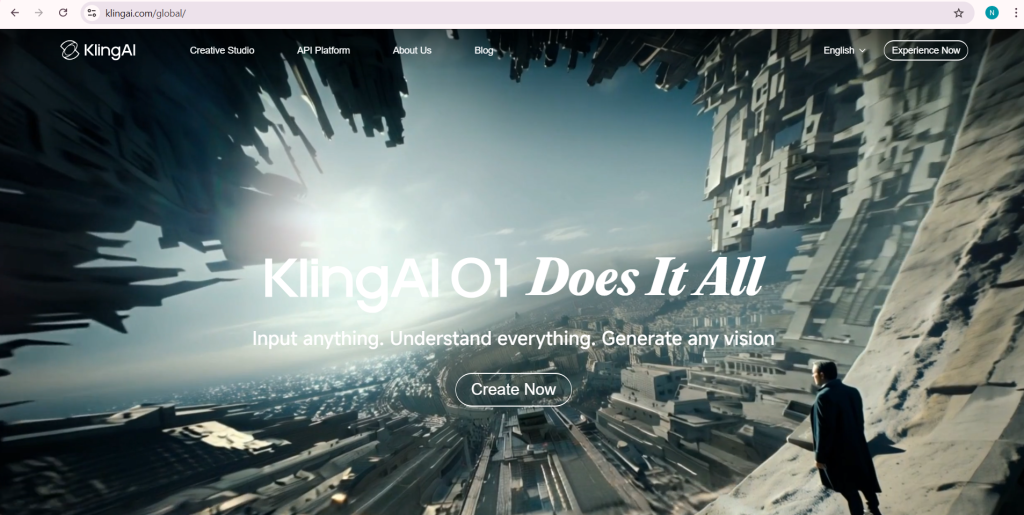
Kling AI is a strong tool for making videos from images. It takes a still photo and adds movement that looks real. You can upload up to four images at once to make a clip. This helps if you want to show different views.
The tool has good controls for the camera. You can pick how the view moves, like zooming in or panning side to side. It also has lip-sync, which means if there is a person in the photo, their mouth can move like they are talking. This is useful for ads or talks.
According to The CMO, Kling AI is best for changing images into short videos that grab attention. It costs from $120 a year, but there is a free plan to try. A user on Reddit said Kling has the best picture quality for simple ideas. On X, user CharaspowerAI shared that they use Kling for video effects because it gives pro results.
What’s the current best Image to Video AI?
byu/metal079 inStableDiffusion
One good thing about Kling is its physics engine. This makes things move like in real life, such as water flowing or hair blowing. But it can be slow to make the video, taking up to 30 minutes. Still, for people in the USA who want high-quality clips without much work, this tool is a top pick. You start by going to their site, upload your photo, add a short description, and hit generate. In tests, it handles action scenes well, like a car driving or a person running.
Pricing starts low, making it good for small users. If you need videos for marketing, Kling saves money on stock clips. A post on Facebook mentions Kling as a top choice for AI videos. Users like how it mixes images into smooth motion.
Runway ML
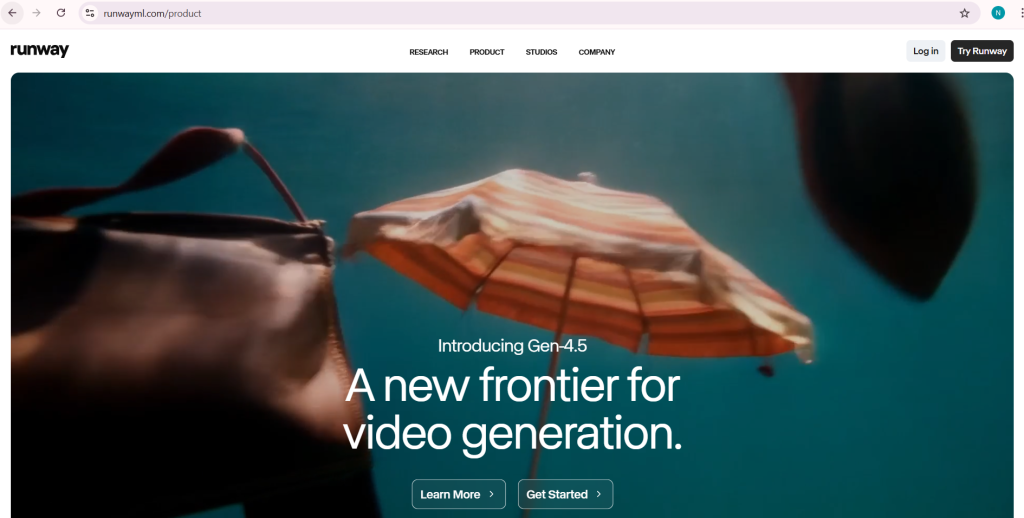
Runway ML is another top tool. It lets you turn images into videos with lots of control. You can use text to guide the motion, like “make the person wave hello.”
This tool has models like Gen-3 Alpha that make videos look smooth and real. It is good for editing too. You can fix parts of the video or add effects. For example, change the style to look like a cartoon or a movie.
Motion the Agency says Runway is great for pros who want to mix AI with other work. It costs $15 a month for the basic plan, with free credits to start. On Reddit, users praise its motion brush, which lets you pick what moves.
Runway works well for stories or ads. Upload a photo of a product, add a prompt like “spin the bottle,” and get a clip. It keeps faces looking the same across shots. But videos are capped at 720p, which is not the highest quality. Still, for USA creators, it is easy to use on web or app.
A tweet on X from user HBCoop_ talks about similar tools but notes Runway’s results look real. In 2026, updates made it faster. You can try it free to see if it fits your needs.
Pika Labs
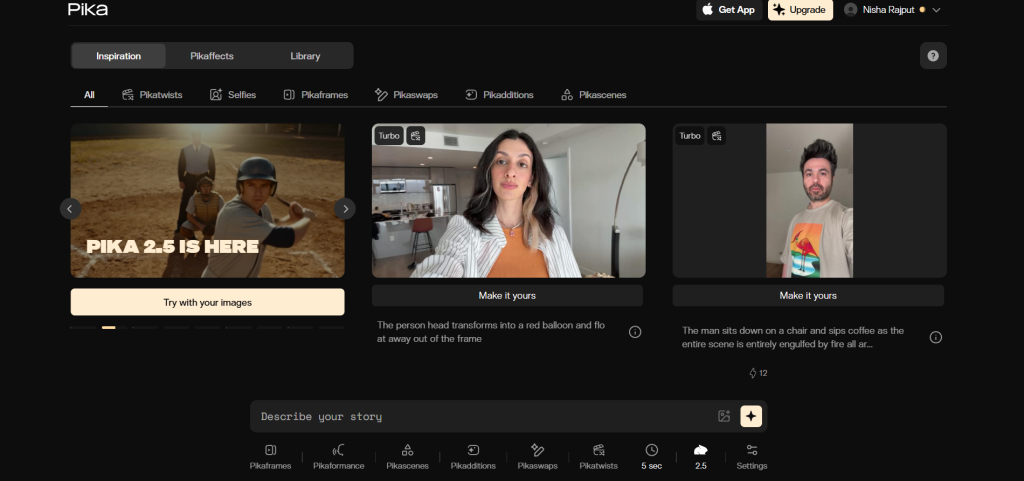
Pika Labs makes it simple to change images into videos. It focuses on fast results with good motion. You can add text to tell it what to do, like “make the cat jump.”
The tool is good for social media clips. It keeps characters looking the same and adds fun effects. Quickads calls it intuitive with high-quality outputs.
Pricing is not high, and there is a free version. A post on Facebook mentions tools like Pika for creative styles. On Reddit, users say it is affordable.
Pika shines for quick ideas. Upload a photo, pick a style, and get a short video. It handles people well, with natural moves. But for long clips, it might not be best. USA users like it for posts on TikTok or Instagram.
An X post from alifcoder says Pika turns text or images into cinematic videos. It is fast, which helps busy people.
Luma AI Dream Machine
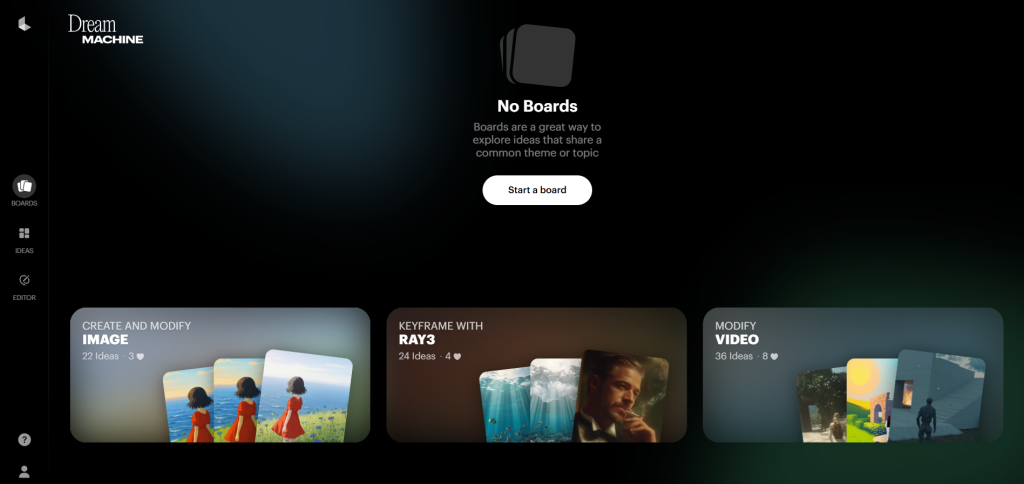
Luma AI Dream Machine is for making photo-real videos from images. It adds life-like motion, like a dream coming alive.
You upload a photo and add a prompt. It creates short clips with good details. Beebom lists it as strong for visual art.
It has a free plan with limits. On Reddit, it is praised for no watermarks in free use.
Luma is best for art or demos. For example, turn a still landscape into a moving scene with wind. It keeps colors true. But it might need good prompts for best results.
A Facebook group post includes Luma in top AI video tools. USA artists use it for experiments.
An X thread mentions using Luma with other tools for upscaling.
Google Veo
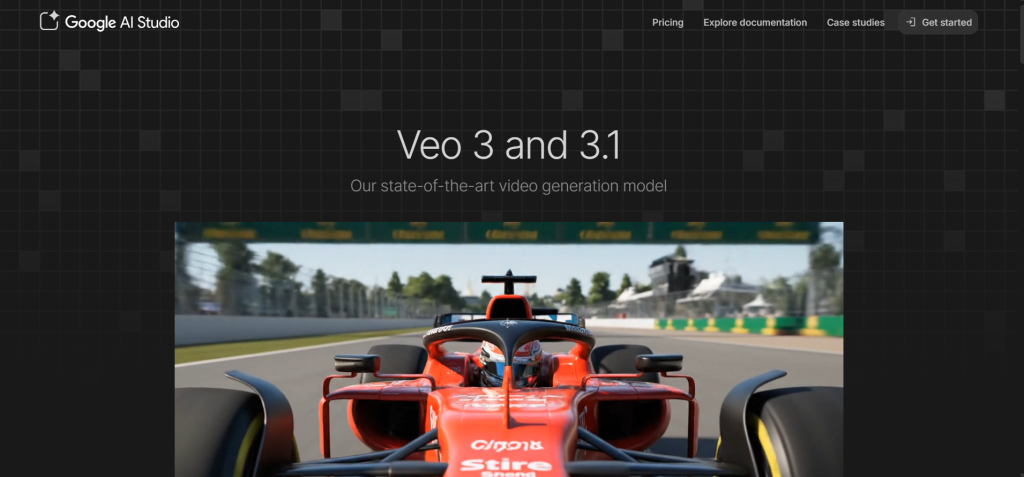
Google Veo is part of Gemini and turns images into videos easily. It remembers the photo’s details and adds motion.
You can make three videos a day for free. Beebom says it is good for real-looking clips.
Pricing is free, with a pro plan at $20 a month. On Reddit, users compare it to others and like its quality.
Veo is simple for beginners. Upload, add text, and generate. It handles stories well. But limited daily use is a downside.
A post on Facebook talks about Veo for low-cost videos. On X, it is listed for video creation.
How to Choose the Right Tool?
Think about what you need. If you want fast and cheap, try Kling or Pika. For pro work, Runway is good. Free options like Veo suit starters.
Test free plans first. Look at video length and quality. In the USA, these tools work on most devices.
Tips for Using These Tools
Start with clear photos. Write simple prompts. For example, “make the dog run across the field.” This helps the AI.
Edit after if needed. Add music or text. Share on social media.
According to Motion the Agency, mix AI with your ideas for best results.
A Reddit user suggests trying different prompts.
Common Challenges and Fixes
Sometimes videos look odd. Fix by better prompts. If slow, use during off hours.
For quality, pick tools with high res like Runway.
On X, users share tips for better outputs.
Future of These Tools
In 2026, AI gets smarter. Videos will be longer and more real. USA users will see more integrations with apps.
Quickads predicts more human-like results.
A Facebook post lists free options growing.
Final Thoughts
These five tools make it easy to turn images into videos. Kling AI gives value. Runway offers control. Pika is fast. Luma makes art. Veo is free to start.
Pick one and try. You will create fun clips in no time.







